VIVOTEK - Built with Reliability
18 - User's Manual
To power up and power down,
On the initial conguration:
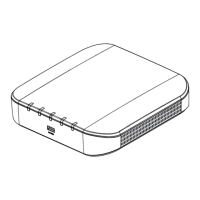
Connect the power adapter between the system and power outlet.
After the initial connection,
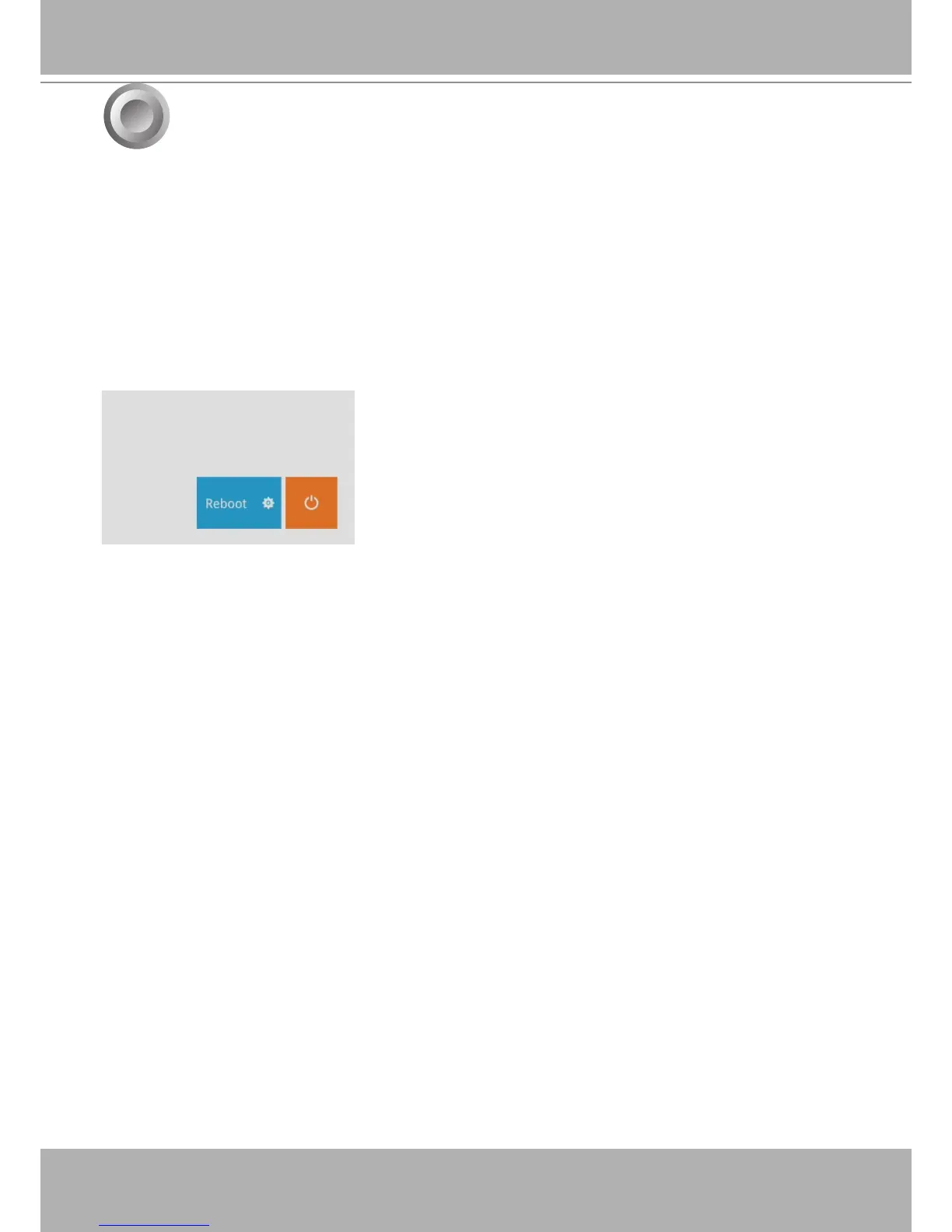
Press the software power down button on the management session to power down. the system
should start ushing the cached contents in system memory and gracefully shut down.
Once powered down, you need to re-connect the power cord to start the Receiver again.
Power Up and Power Down
8


 To Next Page