VIVOTEK - Built with Reliability
42 - User's Manual
3-4. Settings - User
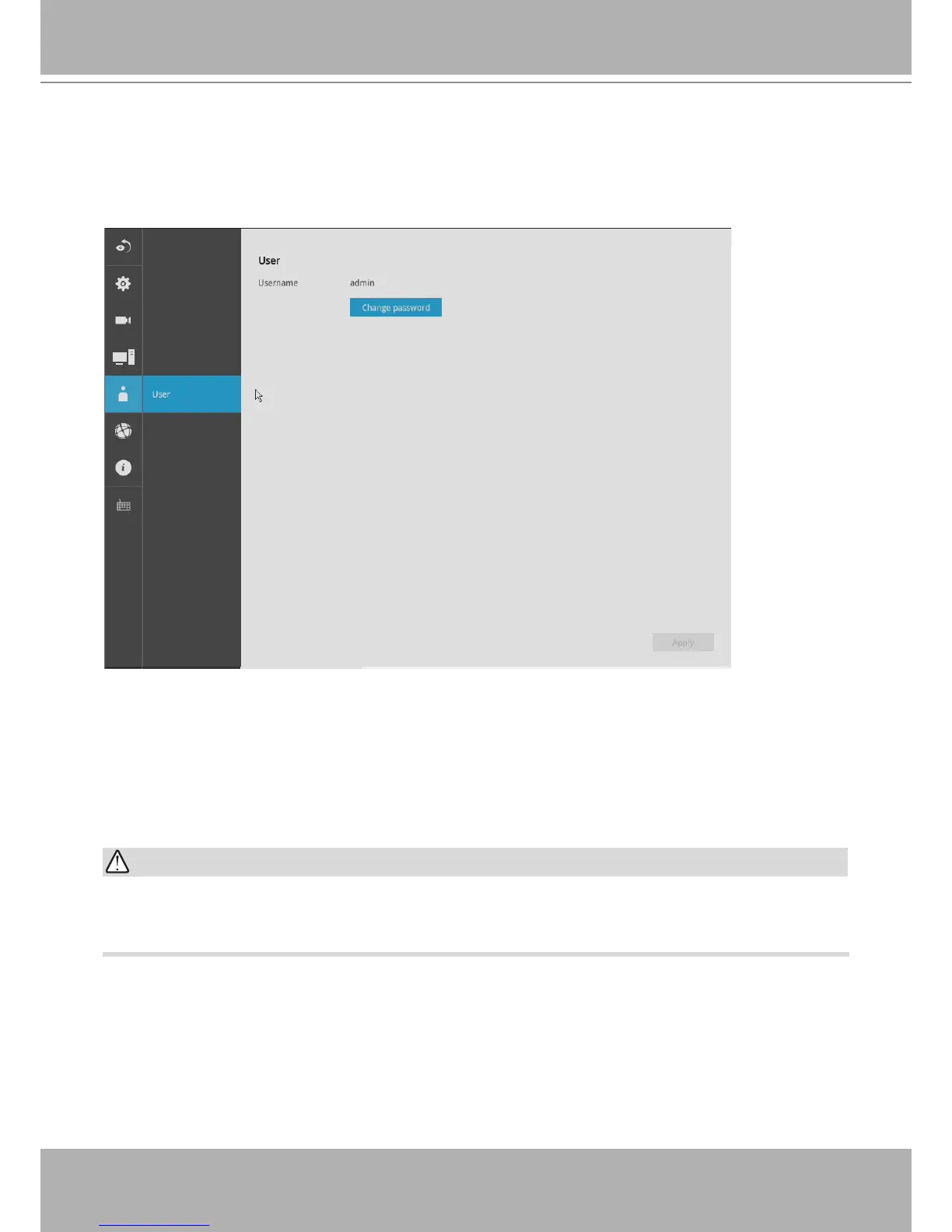
The User window allows you to change the administrator's password.
1. By default, there is only one user type:
Administrator
.
2. The administrator users can access all cameras recruited in the conguration.
It is highly recommended to change the default password to prevent unauthorized access to the
system.
IMPORTANT:
The max. number of characters for the administrator password is 64, with the combination of
alphabetic and numeric characters including [0-9][a-z][A-Z][_][ ][-][.][,][@].


 To Next Page