VIVOTEK - Built with Reliability
30 - User's Manual
2-2-3. Others
1.
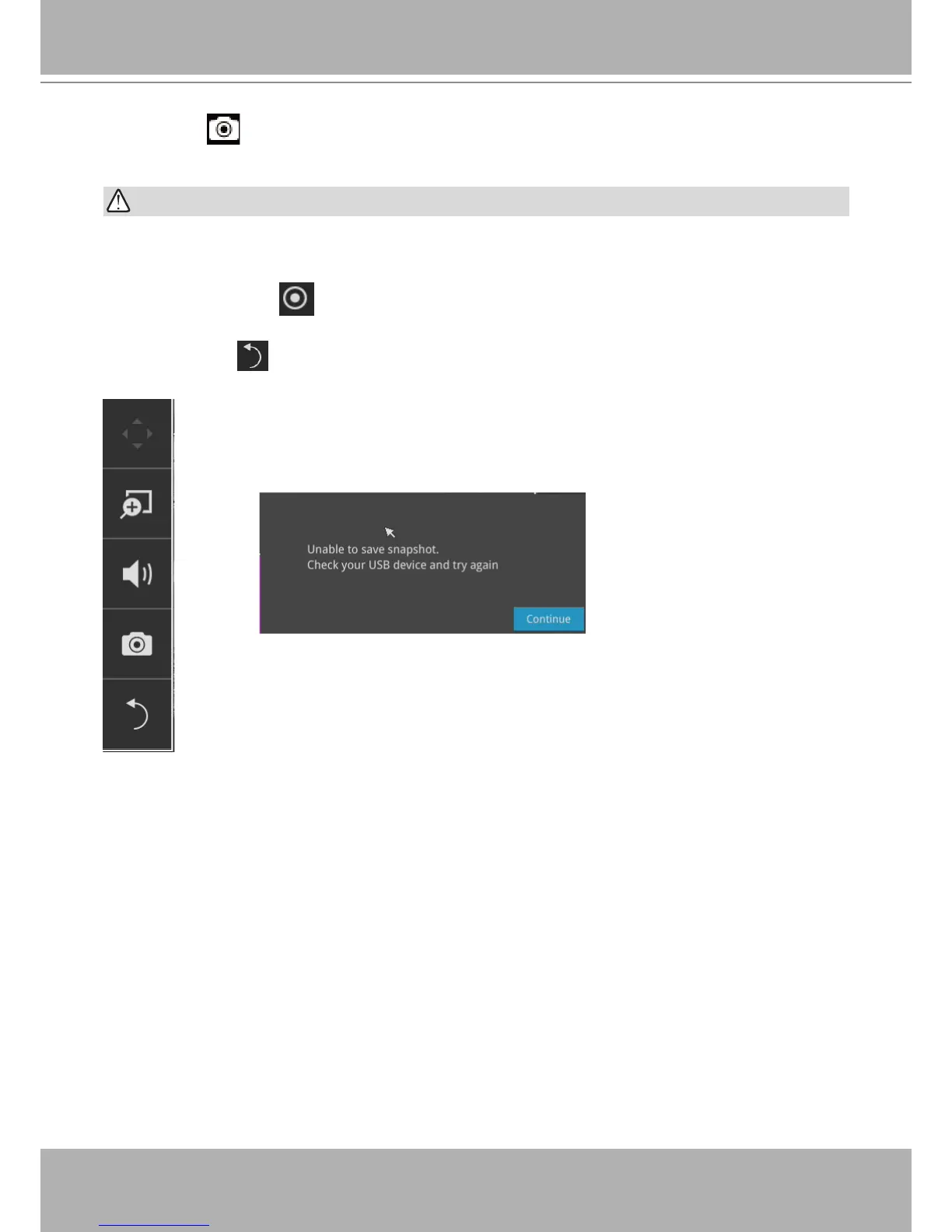
Snapshot
: is used to take a snapshot from the camera currently selected. Note that this
function only saves the snapshot (in JPEG) to a USB thumb drive.
The USB thumb drive has to be one that is formatted in FAT format.
2.
Manual Recording
: Press the button to start a manual recording from a selected
camera. Click again to stop the recording.
3.
Return
button : Click to return to the LiveView window.
IMPPORTANT:


 To Next Page