VIVOTEK - Built with Reliability
User's Manual - 29
2-2-2. Digital Zoom Panel
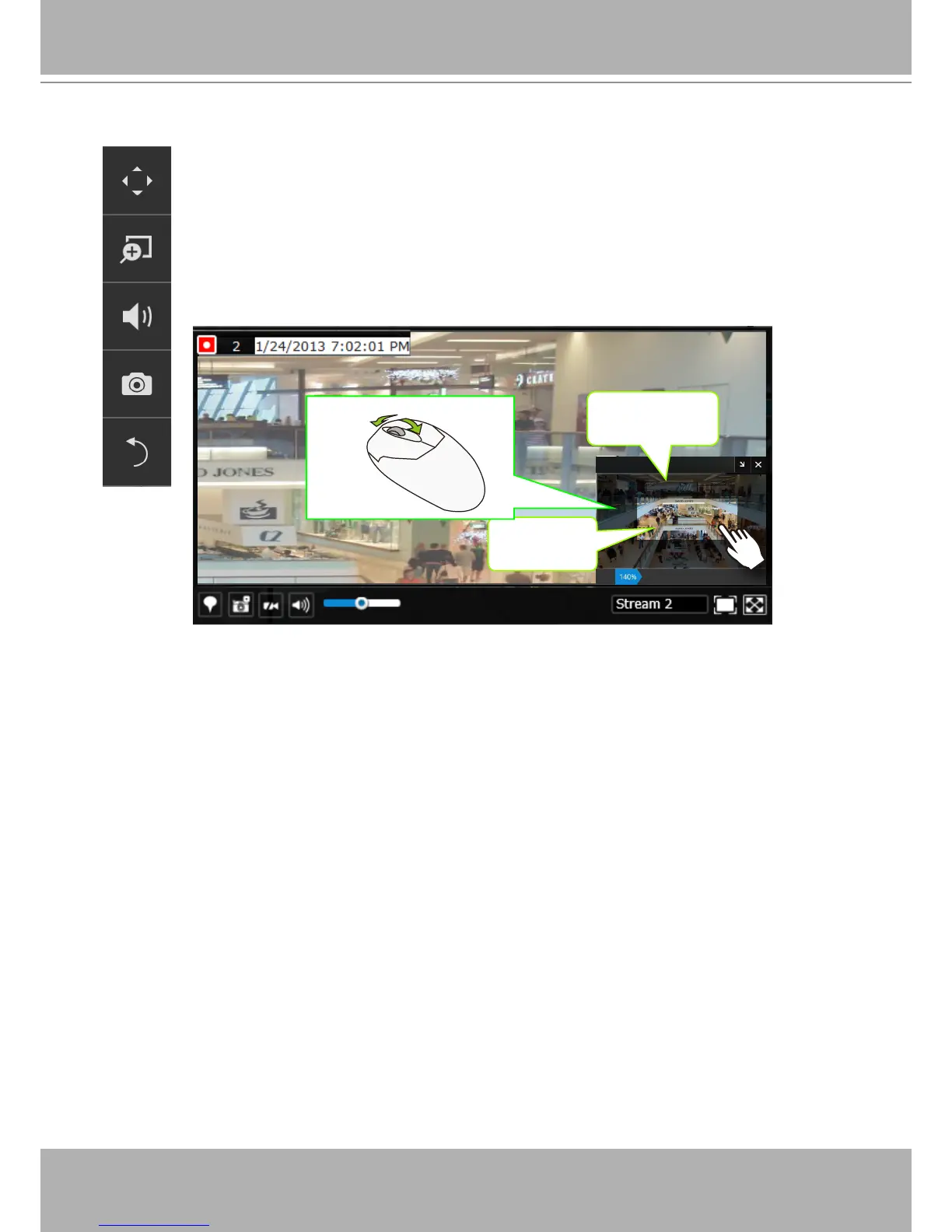
Digital zoom is a function that allows an operator to zoom in or zoom out on a live
video.
When activated, a
Global view
window will appear at the lower right of the view cell
as shown below. You can display only a portion of the complete video frame as an
area of your interest. Using a click and drag on the
ROI
window, you can instantly
move to other areas within the video frame. Use the zoom ratio pull bar at the bottom
to change the zoom ratio. You may also move the ROI around by clicks and drags.
Global view
ROI
Zoom In Zoom Out
Note that not every camera supports the PiP function.


 To Next Page