27
General Operations
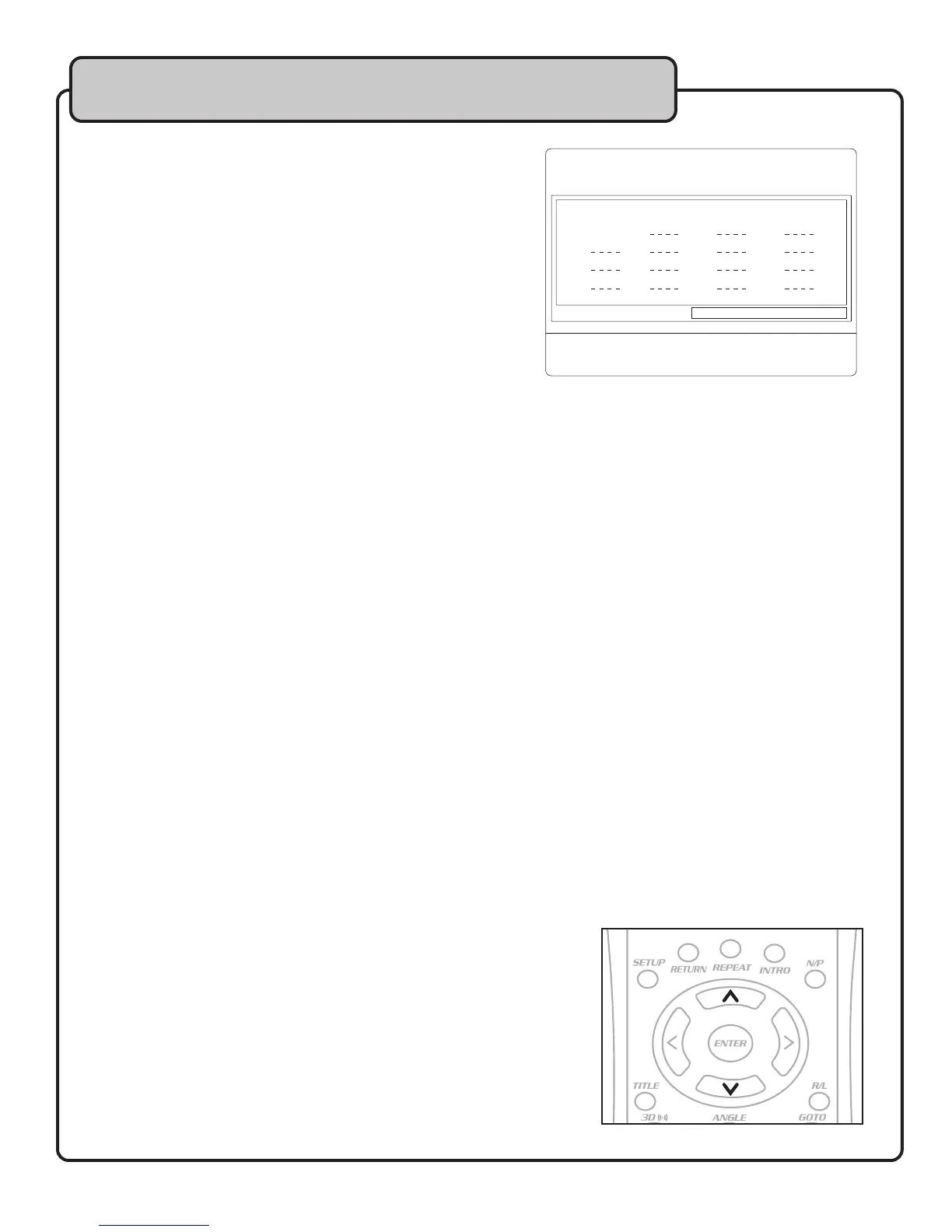
Using the Program Feature
You can use the PROGRAM feature to set up a custom
playlist of tracks. NOTE: You can only include tracks from
the currently selected source (DISC, USB, SD) to the
program list.
To Create a Program:
1. Press the PROGRAM button on the remote control.
2. In the program window, use the direction pad to
navigate the track position fields.
3. Use the number pad to enter the track number to
be played.
4. When you are finished programming tracks,
highlight PLAY and press ENTER to start playback.
Jumping to a specific time in a track or chapter
Press the GOTO button on the remote control to access the menu. Use the number pad to enter the exact time
to skip to. For example:
To jump to :30 seconds in a track while it is playing:
1. Press GOTO.
2. Press 30 in the seconds area of the time box and press ENTER.
To jump to a track:
1. Press GOTO.
4. Enter the track number in the TRK X/XX box and press ENTER.
Using Digital Echo
Digital echo can be used to add depth to vocals and music instruments.
Take the following steps to achieve a custom echo effect setting and apply to a channel.
1. Set the ECHO control to 20%.
2. Set both the REPEAT and DELAY controls to 35%.
3. Connect a microphone or instrument to one of the input channels on the front panel.
4. Ensure the VOL controls for the channels you are testing are at an adequate level.
5. Test the sound and make further adjustments as neccessary.
Using Digital Key Control
If a song’s natural musical key is either too high, or too low to be sung comfortably, use the DIGITAL KEY
CONTROL feature to bring the musical key into range. You can raise and lower the key 6 steps, for a total range
of 12 steps.
Using the remote control:
• Press the DIRECTION PAD UP BUTTON (sharp) button to raise the key
• Press the DIRECTION PAD DOWN BUTTON (flat) button to lower the key
PROGRAM
1 0001
2
3
4
5
6
7
8
9
10
11
12
13
14
15
16
PLAY CLEAR


 To Next Page