28
If you have selected a round ow channel, e.g. a pipe, the display shows “D=” for the diameter of the channel.
Push the “Unit
” or “Unit ”, to determine the position of the decimal point.
Push “Save/Clear” to switch between decimal points – the currently selected number ashes. “Unit
” or “Unit ” now can be used
to set the individual numbers according to your wishes (0 … 9).
Push “Avg/Rec” to conrm your selection and safe the settings.
The device has a battery saving function and switches off automatically if you do not operate any button for 20 minutes.
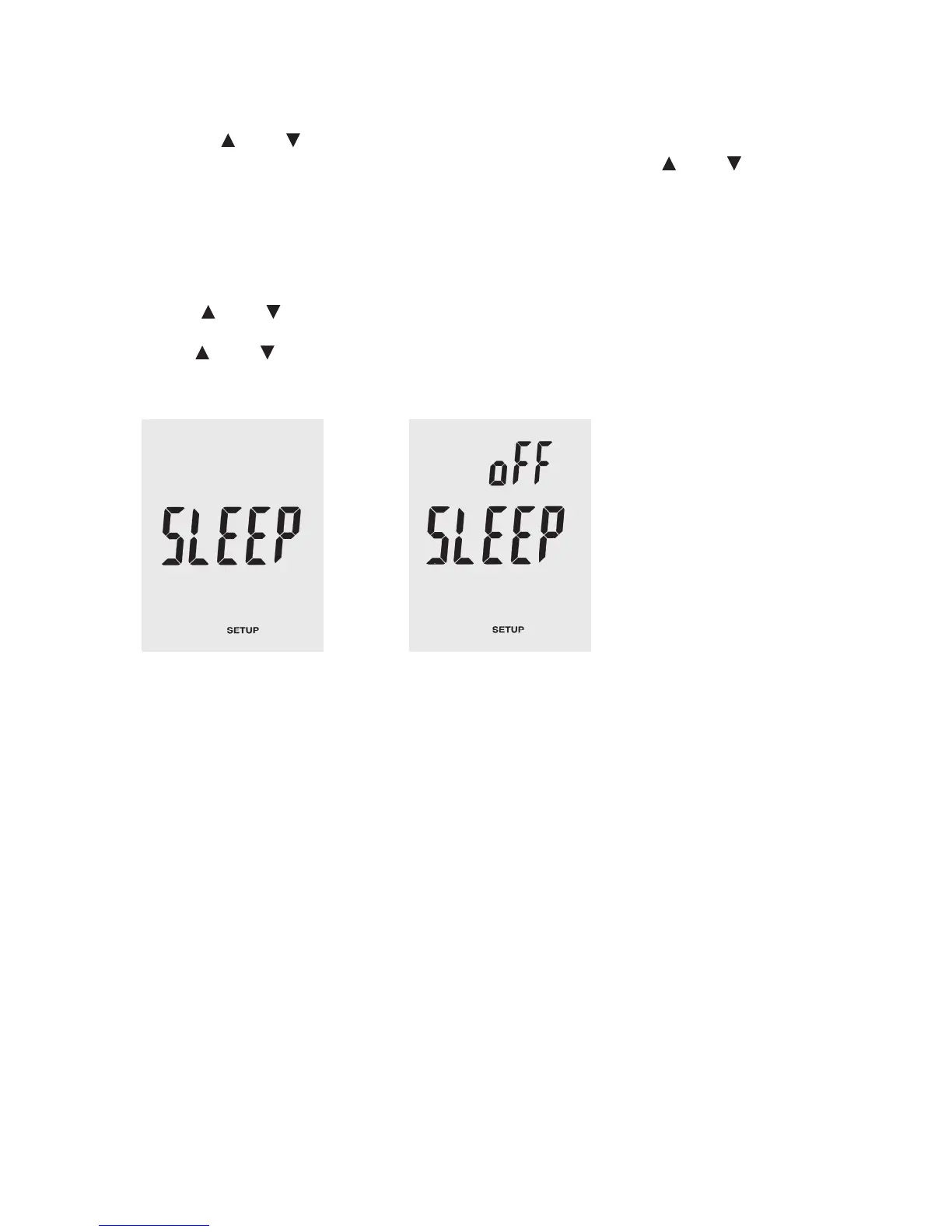
To switch the auto power-off function on or off, switch to setup mode.
Push “Unit
” or “Unit ”, to scroll to the screen with the settings for “SLEEP”. Conrm the selection by pressing the “Avg/Rec.”
button.
Use “Unit
” or “Unit ” to select between the options “On” and “OFF”. “On” switches on the auto power-off function, “off” deacti-
vates it.
Push “Avg/Rec” to conrm your selection and safe the settings.






 To Next Page