29
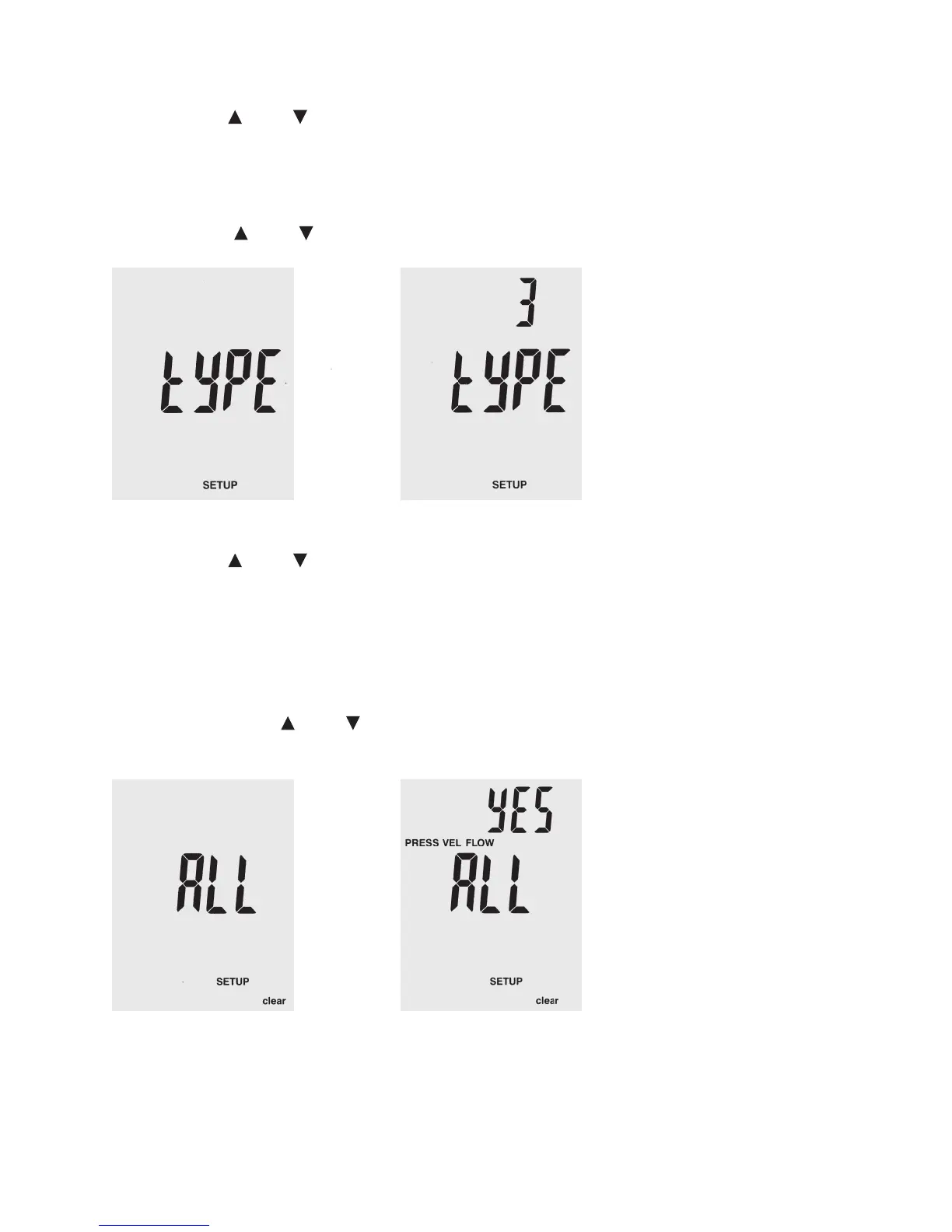
Use the buttons “Unit ” or “Unit ” in setup mode to scroll to the menu item “type”.
Push “Avg/Rec” to conform your selection. The display shows either “1”, “2” or “3”:
1: The display shows pressure and ow velocity
2: The display shows ow velocity and volume ow
3: The display shows pressure, ow velocity and volume ow
Select the button “Unit
” or “Unit ” to display the desired option “1”, “2” or “3” and conrm your selection by pushing “Avg/Rec”.
Use the buttons “Unit ” or “Unit ” in setup mode to scroll to the menu item “ALL”.
Push “Avg/Rec” to conform your selection.
Push “Save/Clear” to switch between the following four deletion options:
PRESS VEL FLOW: Deletes all saved pressures, ow velocities and volume ows
PRESS: Deletes all saved pressure data
VEL: Deletes all saved ow velocity data
FLOW: Deletes all saved volume ow data
To delete, use the buttons “Unit
” or “Unit ” to switch between the options “YES” (delete) and “no” (do not delete).
Conrm your selection by pressing “Avg/Rec.”.






 To Next Page