33
To call saved data records in the corresponding operating mode (P = pressure, V = ow speed, F = volume ow), push the button
“P/V/F”.
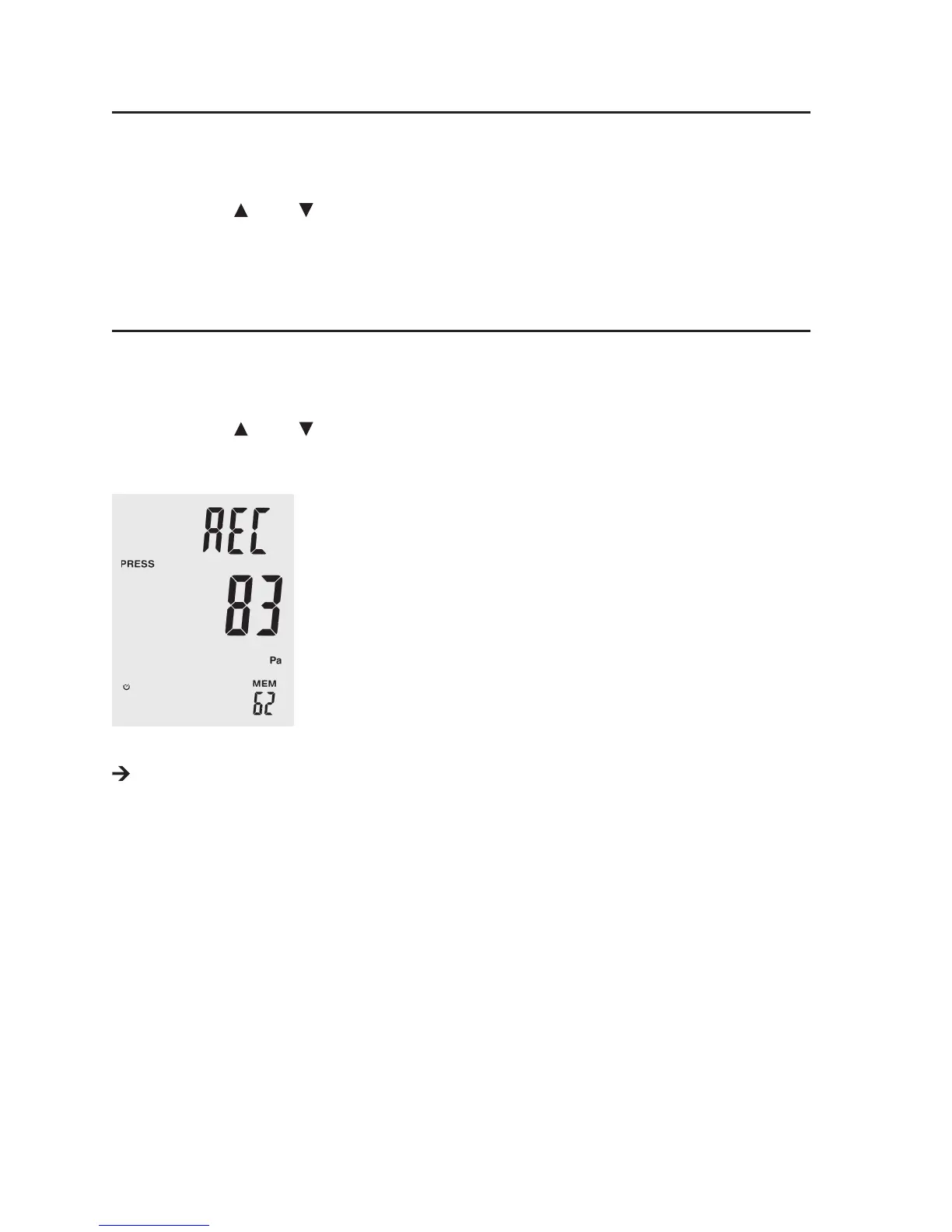
Push and hold the “Avg/Rec” button for 2 seconds to display saved data records. The last data record saved appears in the display
rst.
Push the buttons “Unit
” or “Unit ”, to browse the saved data records.
Push “Avg/Rec” to have the average value of all saved measured values displayed in the selected operating mode.
To leave the saving mode again, keep “Avg/Rec” pushed for 2 seconds again.
To delete individual saved data records in the corresponding operating mode (P = pressure, V = ow speed, F = volume ow), push
the button “P/V/F”.
Push and hold the “Avg/Rec” button for 2 seconds to display saved data records. The last data record saved appears on the display
rst.
Push the buttons “Unit
” or “Unit ”, to browse the saved data and select the desired data record.
Push “SAVE/CLEAR” to delete the selected data record. This reduces the displayed number of saved data records at the bottom
right of the display.
To leave the saving mode again, keep “Avg/Rec” pushed again for 2 seconds.
To delete all data records, proceed as described in chapter 9 item 9.9 .






 To Next Page