VONETS——VAR11N 150M Mini WIFI Router
34
TKIP, AES, TKIP/AES and so on.
Channel: The present channel of VAR11N.
Ø Wireless Network: Here displays the device MAC address connected to the router
via wireless devices
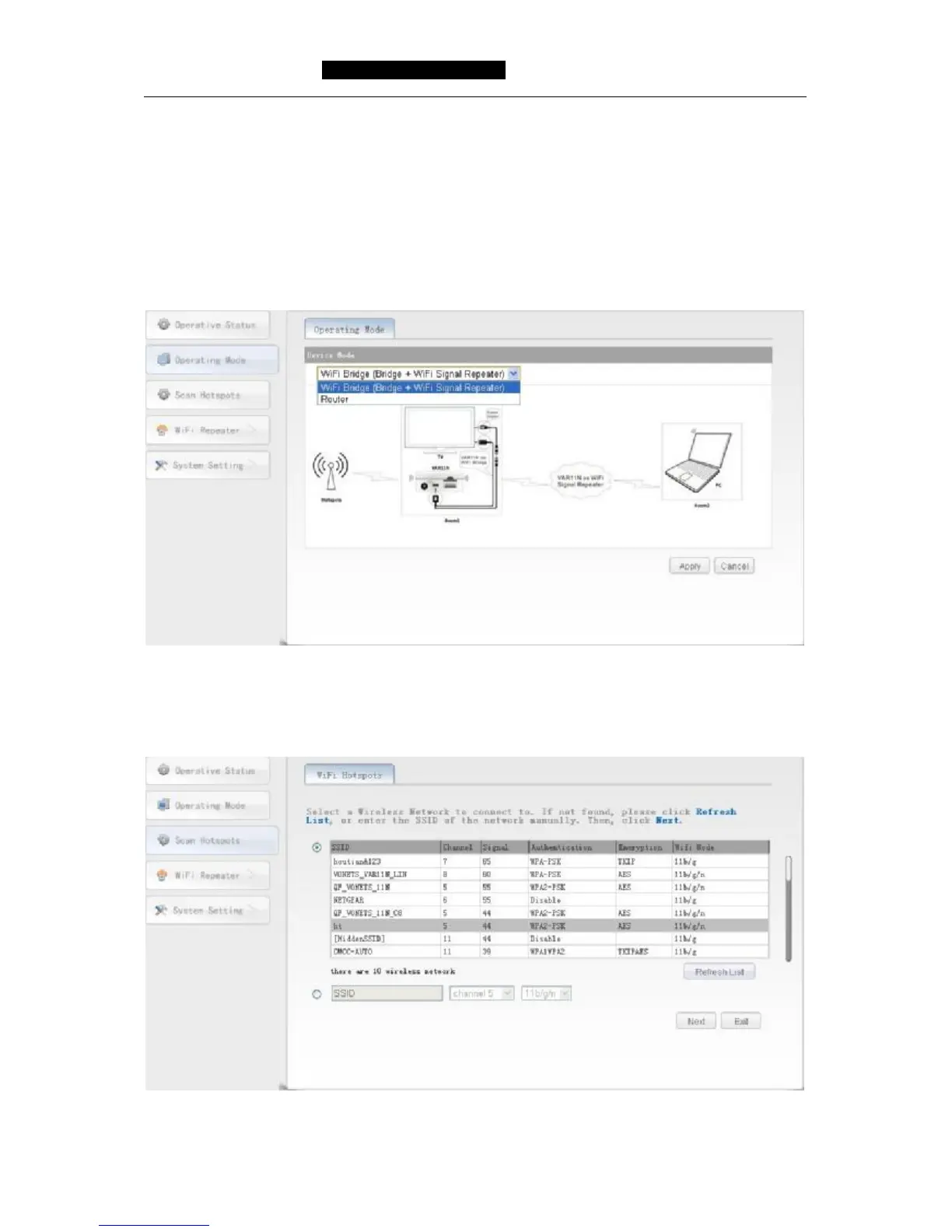
6.2 Operating Mode
Click Operating mode button, can switch from bridge mode to router mode.
a) Scan WIFI Hotspot
6.3 Scan Hotspots
Click Scan Hotspots, can search the WIFI hotspots signal that opened SSID broadcast
around, please see the following:



 To Next Page