6
Measurement Results Operation
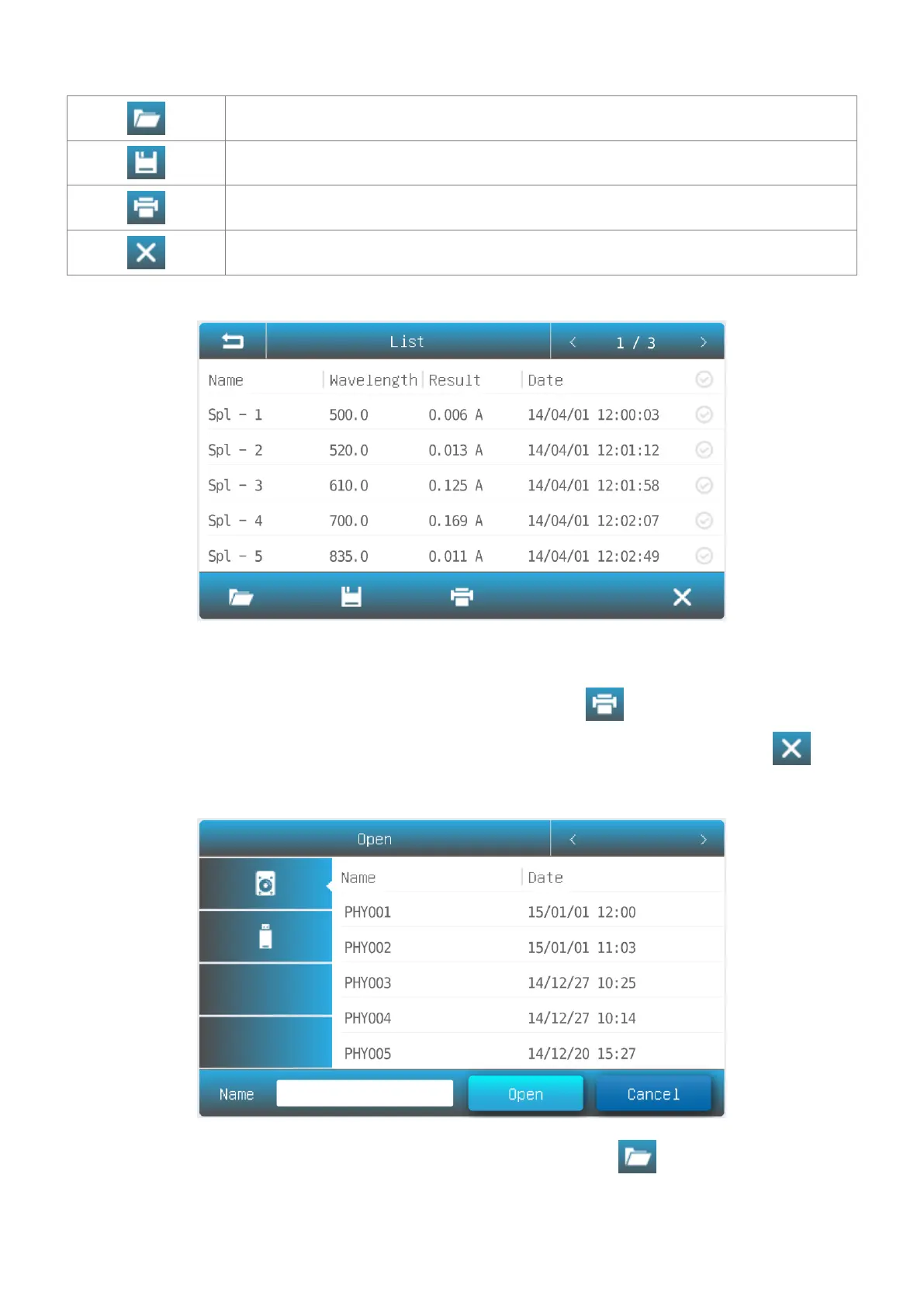
Open Open result(s) from internal/USB memory.
Save Save result(s) to internal/USB memory.
Delete Delete selected result(s).
Rename, Print and Delete Results
List interface, press the area Name, key in the sample name (Up to
8 characters).
Print the Measurement
Report:
List interface, press the icon .
List interface, press the Check Box, and press the icon .
1. List interface, press the icon .
2. Press the icon internal memory/USB memory to select the
memory which the file saved.



 To Next Page