33
Menus Bar and Tools Bar
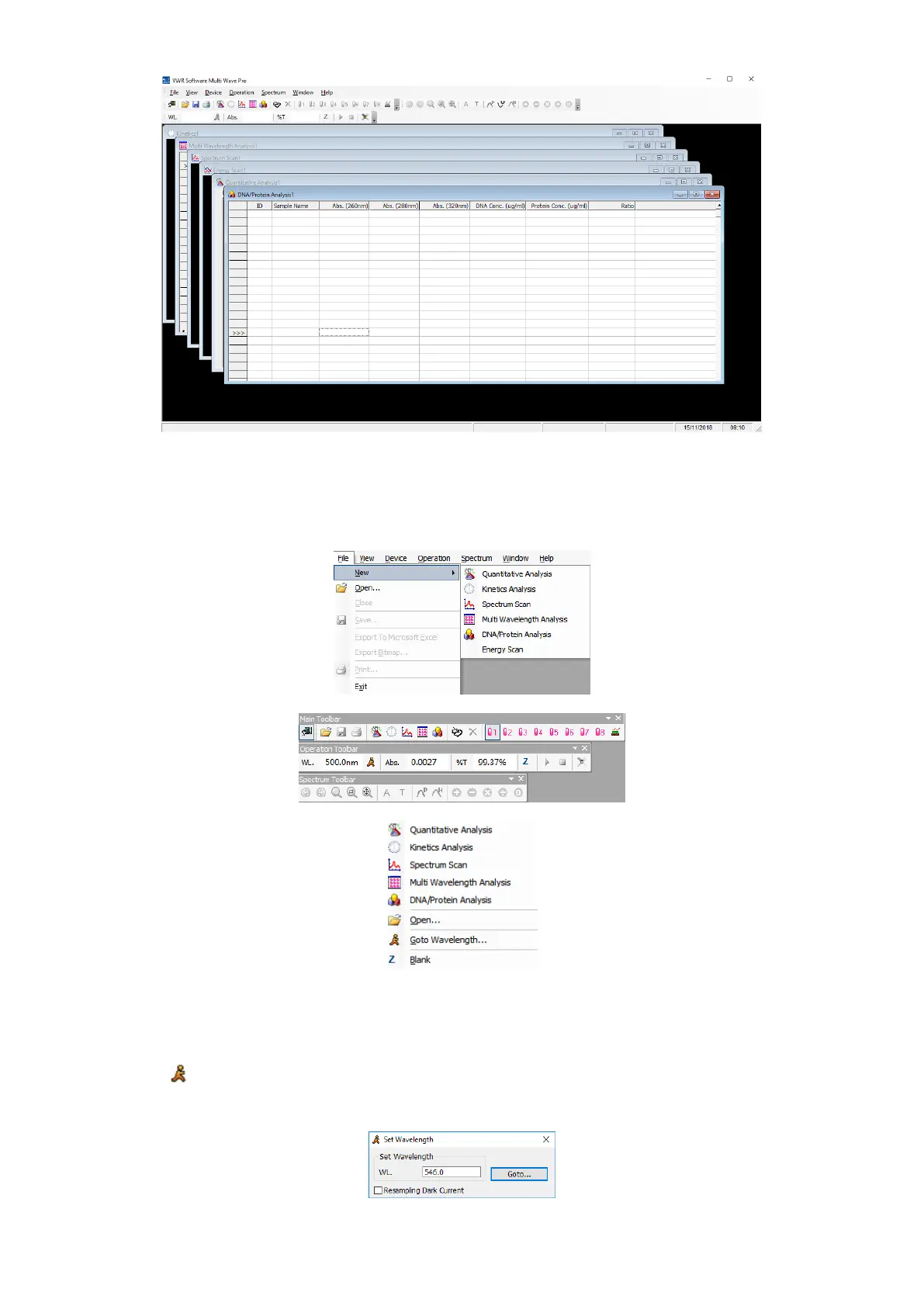
Menus Bar and Tools Bar provide three different ways to operate this software.
You can finish all the operation through Keyboard or Mouse.
Most of the functions can be finished through the Shortcut Bar.
Most of the functions can be finished through the menu by Right-hand button.
General Operating Instructions
Set Wavelength
Click the icon on the Tools Bar to set wavelength. Input the value of wavelength in the frame of Set
Wavelength, click Goto to confirm. Then the instrument will move the wavelength to the point you want, then it
blanks automatically.



 To Next Page