File management interface, press the area Name, key in the file
name (Up to 8 characters).
Copy File(s) From/To
Internal Memory/USB
Memory:
File management interface, press the Check Box, press the button
(Need USB disk).
Export File(s) To *.csv
Format
File management interface, press the Check Box, press the button
(Need USB disk).
Export File(s) To *.txt
Format
File management interface, press the Check Box, press the button
(Need USB disk).
File management interface, press the Check Box, and press the
icon .
Calibration and System Settings
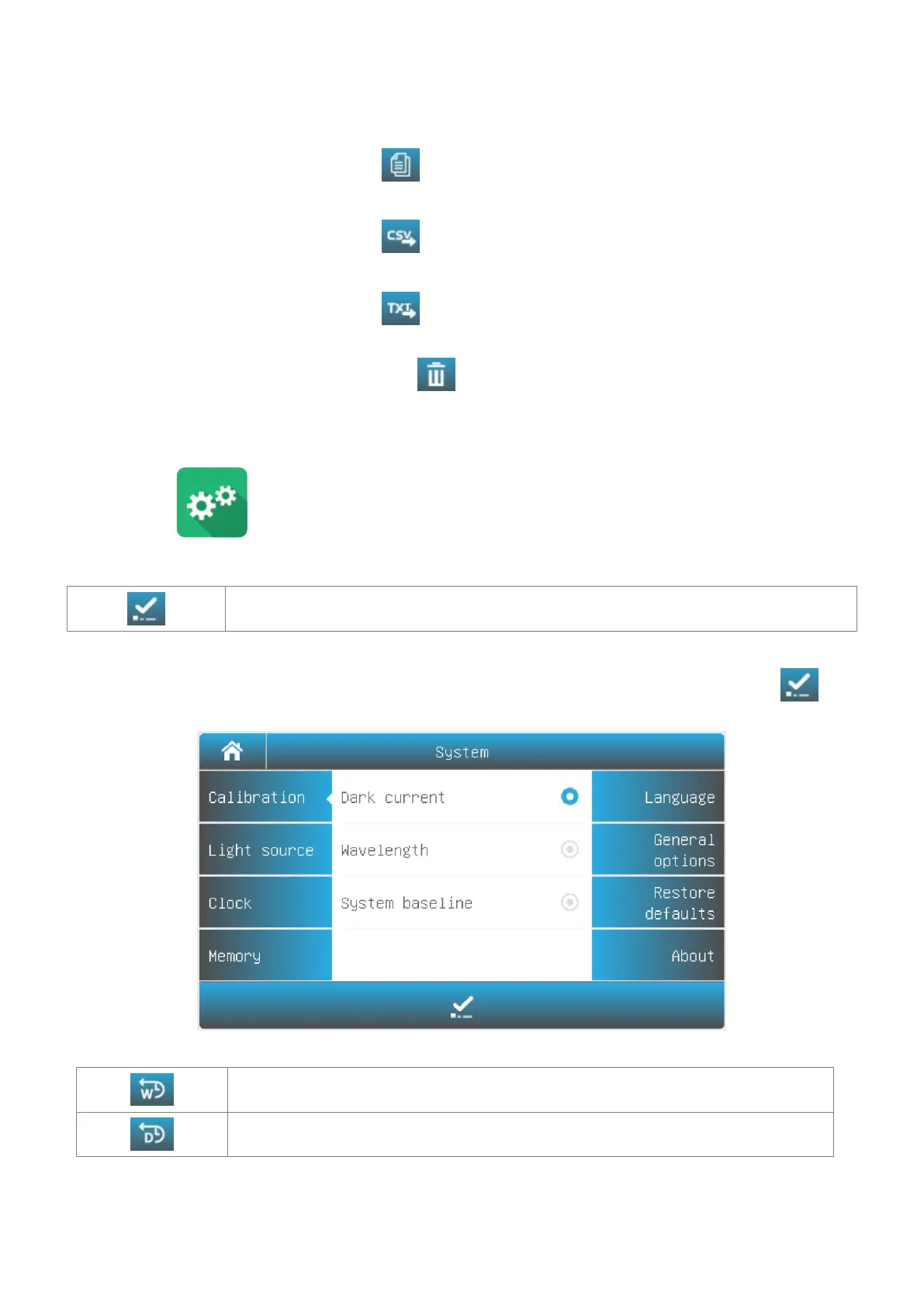
Select the icon in the main interface. Display options to calibrate the system and configure the basic
instrument settings.
Calibration
Calibrate Start to do calibration.
Select Tab Calibration in the System interface. Remove something in the measurement channel, close the
sample chamber cover, select the item Dark current, Wavelength or System baseline, press the icon to
do calibration.
Settings of Light Source
Tungsten lamp reset Reset the Tungsten lamp usage.
Deuterium lamp reset Reset the Deuterium lamp usage.
Select Tab Light source in the System interface. The light source information is displayed on the screen.



 To Next Page