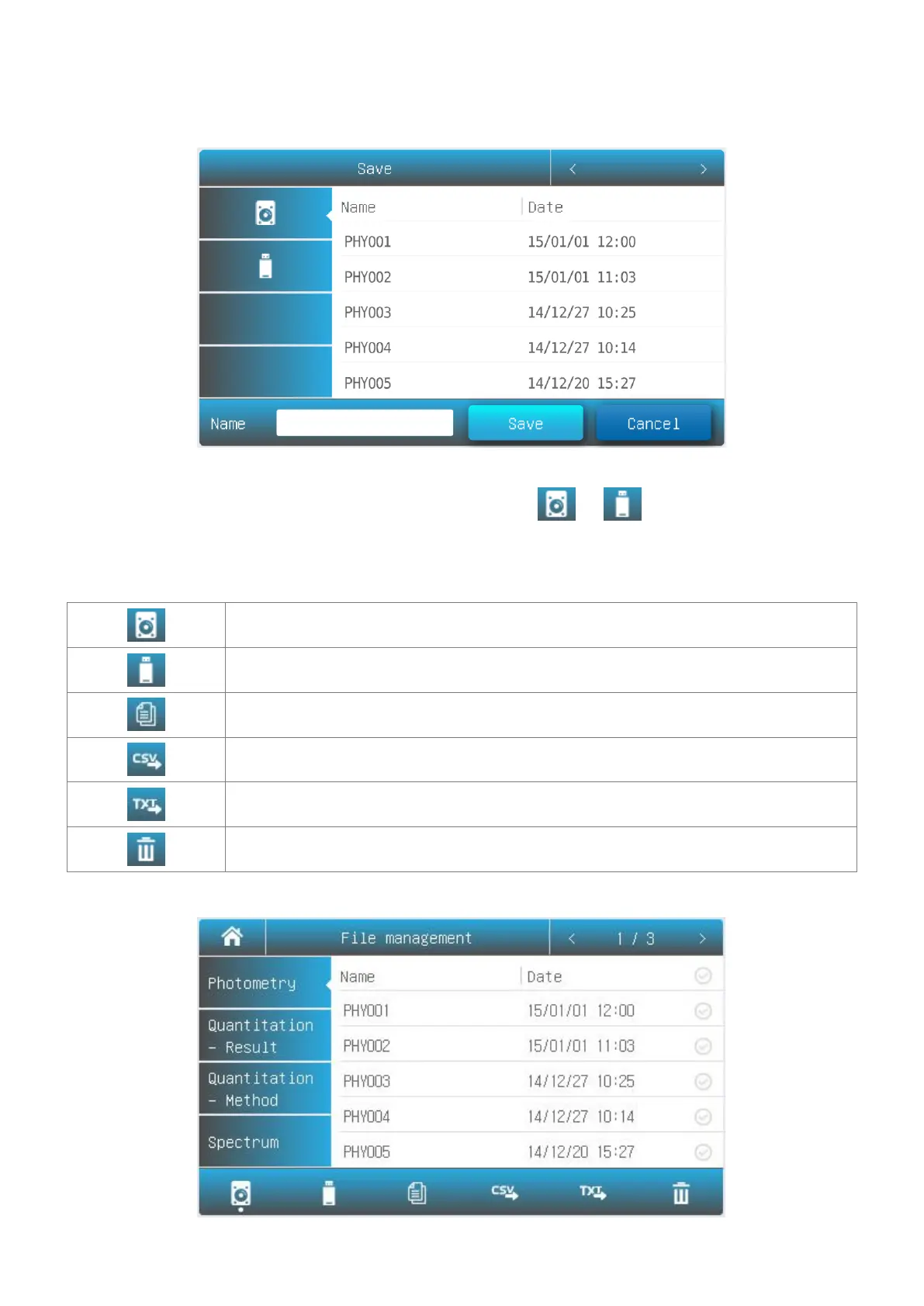
3. Press file lists to select, press the button Open.
1. List interface, press the icon Save.
2. Press the icon / to select the Internal/USB
memory which the file to save.
3. Type in the file name, press the button Save.
Internal Memory Internal memory of the spectrophotometer.
USB Memory USB extended mass memory.
Copy Copy the selected file(s) from internal /USB memory to USB/internal memory.
Export csv Export file(s) To *.csv format
Export txt Export file(s) To *.txt format
Delete Delete the selected file(s).
Rename, Import, Export and Delete Files



 To Next Page