14
Photometry
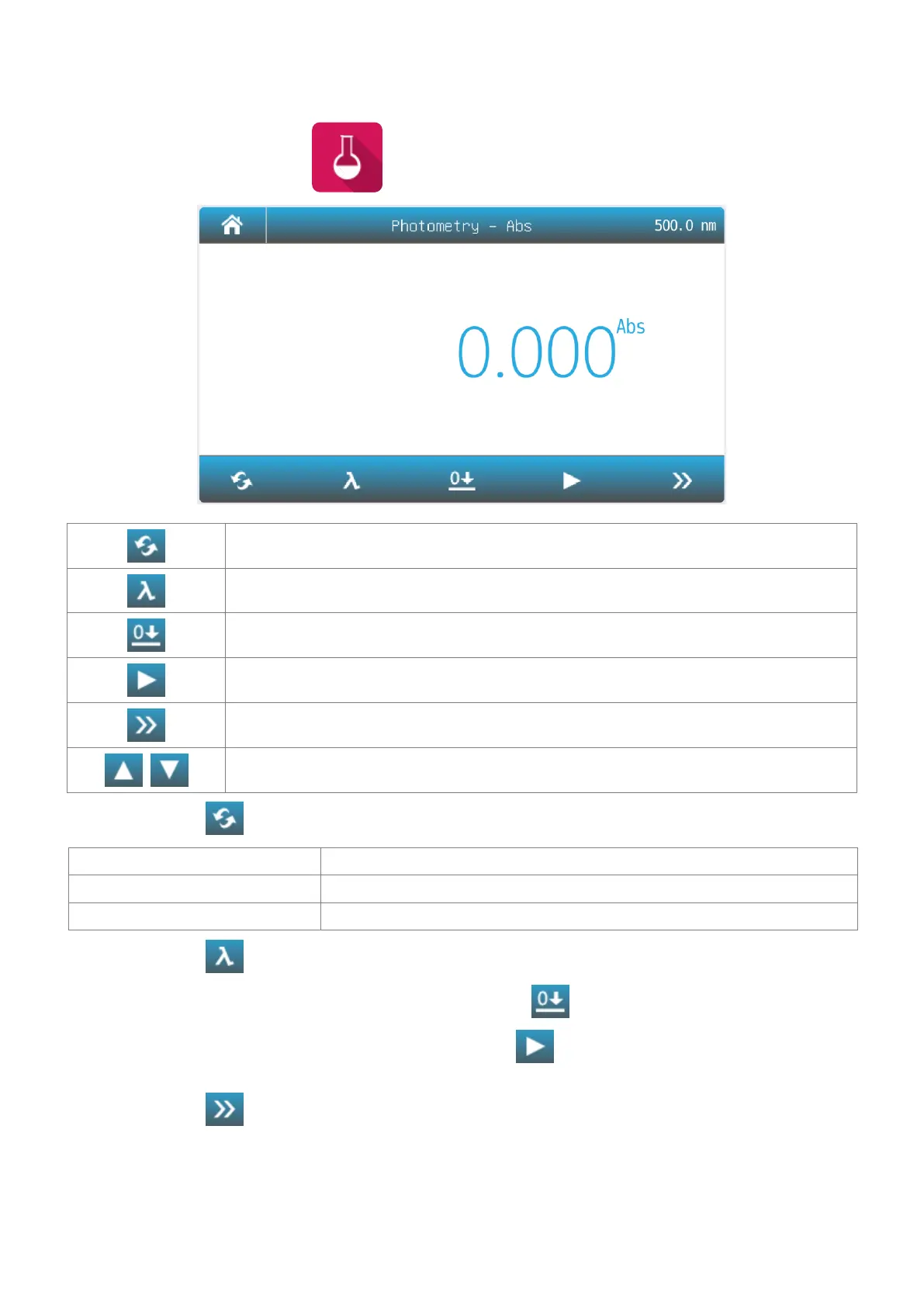
Photometry mode is used to measure the absorbance or transmissivity of the sample.
1. Main interface, press the icon to start a Photometry application.
Mode Switch measurement mode to %T, Abs or Energy.
Wavelength Set measurement wavelength.
Read Measure sample and record the result.
List View the result(s) list.
Increase/Decrease Increase/Decrease the gain of signal. Only for Energy mode.
2. Press the icon to switch to the measurement mode.
Measure absorbance value of the sample(s).
Measure transmittance value of the sample(s).
Measure energy value of the sample(s).
3. Press the icon to set wavelength, key in the measurement wavelength.
4. Put the reference in the measurement channel, press the icon to do zero.
5. Put the sample in the measurement channel, press the icon to measure a sample and record the
result.
6. Press the icon to browse the result(s).



 To Next Page