A=A1: Absorbance is equal to the measured absorbance value of the
measured wavelength 1
A=A1-m*A2: Absorbance is equal to the difference between the
absorbance value of the measured absorbance at the wavelength 1 and the
wavelength 2, m is the Coefficient
A=A1/A2: Absorbance is equal to the ratio of the measured absorbance
value of the measured wavelength 1 and 2
LIN-0: Linear to zero
LIN: Linear.
QUA: Quadratic.
- (No Unit), %, ppm, ppb, g/L, mg/L, μg/L, ng/L, g/dL, mg/dL, μg/dL, mg/mL,
μg/mL, ng/mL, μg/μL, ng/μL, mol/L, mmol/L, IU, Custom(User input, Up to 8
characters).
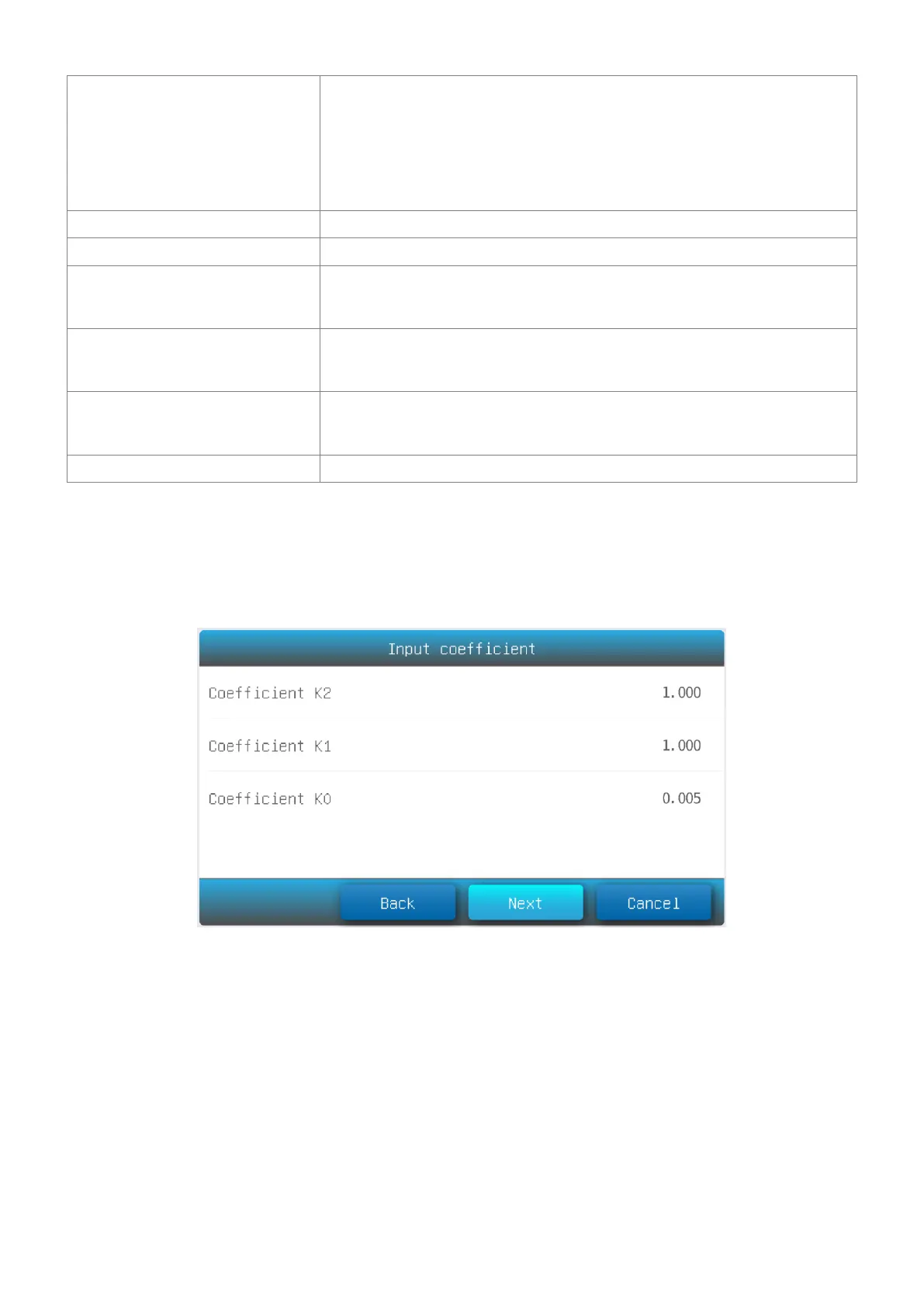
Coe K: Input equation coefficient.
Std M: Measure standard sample(s)
Std I: Input standard sample(s)
Standard sample number (Up to 10)
2.2 Press the item to set measurement parameters.
2.3 After all the parameters are set up, press the button Next to start establishing the standard curve. If the
item Calibration is set to the parameter Coe K, Std M or Std I, please refer to 2.3.1, 2.3.2 or 2.3.3.
2.3.1 Input equation coefficient to establish standard curve.
(1) Input equation coefficient K0 ~ K3. Press button Next.
2.3.2 Measure standard sample to establish standard curve
(1) Put the reference in the measurement channel, press the button Zero to do zero.



 To Next Page