29
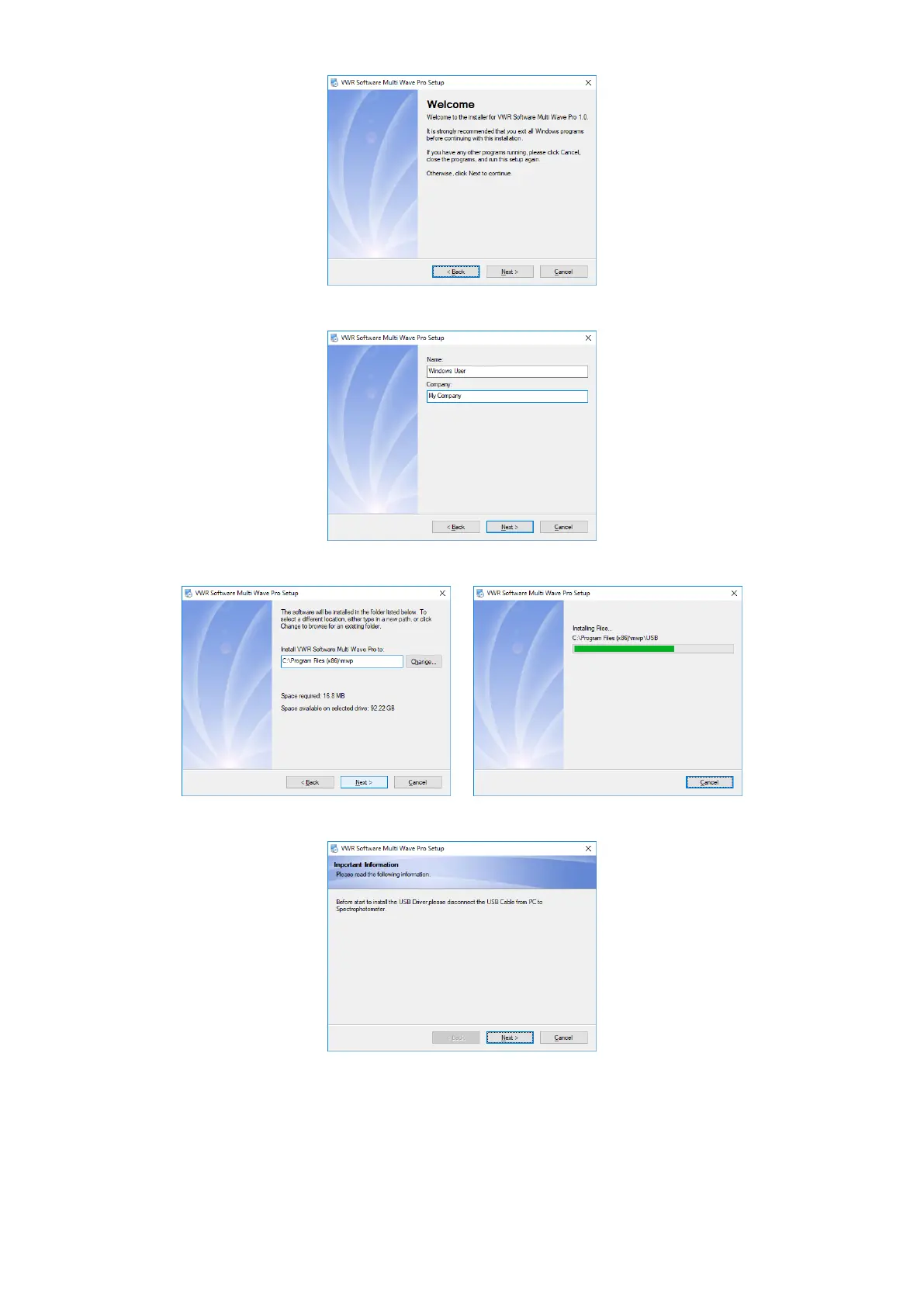
3. Input user’s information, click Next;
4. Choose install path, then click Next to copy files to Hard disc;
5. Unplug the USB cable if connected before, click Next;
6. After finished copy all files of VWR Software Multi Wave Pro, it will start install the USB Drive. Click Next;



 To Next Page