40
Multi-wavelength Analysis
We’ll introduce how to measure a sample in different wavelengths (≤20).
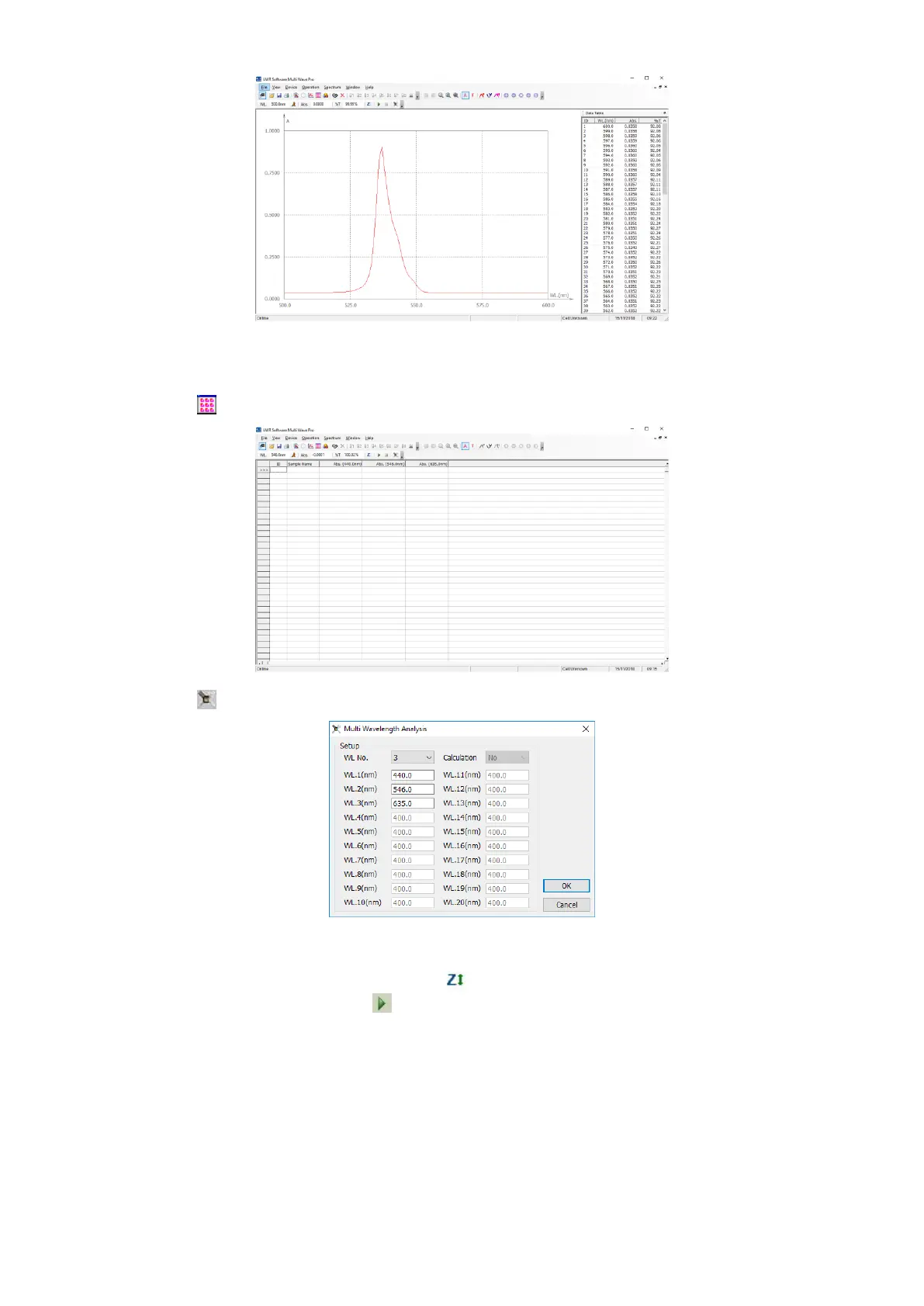
1. Click the icon on the Tools Bar, a new form appears on the screen;
2. Click the icon on the Tools Bar to set the parameters;
3. Choose the quantity of the wavelength, you need input the value of each wavelength;
4. Click OK to finish and exit setting;
5. Pull the reference into the light path, click the icon in the Tools Bar to do blank;
6. Pull the sample into the light path, click to start test. And the test result will be listed in the data sheet.



 To Next Page