13
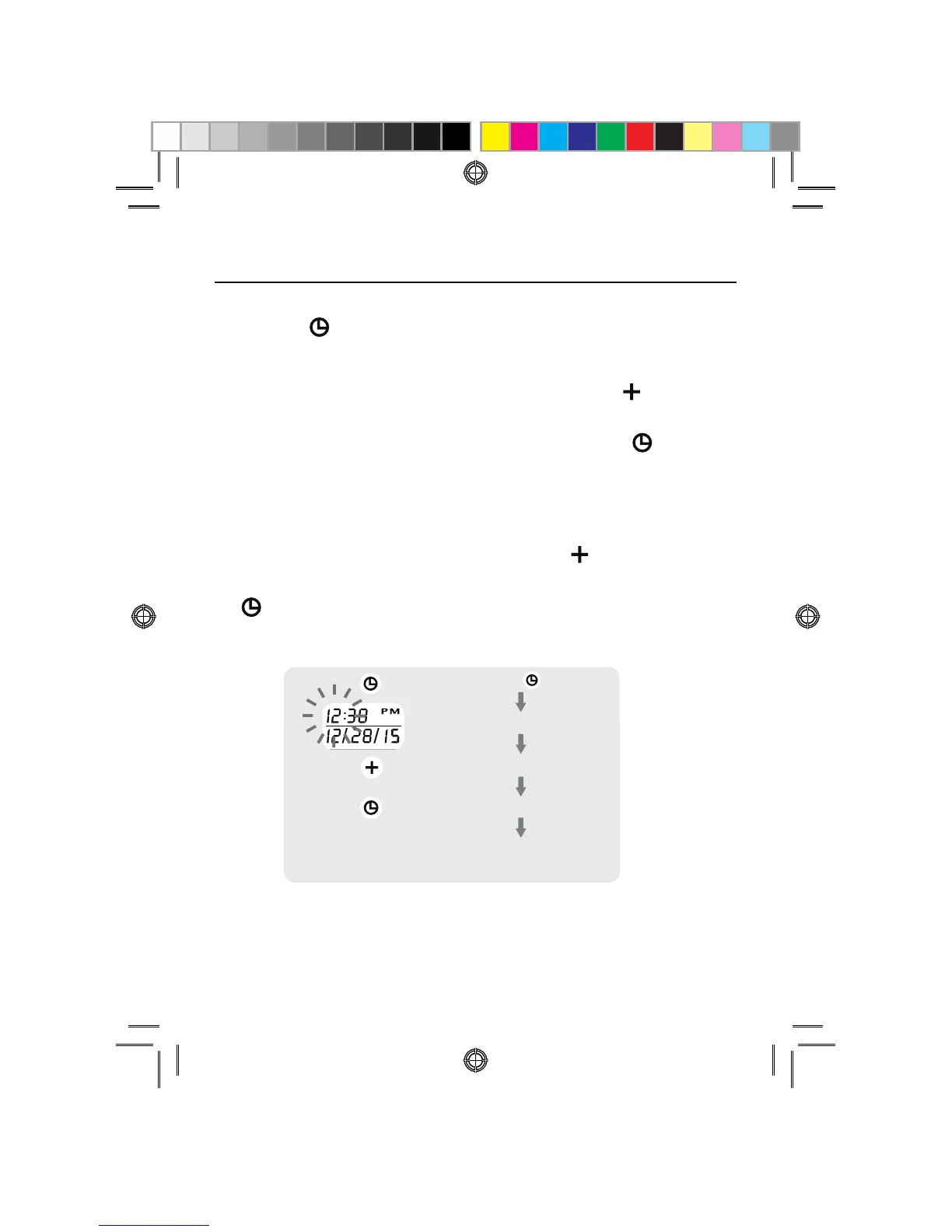
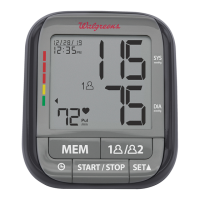
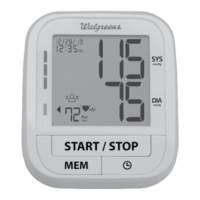
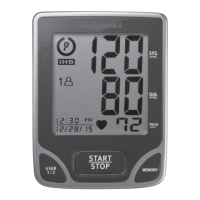
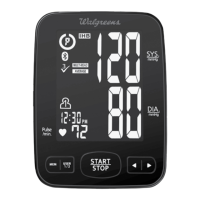
DATE & TIME SET PROCEDURE
5PBEKVTUUIFEBUFBOEUJNFQSFTTUIFDATE/TIME SET
button
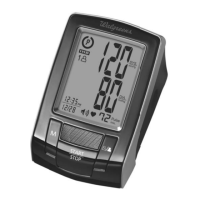
located on the top of the monitor.
5IFEJTQMBZXJMMTIPXBCMJOLJOHOVNCFSTIPXJOHUIF
HOUR. Change the HOUR by pressing the
button.
Each press will increase the number by one in a cycling
manner. Press the DATE/TIME SET button
again to
confirm the entry, and the screen will show a blinking
number representing the MINUTE.
$IBOHFUIF.*/65&.0/5)%":BOE:&"3BT
EFTDSJCFEJO4UFQBCPWFVTJOHUIF
button to
change the numbers and the DATE/TIME SET button
to confirm the entries.
Press the button
blinking HOUR
increasing HOUR
confirm the entry
repeat process to set MINUTE,
MONTH, DAY and YEAR


 To Next Page