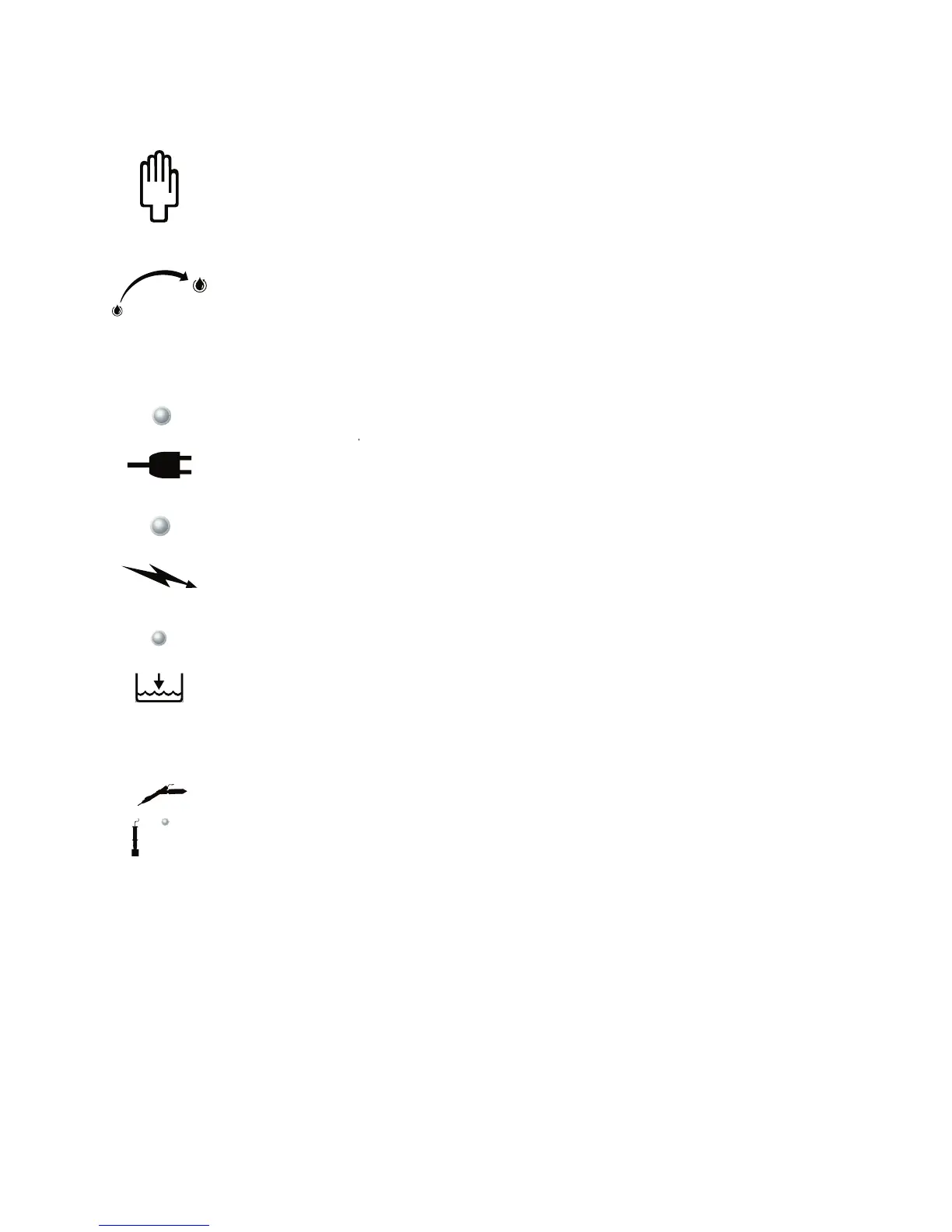
Choose the manual pumping mode to control the amount of solution
pumping to the tip. Hold the Hand Wand ON button down to pump solution to the tip. Release
the ON button to stop the pumping cycle. Always use enough solution to keep the cleaning pad
wet. Too little solution will reduce the cleaning pad life.
To start the automatic pumping mode, press the ON button on the
wand. Once it is activated, it will automatically pump the liquid. The quantity of liquid can be
selected from less to more. Pumping will continue in this mode until the OFF button is pressed.
Green light is on when the unit is plugged in and the main power switch is
The yellow light goes ON when the Hand Wand ON button
is pressed and there is power to the tip. Power to the tip is OFF when the Hand Wand OFF
When solution level is low, the red indicator light will go on.
Outlet for optional Mini Wand or Marking Wand.
The Marking Wand is used to permanently
etch your company name, logo, part number or other desired information onto any metal surface.
The Mini Wand is used to access hard to reach areas for cleaning and passivating, which are too


 To Next Page