D) SELECTING THE PROPER PUMPING MODE
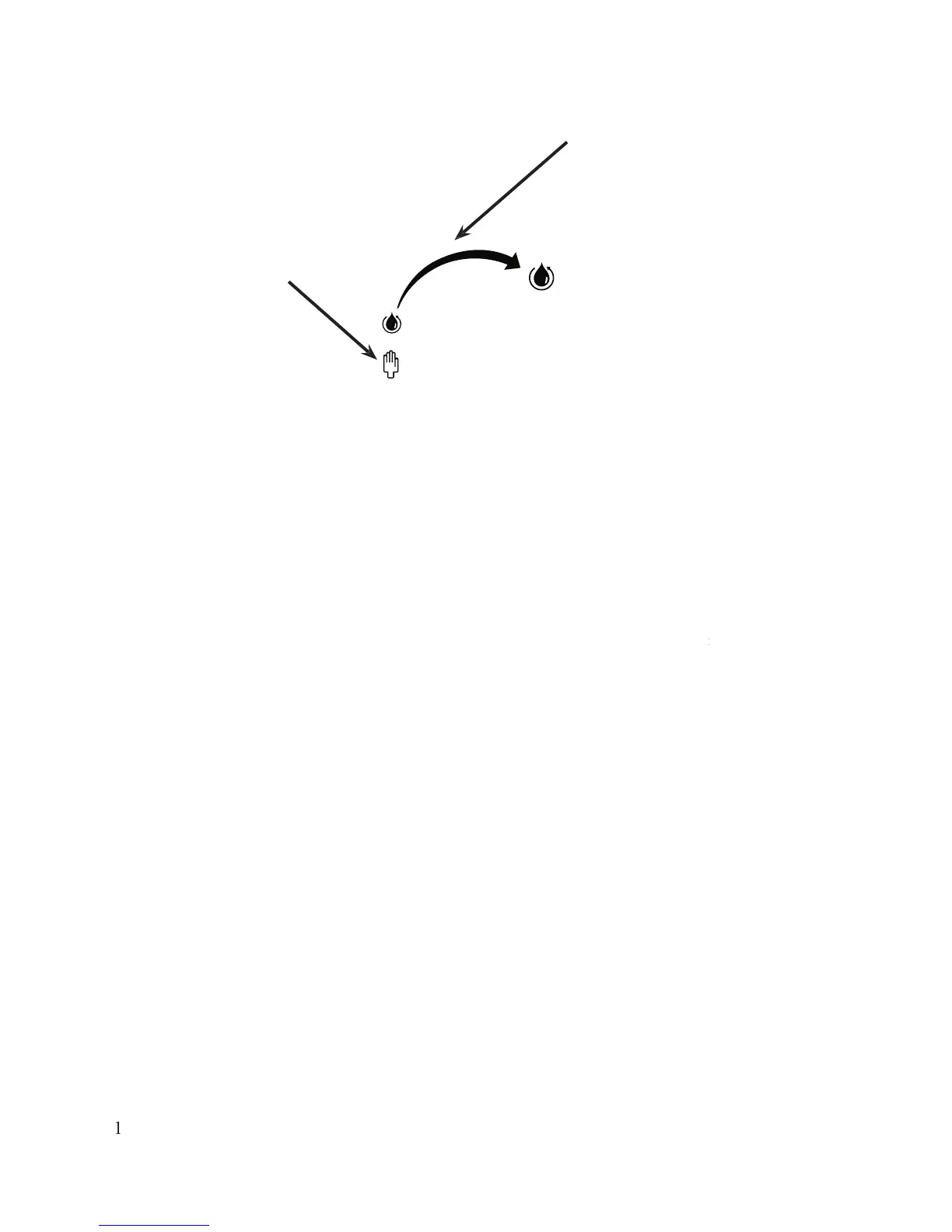
Choose the manual pumping mode to control the amount of solution pumping to the
tip. Hold the Hand Wand ON button down to pump solution to the tip. Release the ON button to stop the
pumping cycle. Always use enough solution to keep the cleaning pad wet. Too little solution will reduce the
To start the automatic pumping mode, press the ON button on the wand. Once it is
activated, it will automatically pump the liquid. The quantity of liquid can be selected from less to more.
It is best to use the manual mode at first, until you become familiar with the
E) CLEANING AND PASSIVATING
d passivate, press the Hand Wand ON button. Make sure the cleaning pad is sat
d passivate, press the Hand Wand ON button. Make sure the cleaning pad is saturated withd passivate, press the Hand Wand ON button. Make sure the cleaning pad is sat
before starting to work. If the cleaning pad is too dry, it will wear prematurely. Star
Do not press hard, let the electrochemical process do the work. Do not use the cleaning pad like an abrasive
hen using the machine for the first time there could be water in the system from factory
testing. Let 1 or 2 ounces drip into a disposal cup before cleaning.
F) NEUTRALIZING (refer to the Surfox-N section on
1- Remove any excess of Surfox-T so
lution using a soft clean cl
VI - USING THE HAND WAND TO CLEAN AND PASSIVATE


 To Next Page