EasyManua.ls Logo

Wang 5536 - Keyboard

Default Icon
112 pages
Print Icon
To Next Page IconTo Next Page
To Previous Page IconTo Previous Page
Loading...
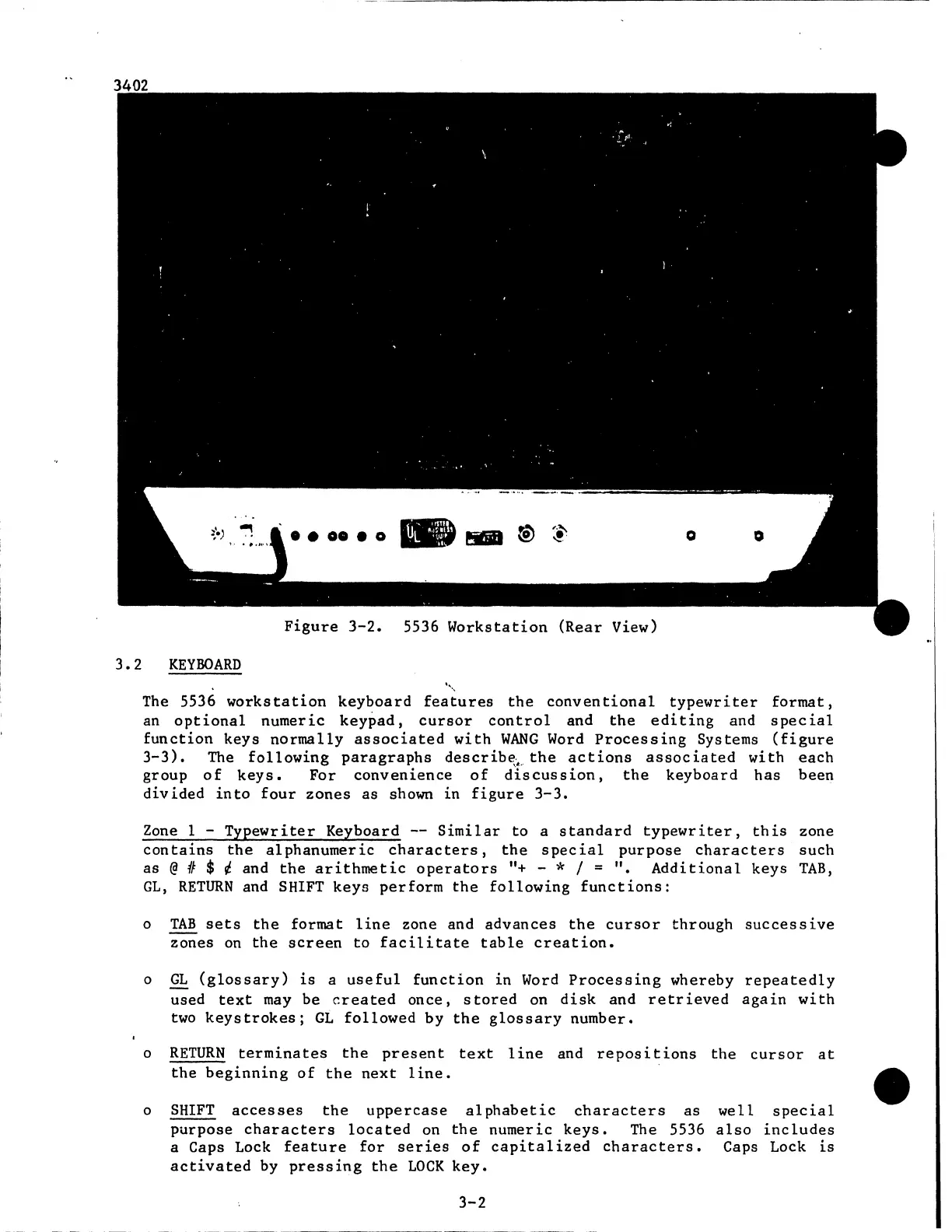
Figure
3-2.
5536
Workstation
(Rear
View)
3 2
KEYBOARD
'•,
The
5536
workstation
keyboard
features
the
conventional
typewriter
format,
an
optional
numeric
keypad,
cursor
control
and
the
editing
and
special
function
keys
normally
associated
with
WANG
Word
Processing
Systems
(figure
3-3).
The
following
paragraphs
describe;~.
the
actions
associated
with
each
group
of
keys.
For
convenience
of
discussion,
the
keyboard
has
been
divided
into
four
zones
as shown
in
figure
3-3.
Zone
1 -
Typewriter
Keyboard
--
Similar
to
a
standard
typewriter,
this
zone
contains
the
alphanumeric
characters,
the
special
purpose
characters
such
as @
41
$ ¢ and
the
arithmetic
operators
"+
- * I =
".
Additional
keys
TAB,
GL,
RETURN
and
SHIFT
keys
perform
the
following
functions:
o
TAB
sets
the
format
line
zone and
advances
the
cursor
through
successive
zones
on
the
screen
to
facilitate
table
creation.
o
GL
(glossary)
is
a
useful
function
in
Word
Processing
whereby
repeatedly
used
text
may
be
created
once,
stored
on
disk
and
retrieved
again
with
two
keystrokes;
GL
followed
by
the
glossary
number.
o
RETURN
terminates
the
present
text
line
and
repositions
the
cursor
at
the
beginning
of
the
next
line.
o
SHIFT
accesses
the
uppercase
alphabetic
characters
as
well
special
purpose
characters
located
on
the
numeric
keys.
The 5536
also
includes
a Caps Lock
feature
for
series
of
capitalized
characters.
Caps Lock
is
activated
by
pressing
the
LOCK
key.
3-2

Related product manuals