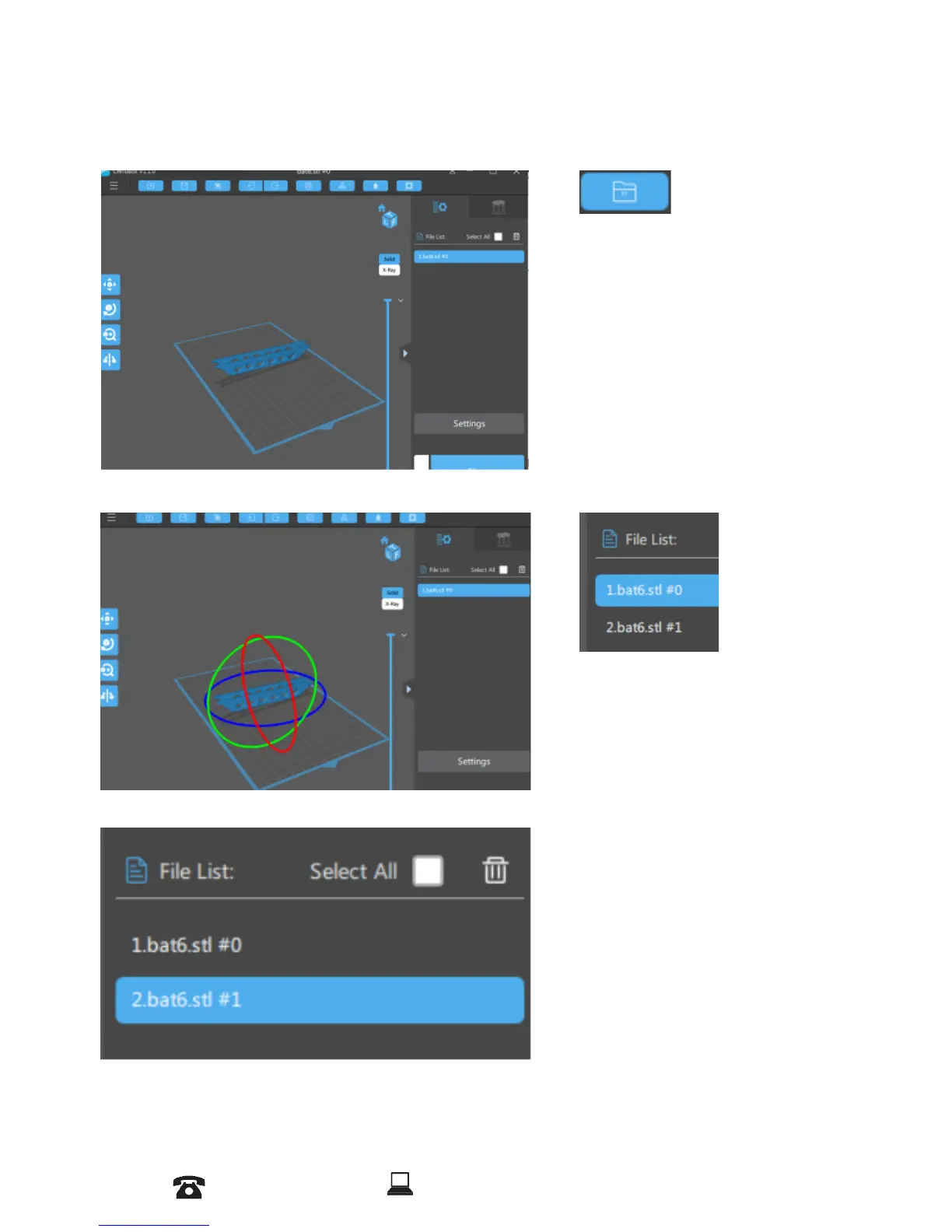
1. Loading a Model
2. Scene View
Click to open les in one
of the following formats:
STL,OBJ, Zip le
Selecting
You can select the model by
clicking on the model or select it
from the File List.
Removing a Model
You can remove all models by
marking the Select All box and
clicking on the Trash Bin icon.
AFTER SALES SUPPORT
86-571-23290996
support@wanhao3dprinter.com
Model : Duplicator 8 MARK I
23














 To Next Page