AFTER SALES SUPPORT
86-571-23290996
support@wanhao3dprinter.com
Model : Duplicator 8 MARK I
24
Cloning a model
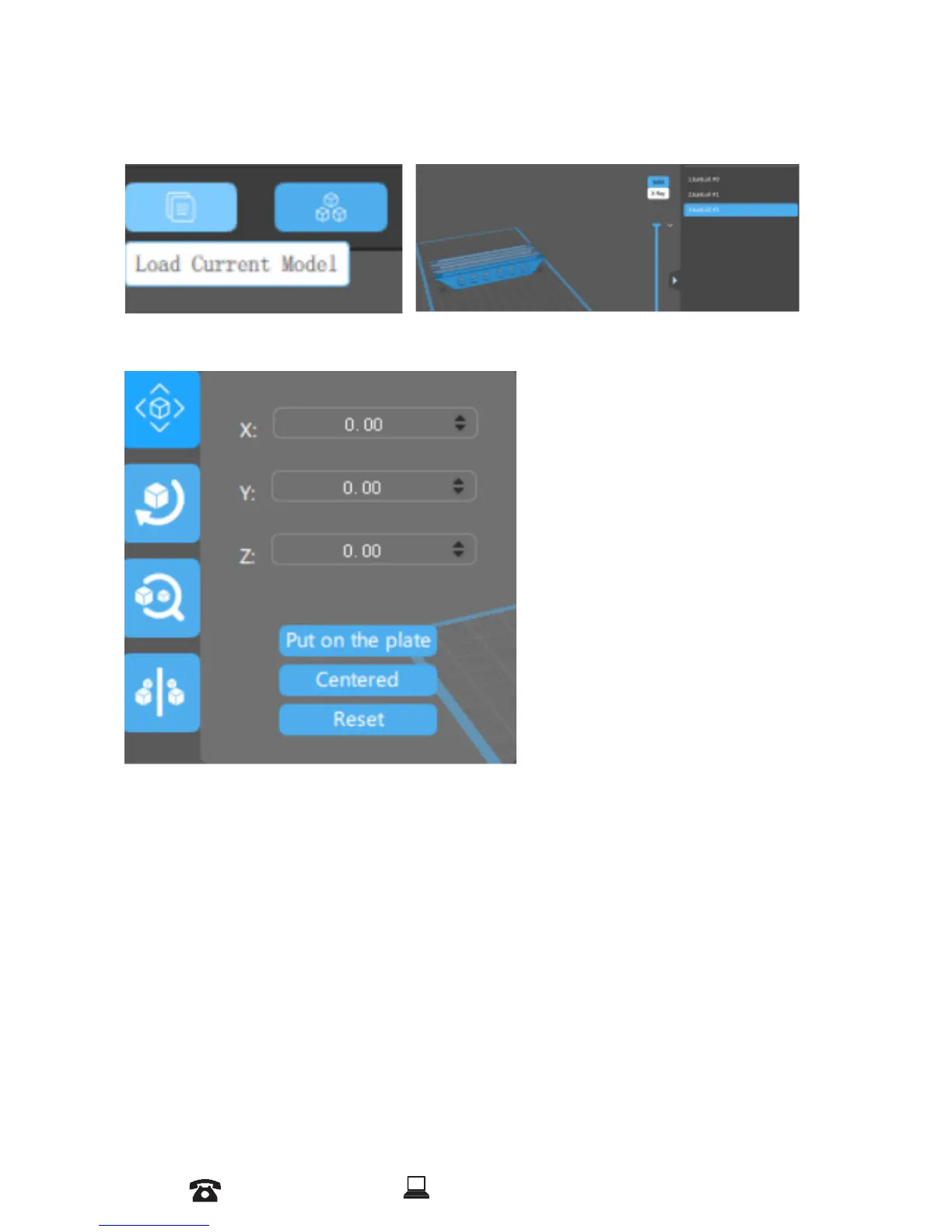
You can click load current model.The cloned object will appear in the scene view.
The Move function allows you to move objects on the build platform along the
x:y:z axis by the distance entered.
From left to right, the other tools are:
* The ‘Put on the plate’ button will position the bottom of the model to rest on
the bottom of the build platform.
* The ‘Center’ button will center the model at (0,0,0).
Auto-Arrange will automatically lay out all models to t on the build platform.
Any model that does not t within the build platform will be moved outside the
build area.
* The ‘Resert’ button will put the model in the position where you set(X,Y,Z)
3. Tools Bar
In tool bars you can Move, Rotate, Scale and Mirror the Object.














 To Next Page