AFTER SALES SUPPORT
86-571-23290996
support@wanhao3dprinter.com
Model :Duplicator 8 MARK I
25
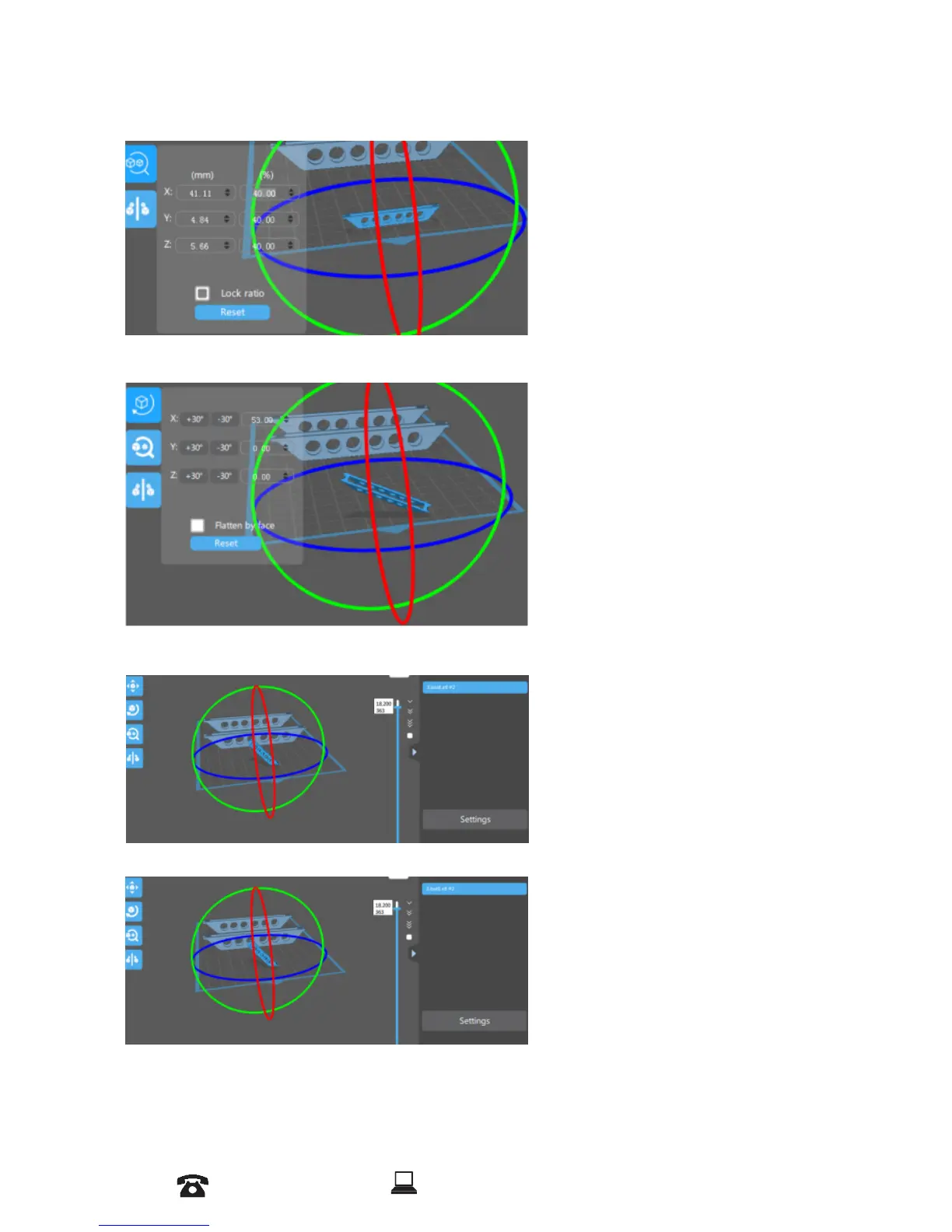
4. Scaling objects
5. Rotating Objects
6. View Options
A model can be scaled (reduced or
increased) by selecting it, and using
the ‘Scale’ view to enter in a new
scaler value. Press the tick button to
re-scale your object.
A model can be scaled (reduced or
increased) by selecting it, and using
the ‘Scale’ view to enter in a new
scaler value. Press the tick button to
re-scale your object.
This will allow you to see through
the objects in the scene to see the
geometry Show Slice Preview
on Scene.
7. View Options
This will allow you to see through
the objects in the scene to see the
geometry Show Slice Preview
on Scene.














 To Next Page