AFTER SALES SUPPORT
86-571-23290996
support@wanhao3dprinter.com
Model : Duplicator 8 MARK I
26
8. Working with Model Support tools
Using Supports
Supports are sometime required to properly attach a model to the build space.
Because of the nature of DPP the lower layers must be supported by the supports
unless it has a wide surface in the rst layers.
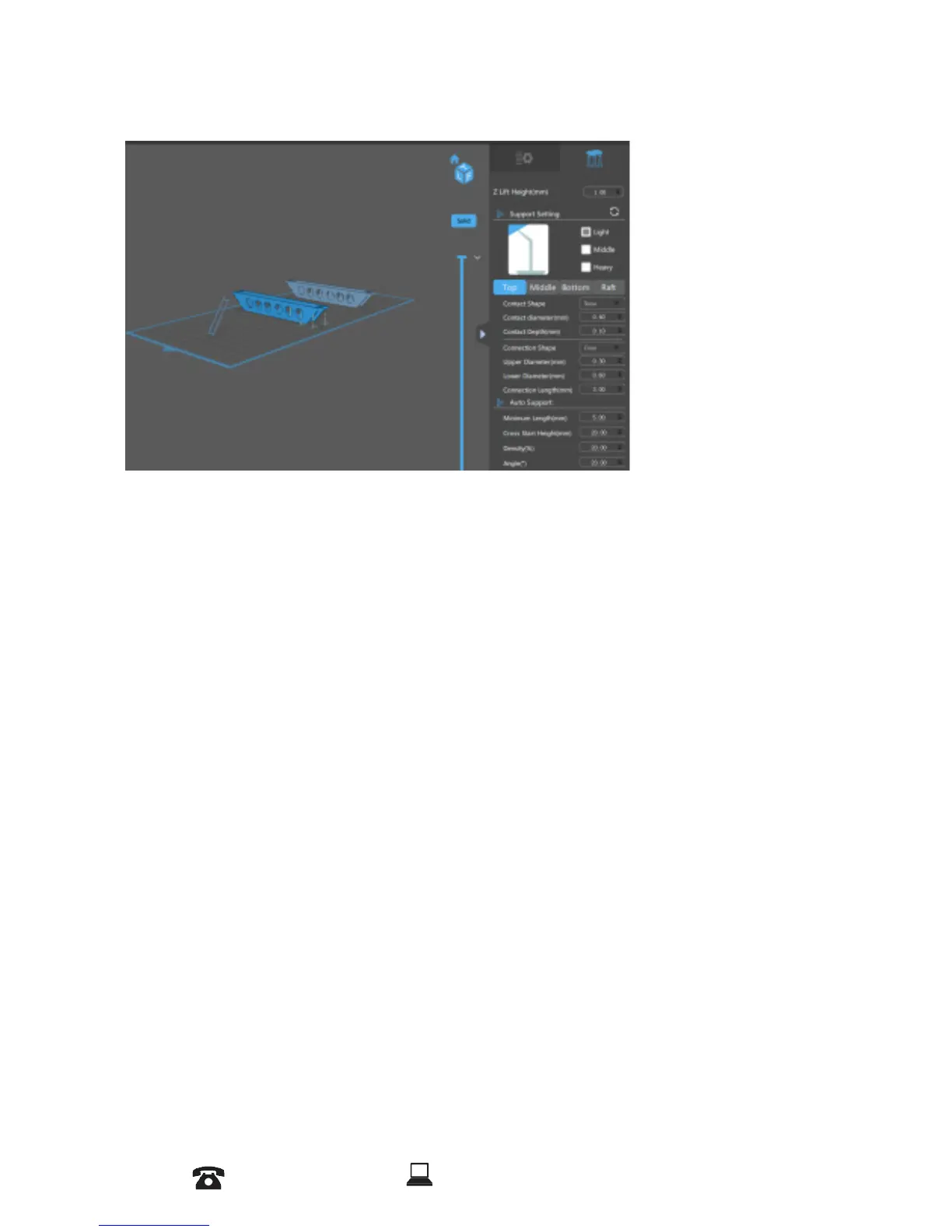
Adding a single Support
A single support can be generated by clicking the manual support button/
Angled Supports
Supports can be angled inwards towards the objects they support. This can often resolve
clearance issues with vertical supports. You can turn a vertical support into an angled
support by selecting it, and holding the ‘Ctrl’ key and clicking on the model you want to
support.














 To Next Page