CURA WANHAO EDITION USER MANUEL REV.B 15 / 23
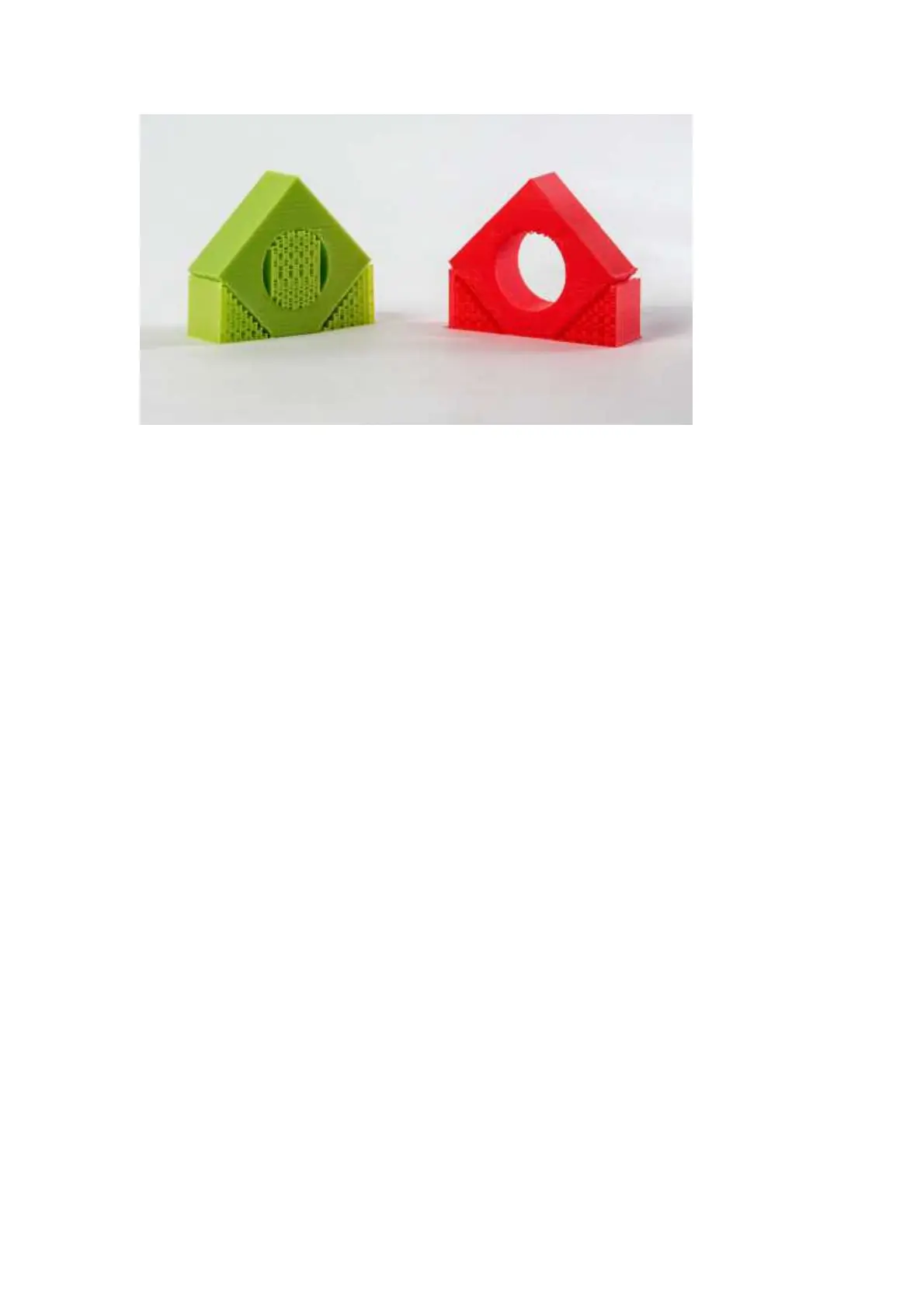
Figure 1.19: Support Types
Platform Adhesion Type
Some models have a small surface area contacting the plate. This can create adhesion issues
causing your part to pop off at some point during the print. To fix this, use either Brim or Raft.
Raft is better used when a model has small heated bed contact points and overhangs.
Brim
Brim will create a single layer of filament, contacting and surrounding your model. This will
increase the surface area of the part contacting the build platform thereby preventing it from
popping off the heated bed. Brim will also help in situations where you are seeing corner lift.
Brim settings can be adjusted in the Expert Settings options.
Raft
Raft will generate a layer of material underneath your object. Raft was more often used before
the addition of heated plates to increase surface area. Raft settings can be adjusted in the Expert
Settings options.
Filament Diameter
The filament diameter setting is one of the more important settings. Make sure that you update
this value periodically with your average filament diameter. While your filament may be referred
to as 3mm, it is more likely going to be near 2.9mm +/- 0.1mm. You will want this to be an
accurate average, as it will allow your printer to correctly calculate how much filament it is pulling
into the hot end.
Filament Flow %
This controls how much filament your printer is extruding in relation to speed. This setting is
mainly used to adjust for filament density variations. Leave this value at 100% as changing it can
lead to surface quality issues
1.7 Advanced Tab Options















 To Next Page