22
Built-in service program
1476
1037
38
37
ON/OFF
Fig.
37
Fig.
38
Built-in service program
A service program has been built into the
washer. This program should only be used by
qualified service personnel.
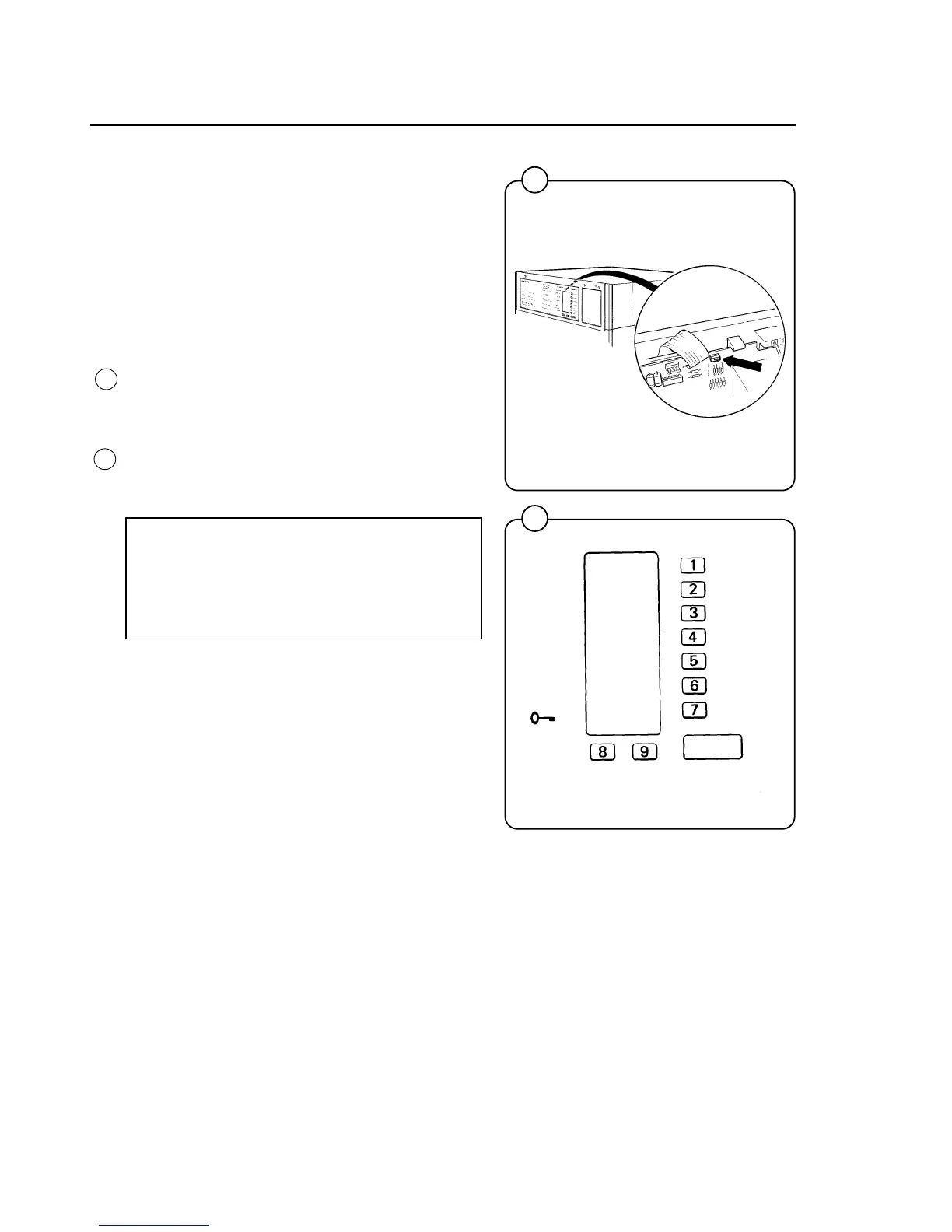
Setting service switch
• Remove the washer top cover.
• Move the service switch to the service
program position. (The switch is located on
top of the circuit board next to the ribbon
connector).
This transforms the buttons into a numerical
keypad. Numbers 1-7 are on the wash cycle
buttons, the Extra Extract button is 8 and the
Gentle Wash button is 9. The START button
serves as an ON/OFF switch.
NOTE:
When in service program the number 0
does not exist. Numbers used are 11-19,
21-28 etc.



 To Next Page