23
Built-in service program
1038
39
Fig.
39
Function checks
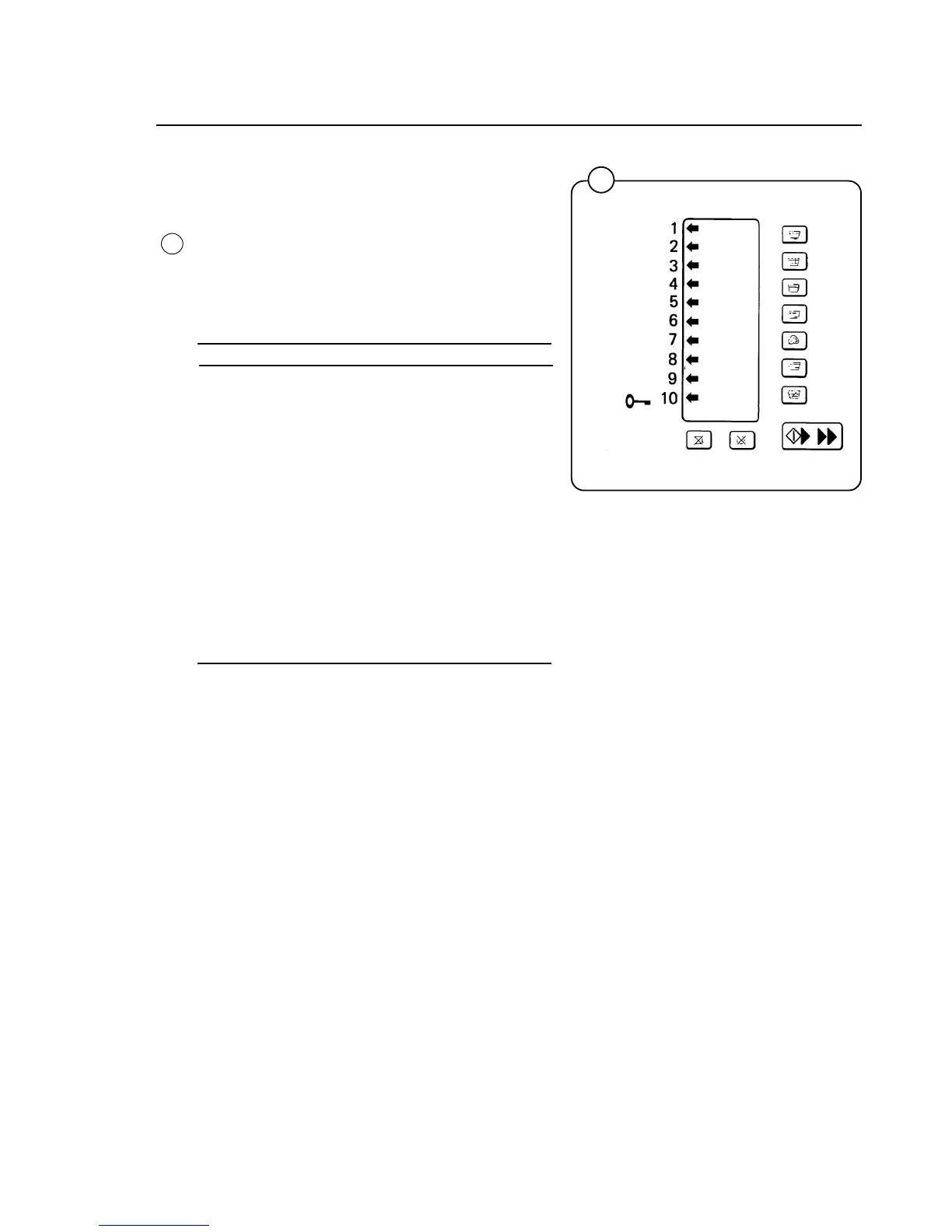
Arrows indicate certain inputs by lighting. For
example, arrow number 5 is lit when the door
closes. This shows that the door lock microswitch
is operating correctly.
The table below shows the inputs displayed by
the arrows.
Arrow Function
1 Price programming switch
2 Coin meter input
3 Not used
4 Not used
5 Door lock switch
6 Price reduction
7 Not used
8 Free wash
9 Not used
10 ON/OFF (Use START button).
(Arrows not presently used are being reserved
for future software enhancements).



 To Next Page