24
Built-in service program
1476
40
It is also possible to directly activate certain
functions by using the buttons on the keypad.
The chosen function can then be turned on and
off using the START button. Arrow 10 (see Fig.
39) simply shows if the function is on or off.
This table shows which functions can be
activated, along with the number code for each.
Code Function
11 Flush compartment 1 (only W185ES)
12 Flush compartment 2
13 Flush compartment 3
14 Not used
15 Not used
16 Hot water valve
17 Cold water valve (only W185ES)
Flush compartment 1
(only W75ES, W105ES, W125ES)
18 Not used
19 Not used
21 Motor (clockwise)
22 Motor (counter-clockwise)
23 Not used
24 Extraction (counter-clockwise)
25 Not used
26 Drain valve
27 Door lock
28 Not used
Leaving service program
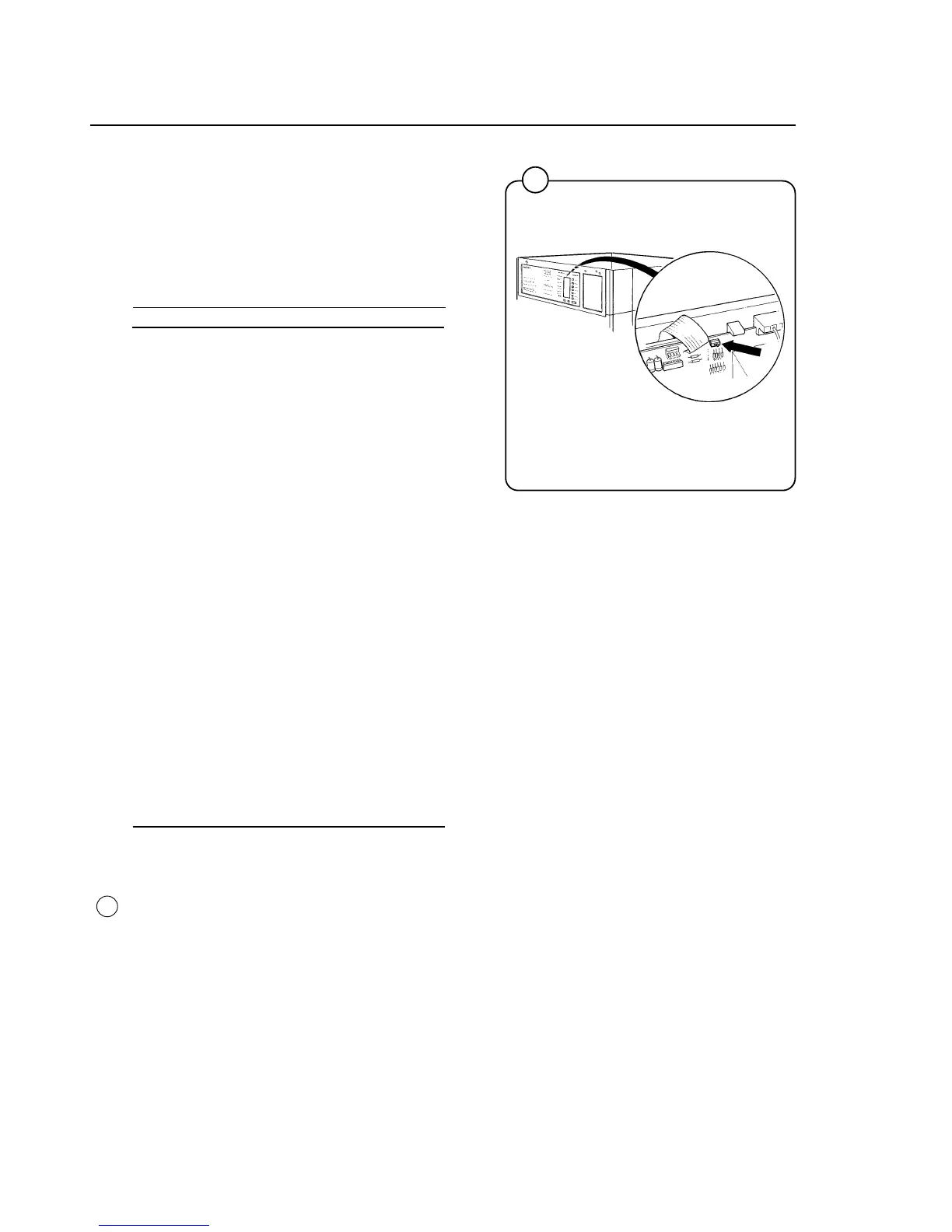
• Return the service switch to its original
position.
• Refit the machine’s top cover.
Fig.
40



 To Next Page