EasyManua.ls Logo

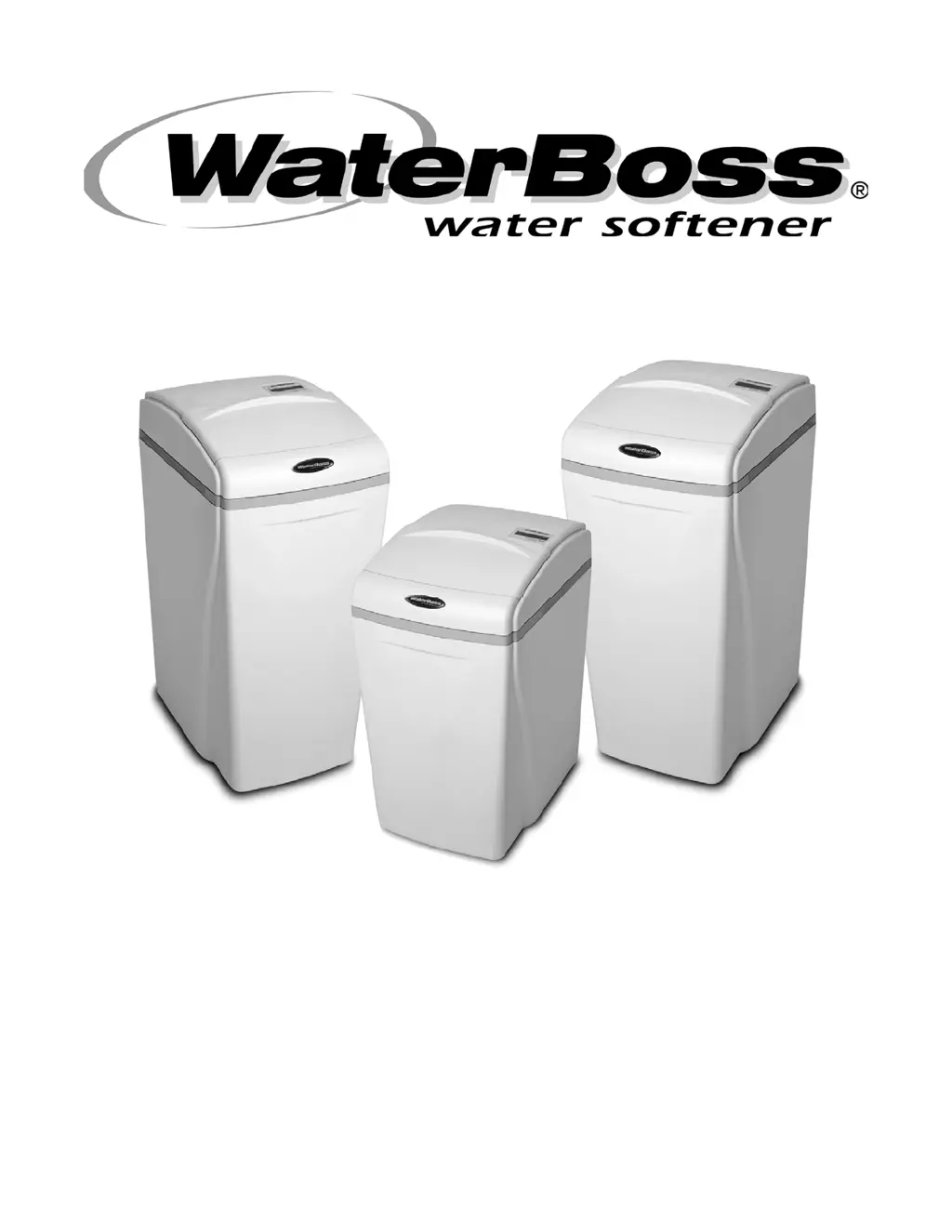
WaterBoss 950 - User Manual

Default Icon
36 pages
Print Icon
To Next Page IconTo Next Page
Loading...
M
M
O
O
D
D
E
E
L
L
S
S
7
7
0
0
0
0
,
,
9
9
0
0
0
0
,
,
A
A
N
N
D
D
9
9
5
5
0
0
O
O
W
W
N
N
E
E
R
R
S
S
M
M
A
A
N
N
U
U
A
A
L
L
A
A
N
N
D
D
I
I
N
N
S
S
T
T
A
A
L
L
L
L
A
A
T
T
I
I
O
O
N
N
G
G
U
U
I
I
D
D
E
E
V
V
E
E
R
R
S
S
I
I
O
O
N
N
7
7
.
.
3
3

Questions and Answers

  • N
    Nicole CaldwellAug 21, 2025
    Why is there no soft water after regeneration in my WaterBoss Water Dispenser?
    • M
      Martha ClarkAug 21, 2025
      Several issues could cause this. Check for the following: * Lack of salt in the brine cabinet: Add salt. * Sediment in the brine cabinet: Remove the air check/draw tube and flush with clean water. Clean the injector assembly and remove any sediment from the brine cabinet. * Plugged flow control: Remove the brine piston housing and clear any debris from the flow control. * Restricted drain line: Straighten, thaw, or unclog the drain line. * Clogged injector assembly: Remove the injector cap and clean the nozzle and throat with a wooden toothpick. Replace the throat if removed. * Salt bridge: Test with a blunt object and dislodge the salt bridge, or use hot water around the inside perimeter to loosen the salt.
  • M
    Miss Kimberly CampbellAug 23, 2025
    What to do if my WaterBoss 950 shows no flow when water is flowing?
    • D
      Derek DawsonAug 23, 2025
      There are a few potential causes: * The bypass valve might be in the Bypass position: Place the bypass valve in the Service position. * The appliance might be plumbed backward: Check that the appliance is plumbed correctly. * The sensor might not be receiving a signal from the magnet on the turbine: Remove the sensor from the Bypass housing and test it with a magnet on either flat side. If flow is indicated, check the turbine. If no flow, replace the sensor.
  • R
    Rebekah HughesAug 25, 2025
    How to troubleshoot controller error messages on WaterBoss 950 Water Dispenser?
    • C
      Craig PooleAug 25, 2025
      Here's how to address common error messages: * “E1” Home not found: Cycle power by unplugging the transformer and plugging it back in. * “E2” Motor error: Plug the motor in and cycle power. If already plugged in, the motor wiring or plug is defective. * “E3” Home offset: Ensure the controller is pushed all the way onto the drive end cap. The controller will try to reset itself. * “E4” Home latched: Cycle the power to reset. This may indicate gear teeth are not engaged, the gear is stripped, or something is jammed in the valve. * “E5” Memory Error: Replace the controller.
  • C
    Charles BarajasAug 26, 2025
    Why does my WaterBoss 950 Water Dispenser stay in regeneration mode?
    • B
      Brianna LeeAug 27, 2025
      This issue can arise due to several reasons: * The controller might not be attached properly: Ensure it's fully pushed onto the drive end cap. * The magnet disk might be defective: Replace the magnet disk. * There could be a foreign object in the valve body: Remove any foreign objects from the valve body. * The valve assembly might be broken: Repair the drive end cap.
  • E
    ebryantAug 29, 2025
    What to do if there is no read-out in display of my WaterBoss 950 Water Dispenser?
    • M
      Michael PowellAug 29, 2025
      If your WaterBoss Water Dispenser display is blank, start by ensuring the electric cord is properly plugged in. Check the power source to confirm the outlet is functional and not controlled by a switch. If the issue persists, the transformer might be defective; test it with a voltmeter for 12 VAC at the control. Replace the transformer if the reading is less than 10 VAC or greater than 14 VAC. Alternatively, the circuit board could be defective; with 12 VAC present at the controller, consider replacing the controller. Lastly, high ambient room temperature exceeding 120°F (48.9°C) can cause the display to blank out, though this doesn't affect the controller's operation.
  • A
    Andre RodriguezAug 31, 2025
    Why is my WaterBoss 950 Water Dispenser not producing soft water?
    • P
      Paul Mercado Jr.Aug 31, 2025
      If your WaterBoss Water Dispenser is not providing soft water, first ensure that the bypass valve is in the Service position. If it's in the Bypass position, switch it over. Also, double-check that the appliance is plumbed correctly. In the event of an extended power outage, reset the time of day. If the water hardness has increased, re-test the water and enter a new setting number. Note that the waterMizer indicator should turn with water usage. If there's still no flow, there may be another issue.
  • T
    terri03Sep 2, 2025
    What to do if my WaterBoss 950 Water Dispenser indicates flow when water is not being used?
    • S
      Stephanie PowellSep 2, 2025
      If your WaterBoss Water Dispenser indicates flow when water is not being used, the most likely cause is a leak in your household plumbing system. Repairing the leak should resolve the issue.
  • L
    Linda HughesSep 3, 2025
    Why does my WaterBoss Water Dispenser stay in regeneration?
    • D
      danielallisonSep 4, 2025
      If your WaterBoss Water Dispenser stays in regeneration mode, ensure the controller is fully pushed onto the drive end cap. A defective magnet disk could also be the cause, requiring replacement. Check for any foreign objects within the valve body and remove them. If the valve assembly is broken, repair the drive end cap.
  • M
    Miguel LopezSep 7, 2025
    What to do if my WaterBoss 950 is not providing soft water?
    • J
      Jill CabreraSep 7, 2025
      Here are a few things to check: * Ensure the bypass valve is in the Service position, not the Bypass position. * Verify the appliance is plumbed correctly. * If there was an extended power outage, reset the time of day. * If the water hardness has increased, re-test the water and re-enter a new setting number. Also, the waterMizer indicator should turn with water usage.
  • B
    bruce06Sep 8, 2025
    Why is there excess water in the brine cabinet of my WaterBoss Water Dispenser?
    • R
      Rachel LeeSep 8, 2025
      Several reasons can cause this: * A restricted, frozen, or pinched drain line: Remove the restriction, thaw, or straighten the drain line. * A plugged brine line, brine line flow control, or air check/draw tube: Clean the flow control, air check/draw tube, and brine line. Also, clean any sediment from the brine cabinet. * A plugged injector assembly: Clean or replace the injector. Replace the throat if removed. * A sticking brine refill valve: Remove the valve and check for obstructions.

Summary

10 Year Limited Warranty

To Whom Warranty Is Extended

Defines the original owner and location for warranty coverage.

Warranty Coverage Details

Outlines what the limited warranty covers, including workmanship and materials.

Warrantors Performance and Length

Specifies repair/replacement terms for parts and tanks over 3 and 10 years.

Exclusions and Limitations

Lists conditions and damages not covered by the warranty instrument.

Claims Procedures

Details how to report defects and contact WaterBoss for warranty claims.

General Information

For Owners Reference

Section for recording installation date, model, serial number, and water test results.

Getting Maximum Efficiency

Efficiency Statements

Provides rated efficiency data for models 700, 900, and 950 at specified conditions.

Checklist Before Installation

Water Quality Requirements

Ensures water supply meets necessary standards for appliance operation.

Iron Contamination Considerations

Identifies iron types and how they affect water softener performance.

Water Characteristics

Specifies pH and iron testing requirements for optimal performance.

Water Hardness Guidelines

Details maximum hardness levels the appliance can condition for each model.

Water Pressure Requirements

Defines minimum and maximum water pressure for proper operation.

Water Supply Flow Rate

Specifies minimum flow rates required for appliance function.

Precautions

Installation Dos

Key steps to follow during installation, including codes and placement.

Installation Donts

Critical actions to avoid during installation to prevent damage or malfunction.

Installation Steps and Start-Up Procedures

Prepare the Placement Area

Ensuring a clean, accessible, and properly situated location for the appliance.

Test Your Water Quality

Using test strips or lab analysis to determine water properties before setting.

Turn Off Water Supply

Safely shutting off water and depressurizing lines before connecting.

Connect Water Lines

Attaching inlet and outlet water lines to the appliance using proper fittings.

Connect Gravity Overflow Connection

Installing the overflow line to a suitable drain for excess water.

Connect Drain Line

Routing the backwash water drain line to a waste receptor.

Flush Lines

Purging plumbing of air and foreign materials after initial connections.

Check for Leaks

Inspecting all connections for water leaks after filling the system.

Plug in the Transformer

Connecting the power supply to the controller unit.

Set Up the Controller

Initial programming of the appliance's control unit.

Add Water to the Brine Cabinet

Adding the initial water volume to the brine tank.

Fill the Brine Cabinet With Salt

Adding salt to the brine tank for water softening.

Complete the Installation

Final checks, power-on, and flushing to meet NSF requirements.

Bypass Valve Operation

Engage Bypass Mode

Isolating the appliance for maintenance or using untreated water.

Blend Hardness Using Bypass

Adjusting the bypass valve to reintroduce hardness into the water.

Four-Button Controller Functions

LCD Display Overview

Description of the controller's screen elements and status indicators.

Demand Mode Operation

Explains how the controller measures usage for regeneration.

Soft Water Remaining Indicator

Shows the amount of soft water left until the next regeneration.

Regeneration Status Display

Details cycle numbers during the regeneration process.

WaterMizer Indicator

Indicates water flow through the appliance for leak checks.

PowerClean Feature Indicator

Shows when the PowerClean maintenance feature is active.

Set Button Function

Used to initiate customer settings or enter advanced modes.

Change Button Function

Used to modify settings or cycle through options.

Power Clean Operation Guide

How to use the Power Clean feature for iron-heavy water.

Immediate Regeneration Process

Steps to manually start a regeneration cycle.

Advance Regeneration Cycles

Method to step through regeneration cycles for setup or diagnosis.

Setting the Controller

Determine Controller Setting Number

Steps to measure water hardness and pH for controller setup.

Enter Setting Number Into Controller

Inputting the determined hardness setting into the controller.

Advanced Customer Settings

Set High Capacity or High Efficiency

Configuring the appliance for High Capacity (HC) or High Efficiency (HE) modes.

Set Operating Mode

Choosing between Delay or Demand regeneration modes.

Set 96 Hours Until Regeneration

Configuring automatic regeneration frequency.

Set Gallons or Liters

Selecting the unit of measurement for water volume.

Set Time Format

Choosing between 12-hour (AM/PM) or 24-hour clock display.

Set Time of Day

Setting the current time on the controller.

Set Regeneration Time

Programming the desired time for automatic regeneration.

Optional Plumbing Procedures

Hard Plumbing Bypass With Copper Fittings

Guidelines for connecting copper pipes to the bypass valve assembly.

Plastic (PVC;CPVC) Pipe Joining Procedures

Instructions for solvent cementing PVC/CPVC pipes for secure joints.

Assembly and Parts

Cabinet;Cover;Salt Lid Assemblies

Diagram and list of parts for the main housing and lids.

Cabinet and Assemblies Overview

Diagram showing various cabinet and connected assemblies.

Injector Assembly Details

Components and function of the injector assembly for brine solution.

Bypass Assembly Details

Components and function of the bypass valve assembly.

Top Fill Plug Assembly (950)

Parts and installation for the fill plug on the Model 950.

Drive End Cap Assembly Details

Components and diagram of the drive end cap assembly.

Drive Motor Component

Description of the drive motor and its connection.

Drive Gear Component

Description of the drive gear and its role in torque transfer.

Piston Slide Cam Cover Component

Description of the cover securing the piston slide cam.

Piston Slide Cam Component

Description of the piston slide cam, the heart of the drive system.

Drive End Cap Component

Details on the drive end cap, its seals, and assembly.

Piston Slide Component

Description of the piston slide and its movement within the housing.

Drive Piston Assembly Component

How to attach and detach the drive piston to the piston slide.

Brine Valve Housing Assembly

Components and function of the brine valve housing.

Safety Shutoff Assembly

Components and diagram of the safety shutoff mechanism.

Safety Shutoff Valve Elbow Installation

Instructions for connecting the safety shutoff valve elbow.

Troubleshooting Guide

No Soft Water After Regeneration

Diagnosing and fixing issues with soft water output post-regeneration.

No Soft Water Issues

Common causes and solutions for lack of soft water production.

No Flow Indicated When Water is Flowing

Troubleshooting reasons for the waterMizer indicator not showing flow.

Flow Indicated When Water Not Used

Addressing false flow indications or leaks detected by waterMizer.

No Read-Out in Display

Resolving issues with the controller display not showing information.

Appliance Stays in Regeneration

Troubleshooting why the unit is stuck in a regeneration cycle.

Excess Water in Brine Cabinet

Identifying causes for too much water in the brine cabinet.

Improper Regeneration Sequence

Fixing issues where regeneration cycles are not completing correctly.

Salty Water Problems

Diagnosing and resolving issues causing salty or hard water output.

Controller Error Messages

Interpreting and resolving specific error codes displayed by the controller.

Water Conditioner Specifications

Model 700 Specifications

Detailed technical specifications for the WaterBoss 700 model.

Model 900 Specifications

Detailed technical specifications for the WaterBoss 900 model.

Model 950 Specifications

Detailed technical specifications for the WaterBoss 950 model.

Certificates

California Health Services Certification

Copies of state certifications for water treatment device performance.

WaterBoss 950 Specifications

General IconGeneral
TypeWater Softener
Capacity31, 000 grains
Dimensions14.75" D x 18.75" W x 47.75" H
Weight118 lbs
Flow Rate12 gpm
Salt Storage Capacity250 lbs
Power SourceElectric

Related product manuals