EasyManua.ls Logo

WaterLogic WL2FLT - Resetting the Hot Tank Overload (High Limit Safety)

WaterLogic WL2FLT
65 pages
Print Icon
To Next Page IconTo Next Page
To Previous Page IconTo Previous Page
Loading...
WL2FLT Manual Page 15 Revision 10-26-2021
RESETTING THE HOT TANK OVERLOAD OR HIGH LIMIT SAFETY
1.
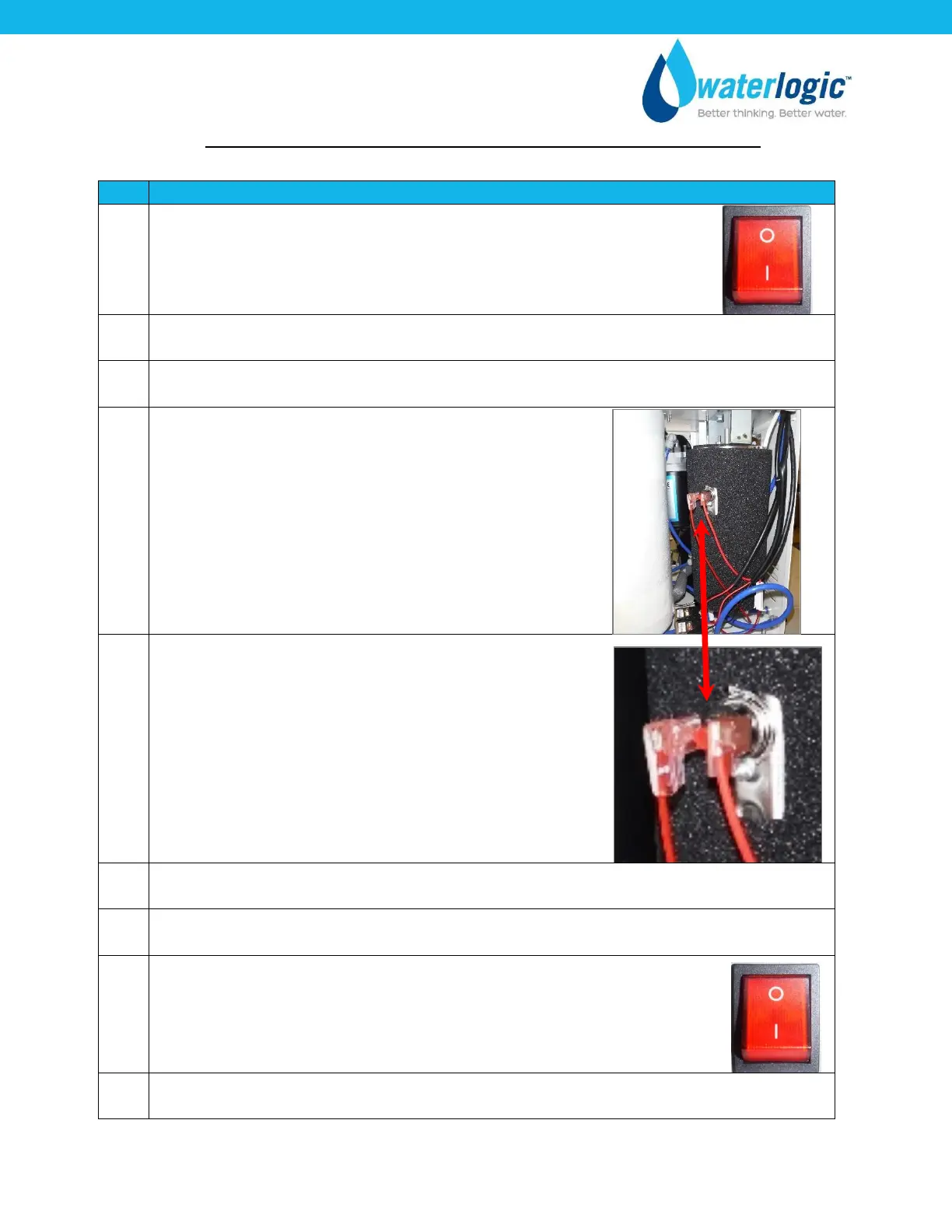
Red Compressor/Heater Switch must be in the O=OFF position
2.
Unplug the Power Cord from rear of WL2FLT Water Treatment System.
3.
Remove the Side Panel by removing the Front Hatch and Side Panels.
4.
Locate the Hot Tank
5.
Press the Reset Button
6.
Replace the Lower Front Panel.
7.
Plug in the Power Cord.
8.
Turn on the Red Compressor / Heater Switch I=ON position
The Hot and Cold Tanks must be filled with water BEFORE turning on
the Red Heater and Compressor Switch.
9.
Verify the cooler is fully operational before installing it at the customers’ site.

Other manuals for WaterLogic WL2FLT

Related product manuals