WL2FLT Manual Page 11 – Revision 10-26-2021
OPERATING INSTRUCTIONS
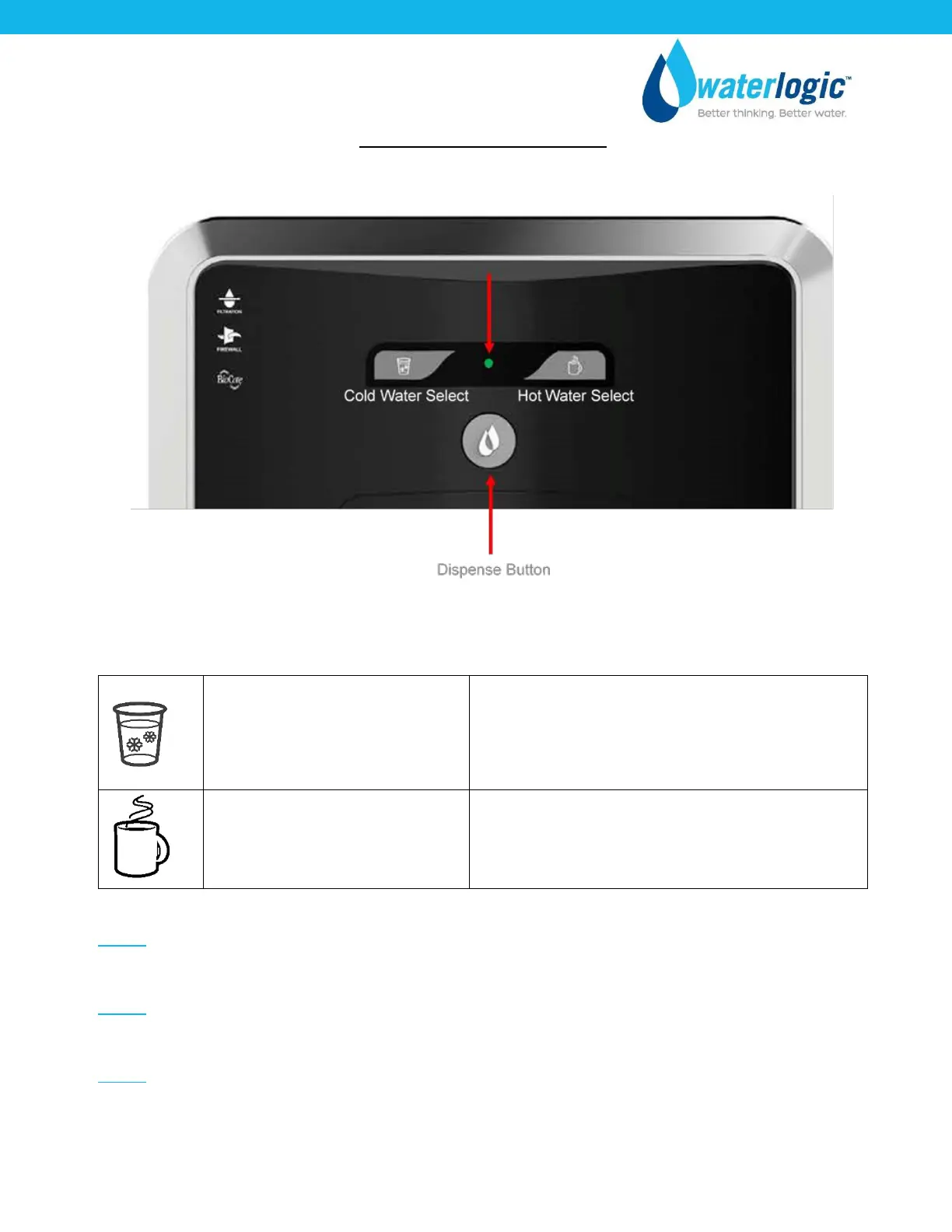
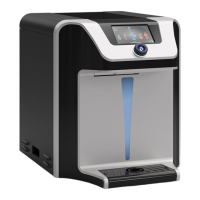
The above picture shows front LCD display and control panel for the Waterlogic WL2FLT Water
Treatment System.
Press Cold Water Select Button followed by the
Dispense Button (within 3 seconds) or;
Press Dispense Button (Cold Water is the default
water selection).
Double tap and hold the Hot Water Select Button
(Press, release, press and hold).
NOTE: Default selection mode is Cold Water. Selection will return to default after 3 seconds of
inactivity.
NOTE: Selection indication light will turn Red when the Hot Water Select Button is pressed and will
switch back to the default Cold within 3 seconds after dispensing the Hot Water.
NOTE: The indicator light turns Orange when the heater is active and will return to green once the
hot set point is reached.



 To Next Page