WL2FLT Manual Page 19 – Revision 10-26-2021
ADJUSTING COLD SET POINT
Cold Water Temperature – Factory Set Point is 41°F (5°C) and can be adjusted to 34°F - 54°F (1.1°C to
12.2°C)
The cold set point can be adjusted by accessing the cold
thermostat adjustment screw under the decal at the rear of the
unit.
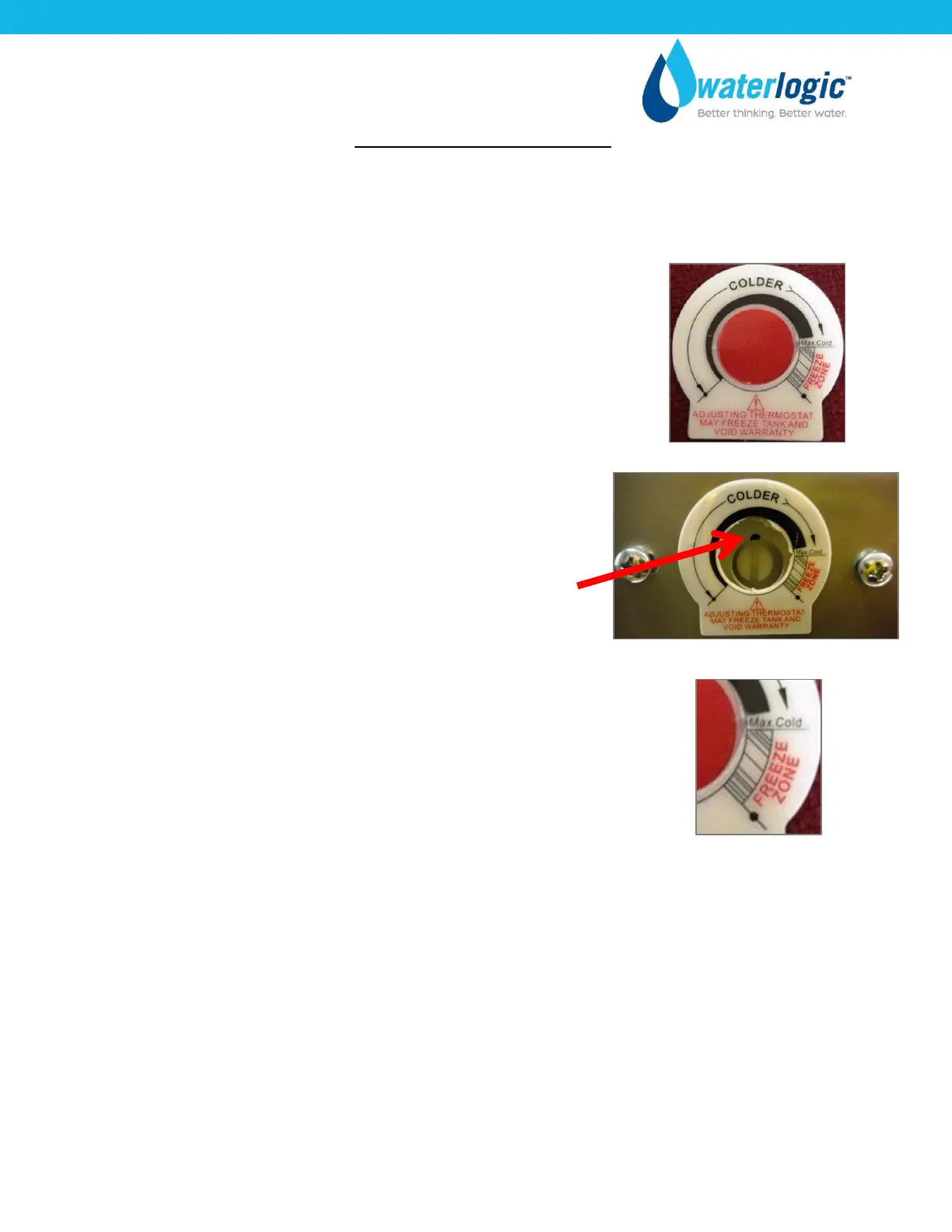
Remove the red portion of the Cold Tank Temperature label to
access the adjustment screw.
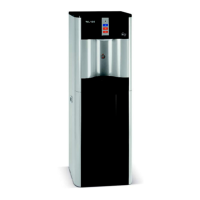
The factory set point is ~41°F and is indicated by the dot on
sheet metal.
Turning the adjustment screw clockwise to lower the set point
temperature.
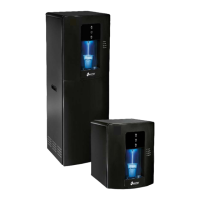
Do not adjust past the “Max Cold” position at 3:00 position to
avoid freezing the cold tank.
Turning the adjustment screw counter-clockwise to raise the set
point temperature.



 To Next Page