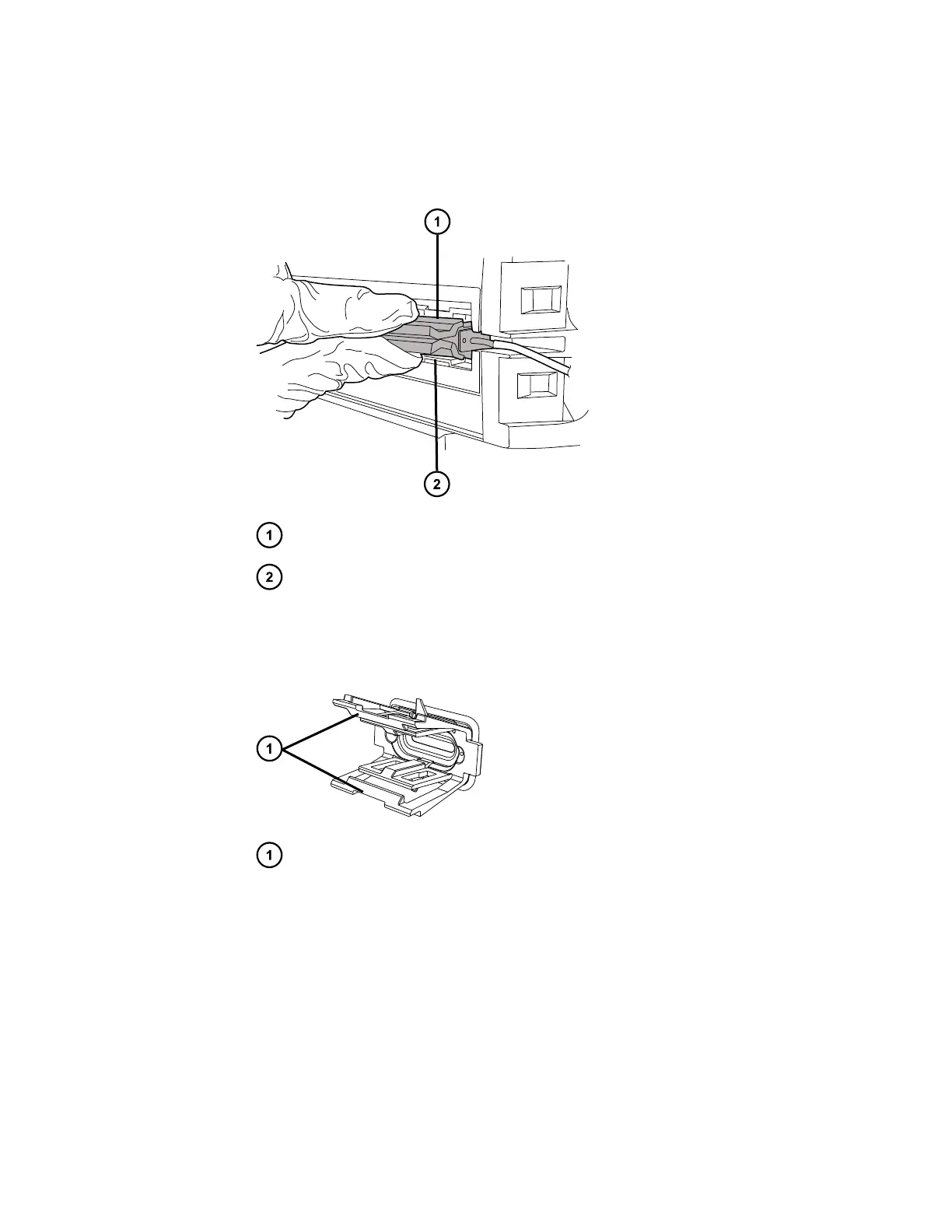
8. Remove the APH assembly and retainer, as follows:
a. Remove the APH assembly from the retainer in the column compartment.
Figure 2–5: Removing the APH assembly
APH assembly
APH retainer clip
b. Using the needle-nose pliers, gently compress the top and bottom sides of the APH
retainer and withdraw it from the control port.
Figure 2–6: Removing the APH retainer
Gently compress the retainer at these locations to remove it from the control
port
9. Remove any tubing routed behind the column compartment door.
10. If fitted, optionally detach the leak-sensor connector from the front of the sample manager.
Important: For column-compartment leak detection when the CH-A is installed with the
MS-bracket kit, you must install a leak sensor in the column-heater housing's MS-bracket
drip tray and insert the leak-sensor connector into the receptacle on the rear of the column
heater. If desired, you can operate the system with leak detection enabled in both the
sample manager's upper leak tray and the column-heater housing's MS-bracket drip tray.
December 4, 2019, 715005052 Version 02 (previously released as Rev.B)
Page 24



 To Next Page