Wavecom Instruments Fully Integrated Test N Print Unit - User Manual
25
Depending on the RCD, the RCD type needs to be selected from the options menu. These options change the pass / fail values
when performing RCD tests. Please make sure that you have the correct RCD type selected. The RCD types are:
Type I: Has a trip time of < 40mS and a trip current of < 10mA. These types of RCD's are mainly used on sites containing medical
equipment. These types of RCD's must be compliant with AS3551. (please refer to this AS3551 standard if unsure)
Type II: Has a trip time of < 300mS and a trip current of < 30mA. Unless specified on the RCD device nearly all RCD will be this
type. This is the default setting on all new units.
RCD Timed Test (continued):
Press the F1 key to select the 0-degree test and the F2 key to select the 180-degree test.
Use the F1/F2 keys to scroll through the multipliers X0.5 X1.0 X5.0 of the set current.
Maximum output current = 500mA. I.E if set test current were 100mA then 100 X 5.0 =500mA.
If set test current = 200mA then maximum output 5 x 200mA =1A is out of range. Unit will not deliver this output current and
display on Screen “OUT of RANGE”.
Press F3 to start test. TnP will display results for 5 seconds after mains supply is tripped. If the power is not reset by the time
the unit loses power, then the result will be displayed on power on.
Caution: Pressing F3 at this point will cause tripping if RCD fitted to circuit
RAMP CURRENT TEST. This testing principal is designed to trip RCD devices using a ramping up current value, to determine
the trip current of the RCD device. This useful test allows the user to determine circuit leakage load/pre-loading of RCD
circuit. This can assist in determining nuisance tripping issues (RCD is too sensitive) or determining RCD performance if
suspected faulty or inconsistent in performance. The TnP has a nominal leakage current of 2mA, which should be added to
the result of test. E.g. if RCD tripped at 22mA + 2mA(TnT RCD)=24mA trip current.
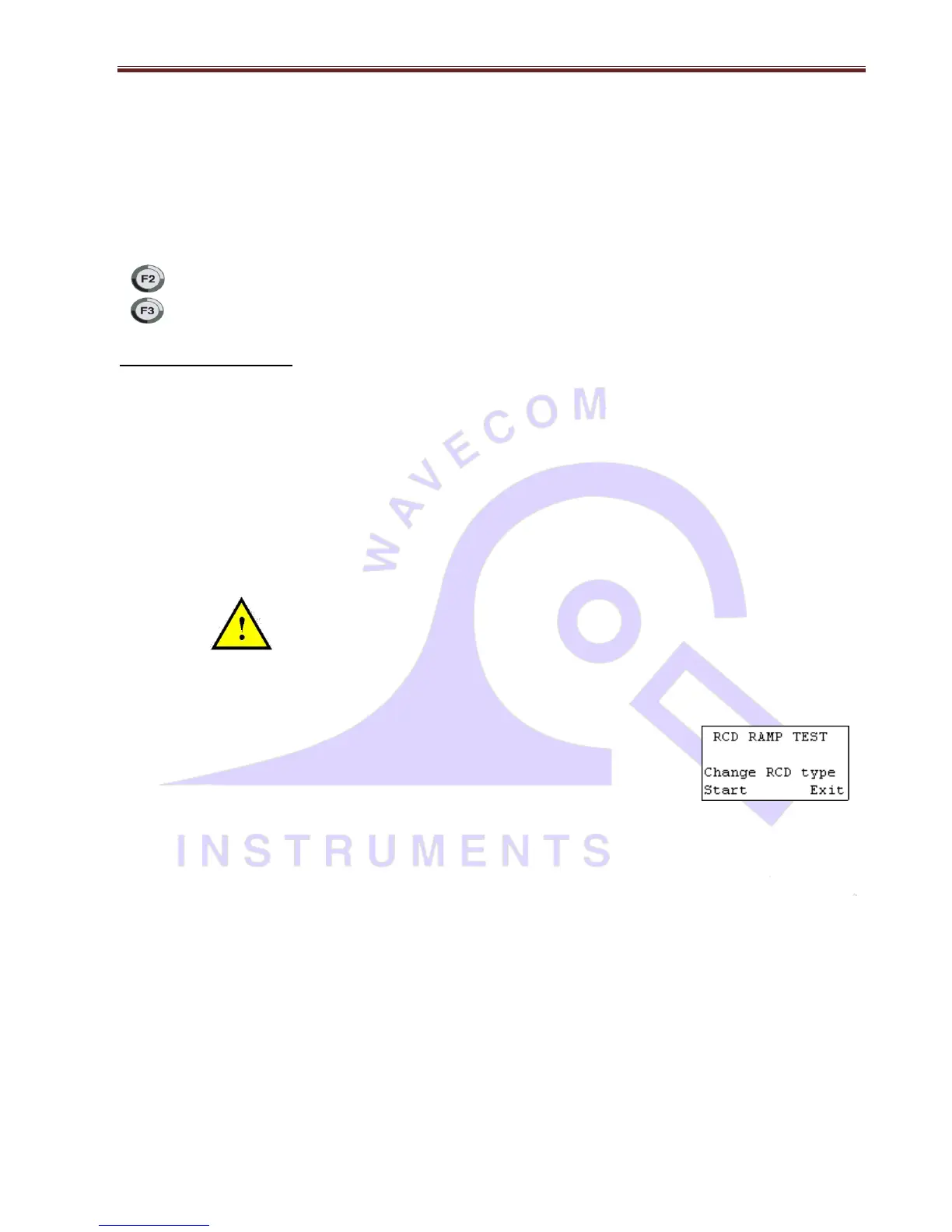
RCD Trip Current. Press F2 to show the Trip current screen.
Caution: Pressing F3 at the RCD ramp test screen will cause tripping if RCD fitted to circuit. F2 can be pressed to change the
RCD type at this point. See "Changing the RCD type" for details.
The Trip Current Test will ramp the mA current up until the RCD breaker trips. Current range 2.55 - 500mA. This test can go
for up to 10 sec to scroll through full range if RCD faulty or not fitted. Repeated testing in this mode will cause heating of TnP.
Should over heating occur the internal temperature sensor will cause display to indicate “over temp allow to cool” This requires
the TnP device to be best left unplugged for several minutes allowing unit to cool.
[All TnP Models except TnPB series] TnP will display results for 5 seconds after mains supply is tripped, using small internal
300mAh battery. If the power is not reset by the time unit loses power, then the result will be displayed when power is back
on. Once power is back on by resetting the RCD, option to continue (Enter) or re-test (F3) will come on the tester. Pressing
enter / continue, Tag will be printed.
In TnP 500 Battery series, even after RCD trips, tester runs from battery and lets user print the Tag. In case of Portable RCD,
mains power stays on and user can perform any number of PRCD as User desires. For testing main boards / fixed / wall RCD,
once RCD trips off and cuts power to the unit, user can still print the tag and do other required things on battery backup. To
re-test the RCD, user have to re-set the RCD to provide mains power back to unit.


 To Next Page