Wavecom Instruments Fully Integrated Test N Print Unit - User Manual
24
Press F1 to select the time test.
Trip Time Testing: This principal is designed to trip RCD devices at a fixed current and to determine the trip time of the RCD
device.
This function is factory set to 30mA for fast testing the user can set the current to X0.5, X1.0, X 5 using the RCD Multiplier.
I.E. (30mA X 0.5 =15mA)
(30mA X 1.0 = 30mA (this also is effective on any set test current of the RCD tester from 5mA to max) 500mA
output.)
30mA X 5.0 = 150mAThese tests should result in no-trip, trip & fast trip times respectively.
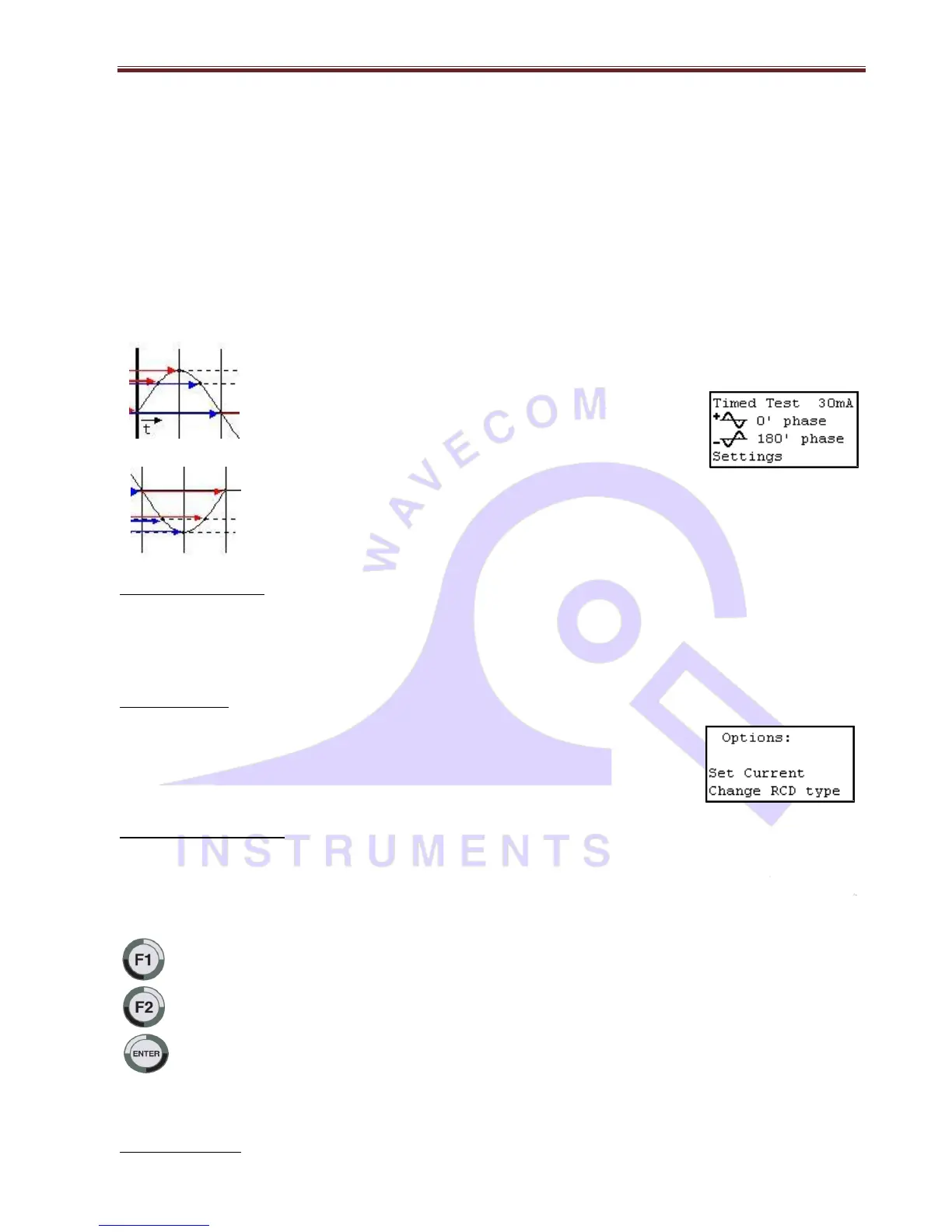
This is the positive half of the mains supply cycle. (50HZ Aust/NZ). Press F1 – The preset mA test current
will then be used in the following test and begin the trip test from the positive half of the sine wave.
This is the negative half of the mains cycle, (50HZ Aus/NZ). Press F2 - The preset mA test will then be
used in the following test and begin the trip test in the negative half of the sine wave.
Performing a Time Test:
The displayed trip time is in milliseconds. This is the time taken for the RCD device to trip once the injected fault current has
been applied. The TnT RCD injects a true fault current value using a real-time compensation calculation of the actual voltage
at the time of test hence delivering a true and accurate trip current.
RCD Test Options:
F3 – Change to select tested: This allows the user to set the trip current level, 5mA to 500mA.
The RCD type can also be select here depending whether the unit is a type I or type II. See the
next section for explanation. From the options menu, press F2 to change the current level and F3
to change the RCD type.
Adjusting the current level:
The TnP displays and maintains the last, set trip current value.
If the user wishes to change the value of the trip current the following steps enable the changes
Press and release F2 from the options section to display test current.
Up - This button raises the trip current in 1mA increments to 500mA. Hold the button and the value will scroll faster
the longer it is pressed. Once 500mA limit is reached the value will then loop over and start again from 0mA
Down - This button decreases the trip current in 5mA increments. Hold the button and the value will scroll faster
the longer it is pressed. Once 0mA limit is reached the value will then loop over and start again from 500mA.
Set - This button sets the selected current for the next trip time test. The TnT RCD will then return to the current trip
time test screen.


 To Next Page