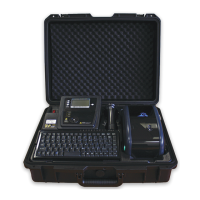
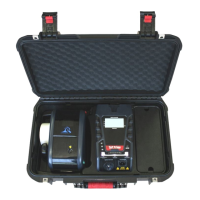
Wavecom Instruments Fully Integrated Test N Print Unit - User Manual
47
WinPATS Professional Asset Management Software
A Full Version of WinPATS Software is included with models TnP-500 (10A) & TnP-500X (20A).
WinPATS must be installed on a Laptop or PC from the Autorun menu on the CD provided.
The USB-USB Driver supplied on the CD must also be installed!
*Brief Installation steps.
Firstly, make sure you have registered WinPATS and have the correct REGISTRATION KEY
Install WinPATS
Install USB-USB Driver
Locate Interface panel under Keyboard, USB PC socket R/H side
Connect from USB Port on TnP-500(X) to Laptop or PC – USB
Check Device Manual for Comms Port Setting. See full WinPATS Manual for full details.
Go to file option in WinPATS set Comm Port to same as the Silabs Driver Comm Port setting for
communication to PC / Laptop.
You now have the ability to upload / download data to & from the Test n Print 500(X) Unit.
*NOTE: Please familiarise yourself with, and refer to the WinPATS manual for full details.
WINPATS can be downloaded from our website
https://www.wavecom.com.au/wcm_software_trails.php


 To Next Page