Wavecom Instruments Fully Integrated Test N Print Unit - User Manual
48
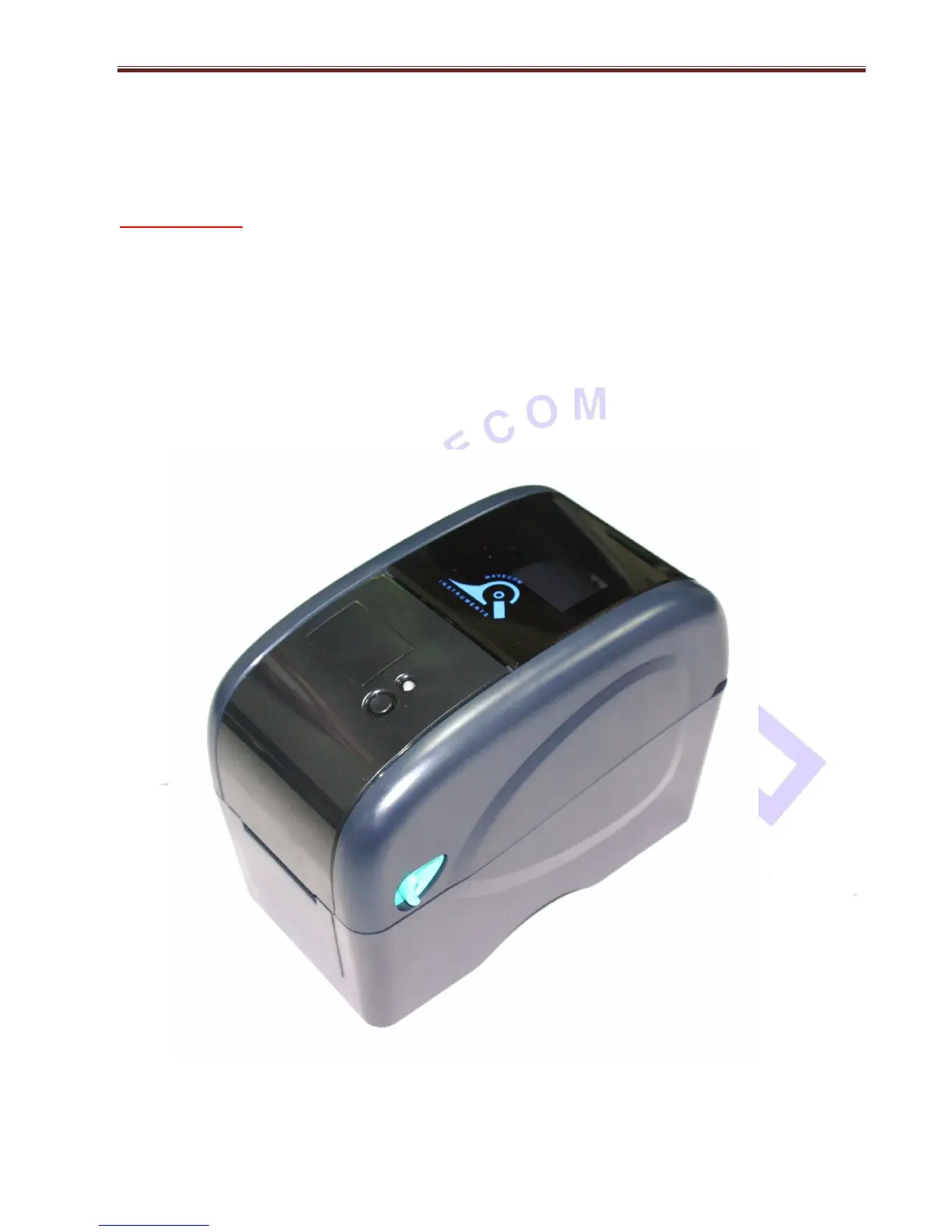
WAVECOM TT040-50 Thermal Transfer
BARCODE Printer
Please Note: there is a master POWER SWITCH at the rear r/h side of the printer. This should be
left ON under all normal operation conditions.
Full instructions on the operation of the BARCODE printer can be found in the Owner’s Manual located
on the Main Software and Drivers CD supplied with the TnP-500 series unit.
Insert the disc into any PC, then from the Auto Run Menu select the tab for the Printer Manual. On this
disc is information and operating instructions for the BARCODE printer, including steps with images on
how to change the printer Media, Ribbon and general maintenance tips.
The user may either read this manual directly from the CD, or print a hard-copy for reference.


 To Next Page