4) Configure:
Target Microcontroller: MB90F583B/C/CA
Crystal Frequency: 16 MHz
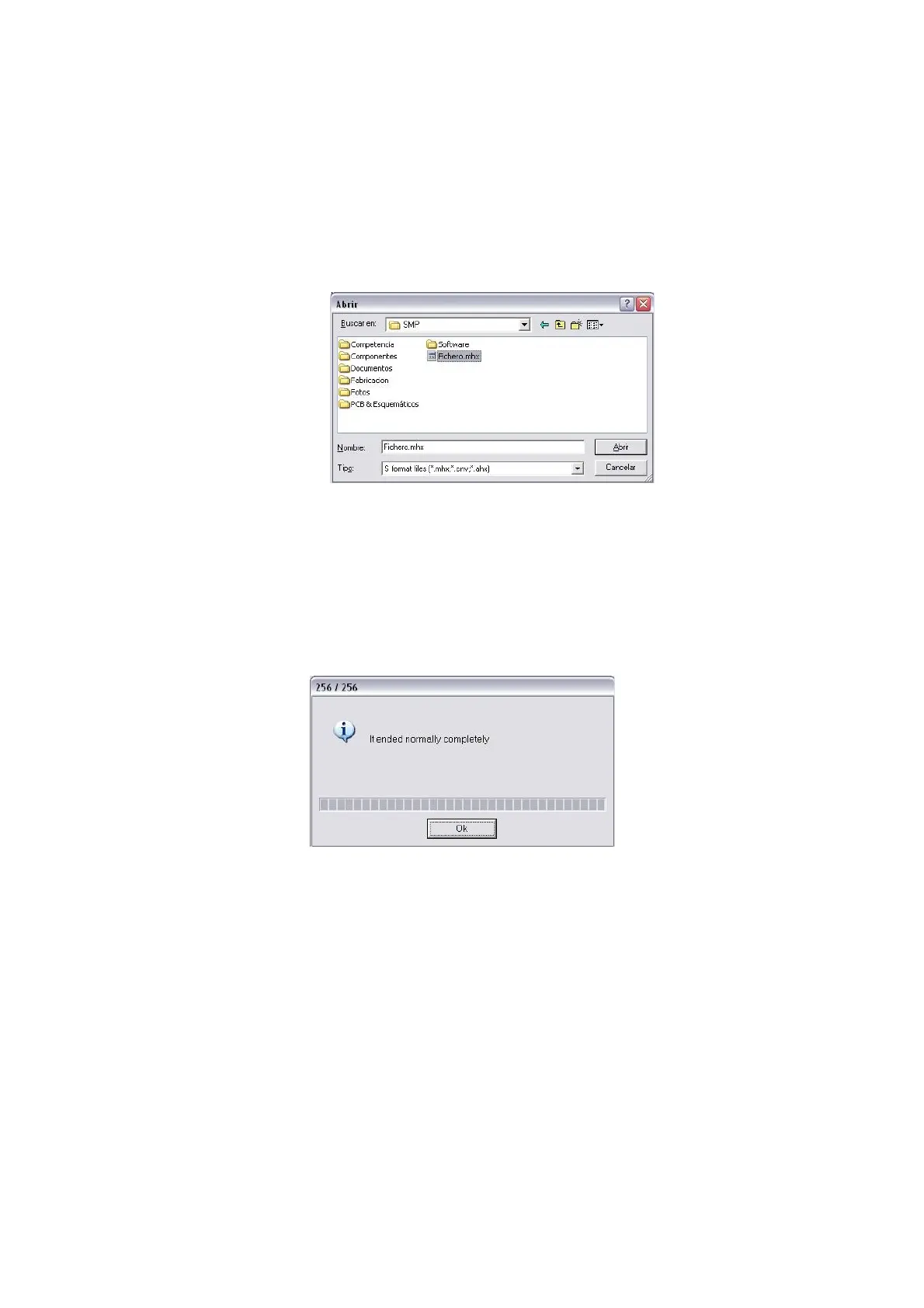
5) Select the file (Hex File) with the firmware update. Wavecontrol will provide you with
this file. Click on Open and find the file, which have the extension ‘.mhx’.
6) Start the update by clicking on the Full Operation(D+E+B+P) button.
7) If the program displays the following message: “Please reset the microcontroller on
userboard. Then push OK button”, just click on Accept.
8) When the update is complete, the program will display the following message. Click on
OK.
9) To end, switch off the SMP, disconnect the USB cable and switch the apparatus on
again. The new firmware has been installed. To verify installation, check the firmware
version number shown on the screen immediately after the device is switched on.
- 27 -



 To Next Page