CHAPTER 1 INSTALLING THE SMARTSENSOR MATRIX 19
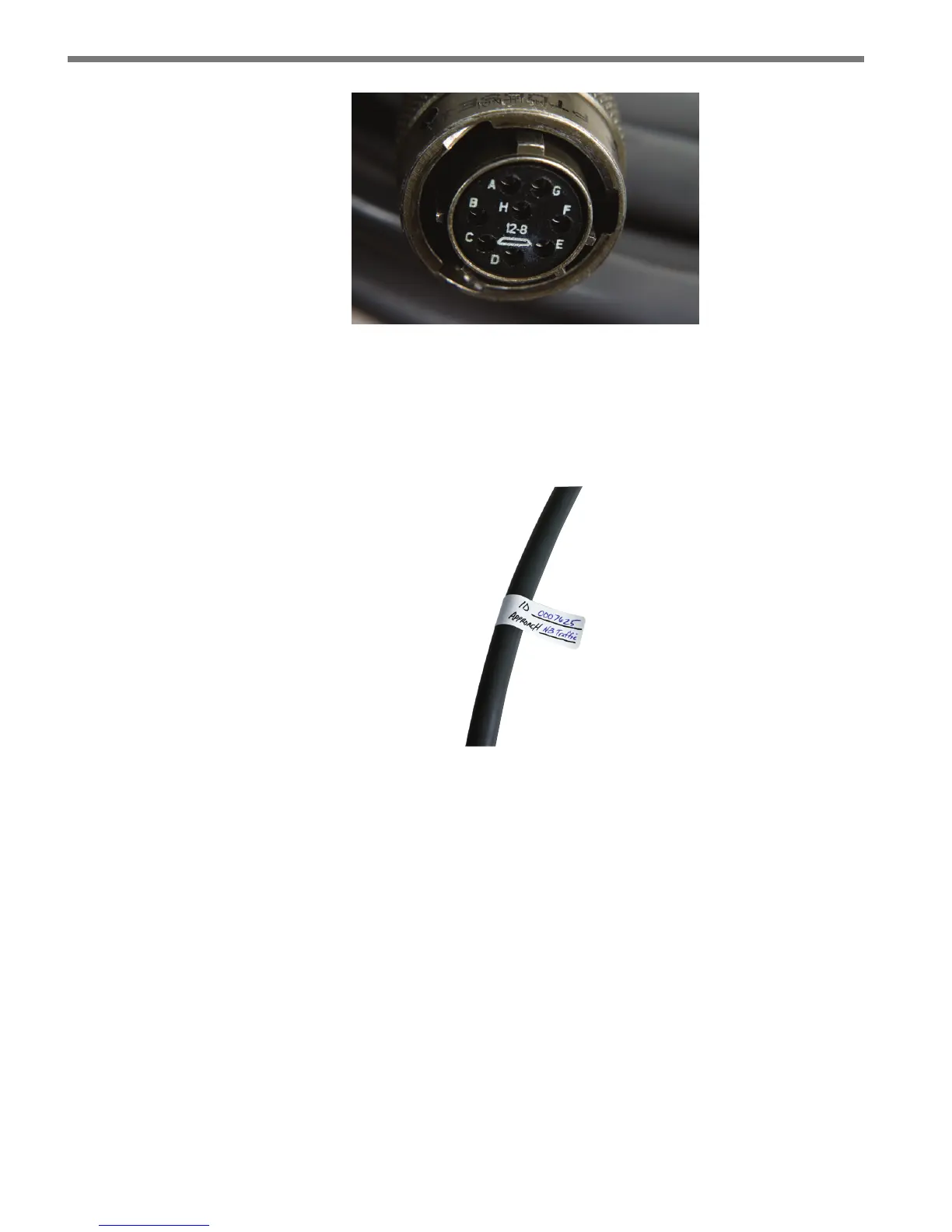
Figure 1.6 – Sensor 6-conductor Cable Connector
To set up your network in an orderly fashion, it is recommended that labeling be used
on the service end of each SmartSensor 6-conductor cable. A convenient way to label the
cables is to mark the last seven digits of the serial number on each sensor and the direction
of trac monitored (see Figure 1.7).
Figure 1.7 – Service End Labeling
Grounding the Sensor
e SmartSensor Matrix must now be grounded:
1 Connect a grounding wire to the grounding lug on the bottom of the sensor (see Figure
1.5).
2 Connect the other end of the grounding wire to the earth ground for the pole that the
sensor is mounted on. Do not attempt to run the grounding wire back to the main
trac cabinet.



 To Next Page