In this chapter
Using the Click 112/114 DIP Switches
Using the Click 104 Rotary Switch
Attaching and Programming the Click 112/114
Attaching and Programming the Click 104
Channel Mapping
3
Each SmartSensor Matrix communicates with standard trac cabinets using either the
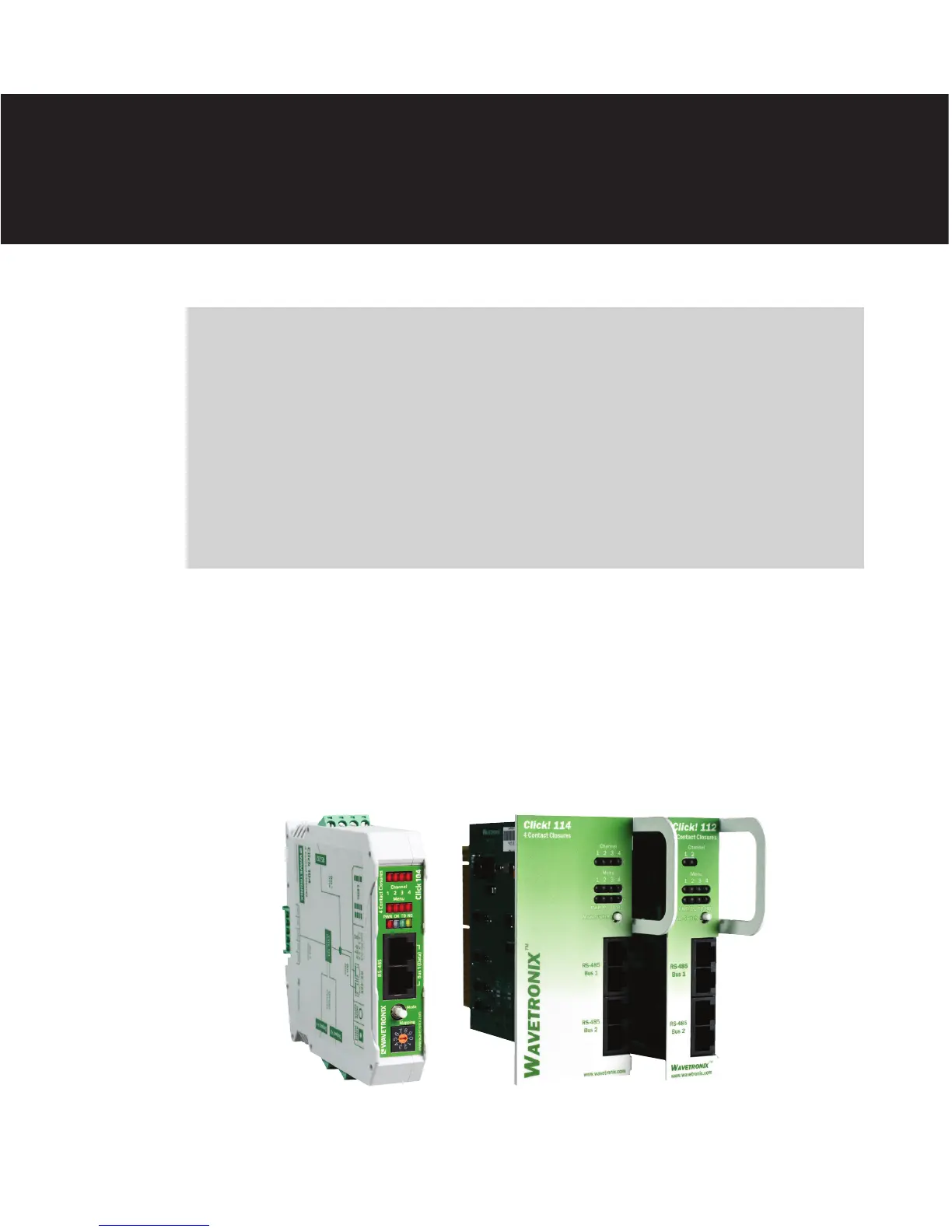
Click 104 DIN rail contact closure module or the Click 112/114 detector rack cards (see
Figure 3.1). During real-time operations, up to four channels from each sensor can be sig-
naled to a Click 114 or Click 104 (or to a pair of Click 112 cards daisy-chained together).
Figure 3.1 – Click 104 (left) and Click 112/114 Rack Cards (right)
Contact Closure Communication 3



 To Next Page