68 CHAPTER 7 LANES & STOP BARS
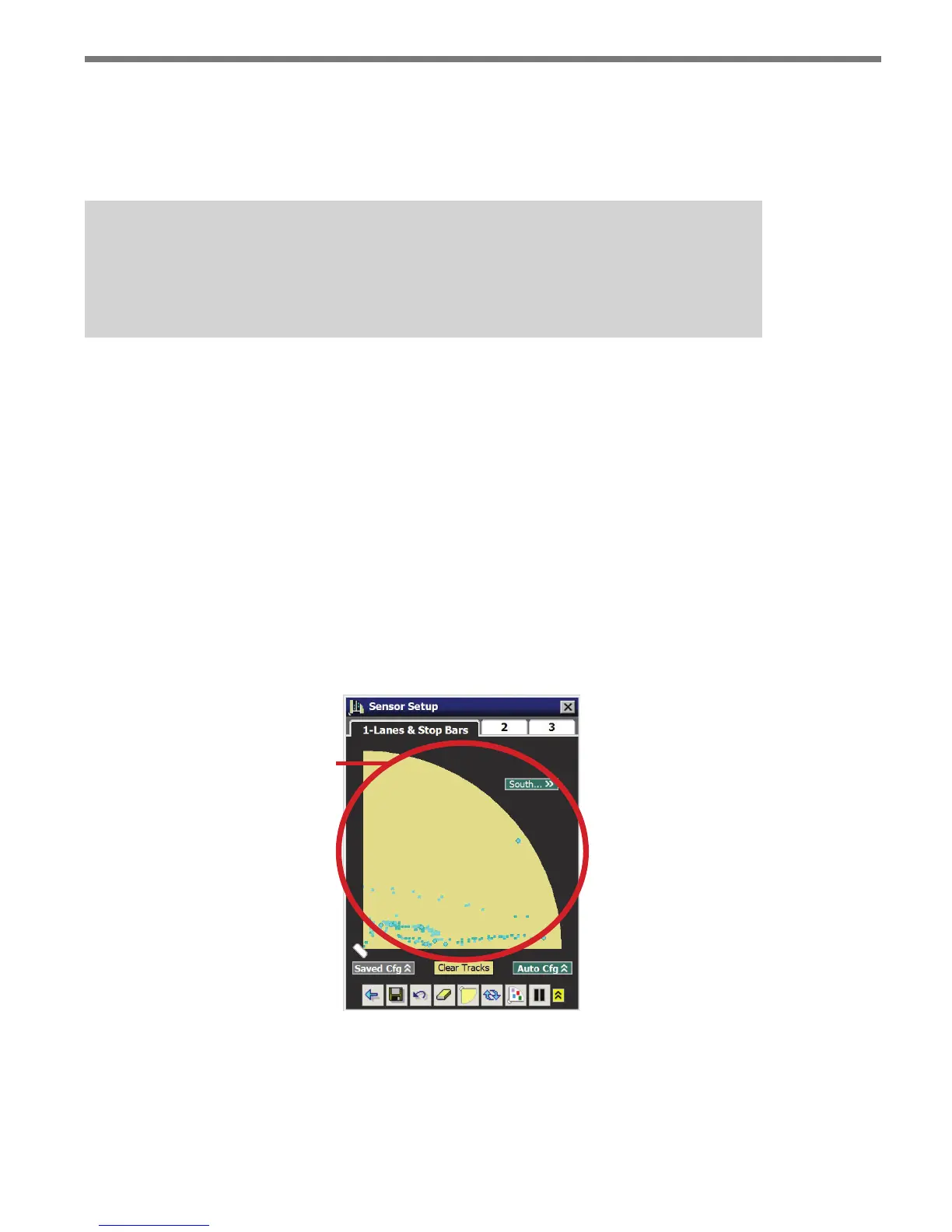
Vehicle detections are represented by tracks (a series of dots) along the sensor’s view. e
vehicle tracks show where the sensor is detecting trac and will later help you congure
lanes. Vehicle track history can be cleared from the screen by clicking the Clear Tracks but-
ton below the sensor view.
Note
Vehicle tracks are not constrained to lanes, even after you have saved a lane configu-
ration to the sensor.
Display Options
e Lanes & Stop Bar tab has the following display options:
Edit Area
Edit Area with Saved Conguration Overlay
Edit Area with Automatic Conguration Overlay
Edit Area
e edit area is where manual changes to the sensor’s conguration are made (see Figure
7.2). e changes you make in the edit area will only be saved if you click on the Save Con-
g button or click on another tab.
Edit Area
Figure 7.2 – Edit Area
You can copy elements from the saved and automatic conguration, which will be described
later.



 To Next Page