In this chapter
Display Options
Menu Bar
Automatic Configuration
Manual Configuration
7
Aer Sensor Settings, the next option available from the main menu is Sensor Setup. When
you click this option, the rst screen that appears is Lanes & Stop Bars.
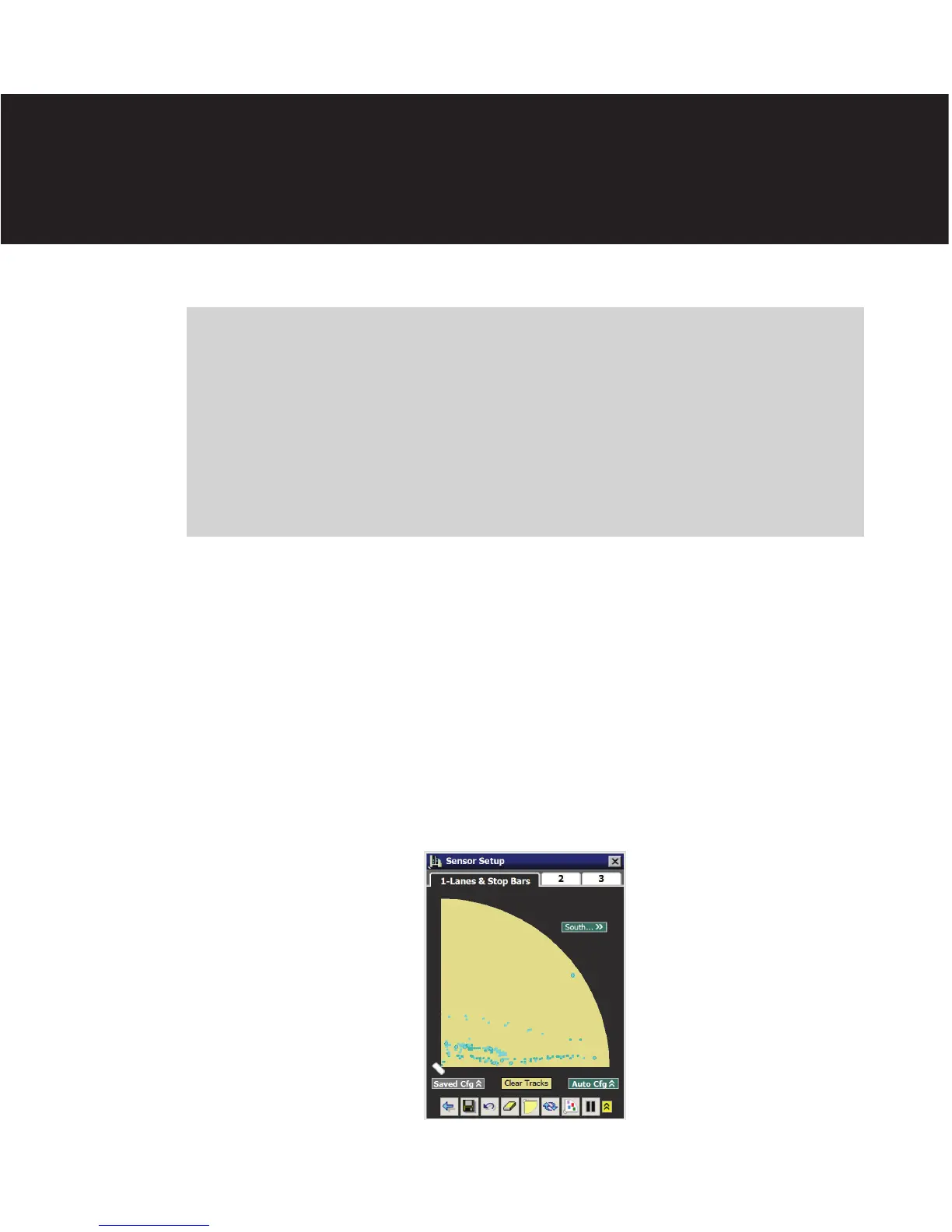
e Lanes & Stop Bars screen shows the sensor’s 140-. (42.7-m), 90° degree view and
provides automatic and manual controls to quickly and easily congure the sensor to the
roadway. e sensor’s view has the appearance of a baseball ineld with the sensor icon
shown at the position where home plate would be (see Figure 7.1).
Figure 7.1 – Lanes & Stop Bars Tab
Lanes & Stop Bars 7



 To Next Page