In this chapter
Menu Bar
Placing Zones
Measuring Zones
8
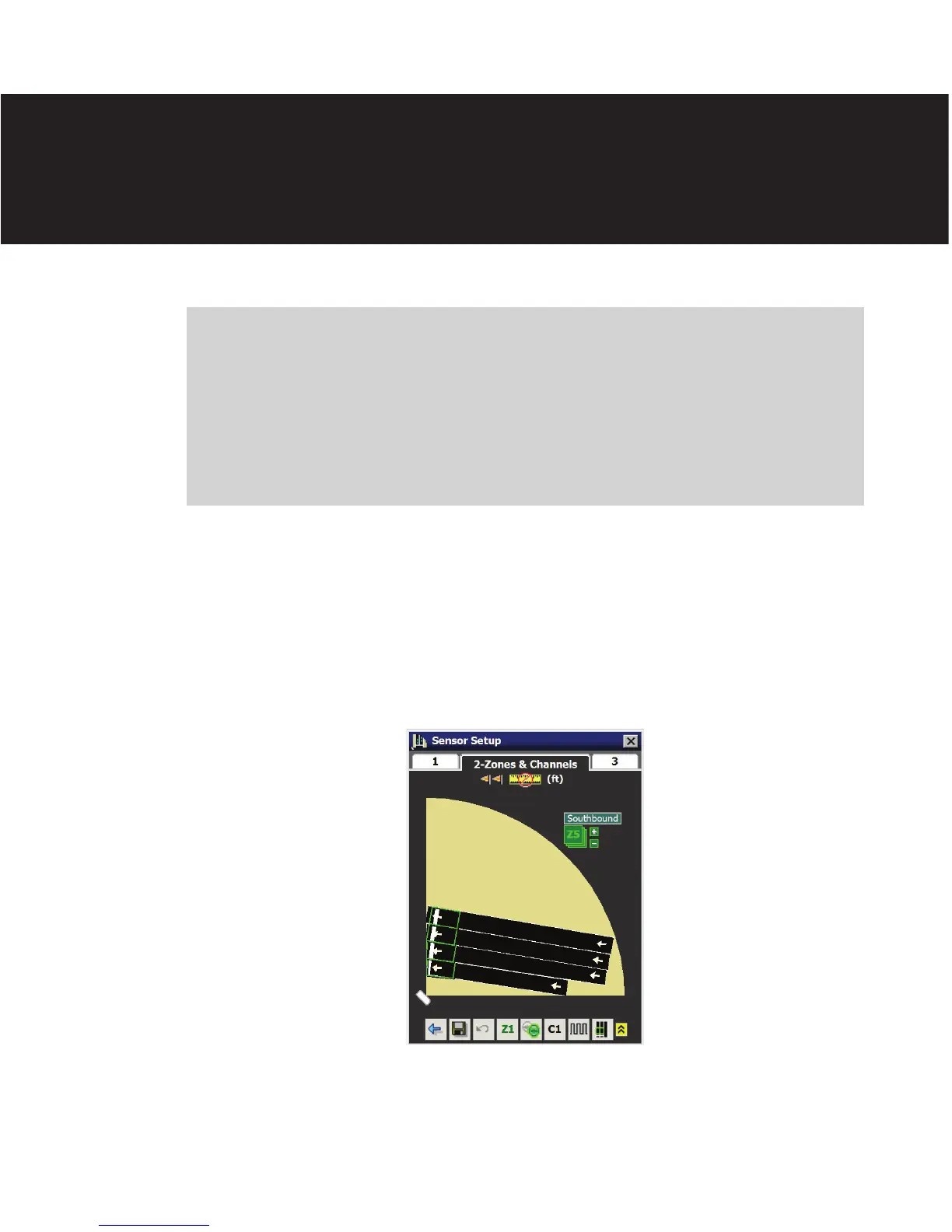
Aer you have congured the lanes and stop bars, click on tab 2 to congure the zones and
channels. e Zones & Channels screen allows you to place zones and congure detection
channels (see Figure 8.1).
Figure 8.1 – Zones & Channels Tab
Each Matrix sensor supports up to 16 zones and 16 channels. If unused, the 16 zones are
stacked outside the sensor view and labeled Z1–Z16.
Zones & Channels 8



 To Next Page