78 CHAPTER 7 LANES & STOP BARS
Adjusting the Width of a Lane Node
Adjusting the width of a lane node will adjust the width of the lane.
1 Select a lane in the edit area.
2 Click on the selected lane and then click again on the node that will be adjusted and the
Edit Node window will appear.
3 Change the width (in feet) of the node, by clicking the Width up/down buttons or enter
the desired node width in the Width eld. Adjusting the node width will impact detec-
tion search area for that lane.
Changing the Lane Arrows
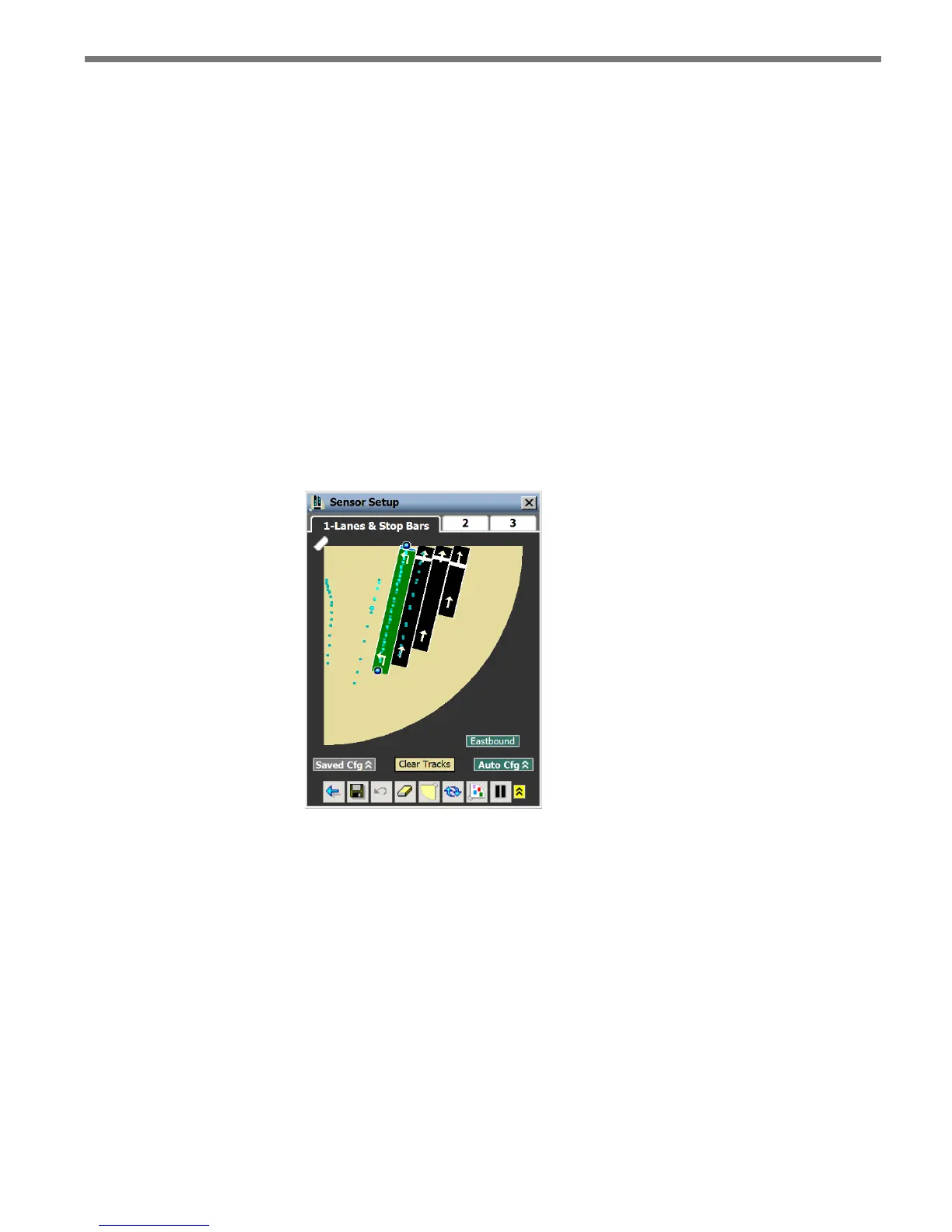
You can change the arrows on the lanes to represent exactly what is present at the intersection.
1 Select a lane in the edit area.
2 Click on the arrow in the lane to toggle through the dierent arrow options (see Figure
7.19).
Figure 7.19 – Changing Lane Arrows



 To Next Page