CHAPTER 7 LANES & STOP BARS 77
To delete a lane node:
1 Select a lane in the edit area.
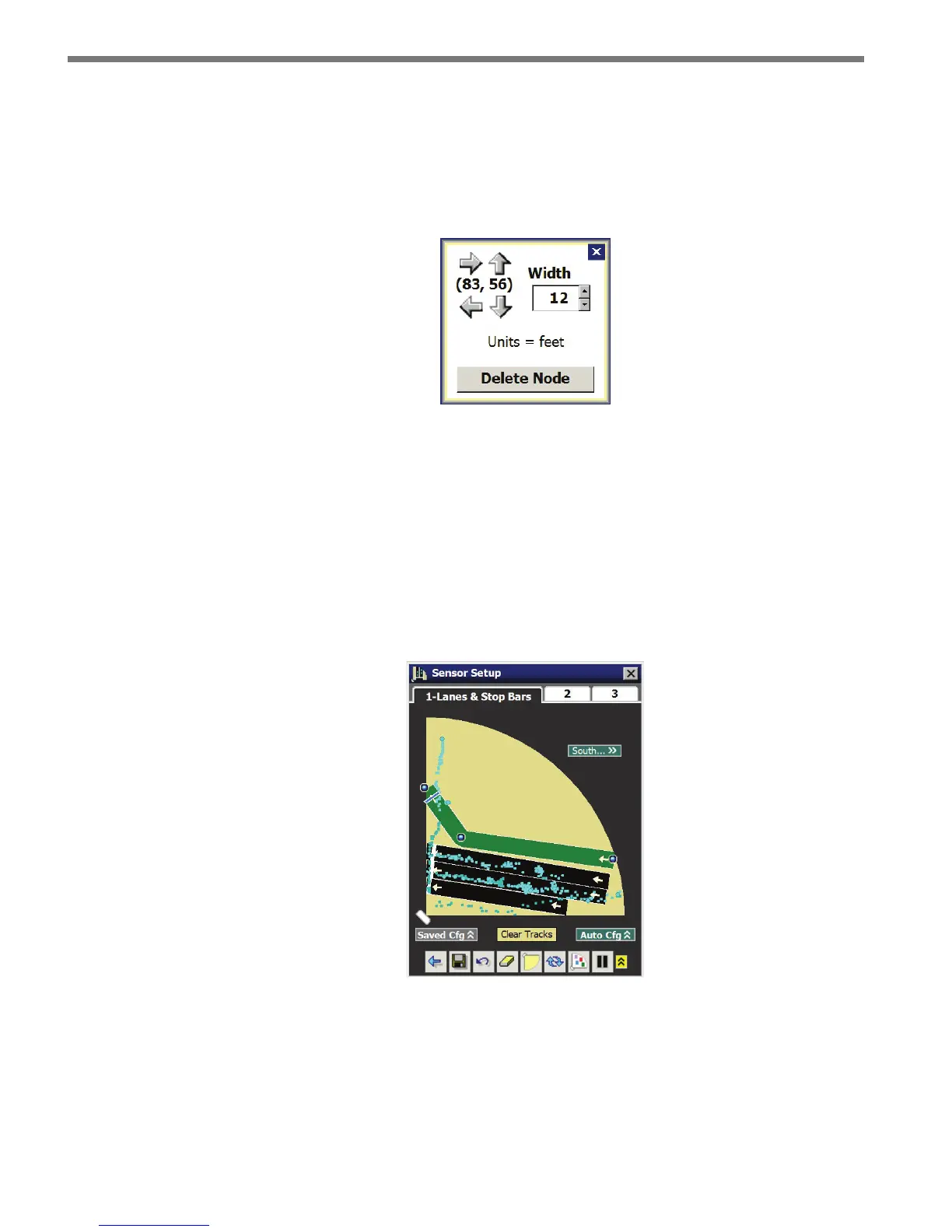
2 Click on the selected lane in the vicinity of the desired node to bring up the Node Ad-
justment window (see Figure 7.17).
3 Click on the Delete Node option.
Figure 7.17 – Node Adjustment Window
Moving a Lane Node
1 Select a lane in the edit area.
2 Click and drag the lane node to the desired location (see Figure 7.18). Additionally, you
can click on the selected lane in the vicinity of the desired node to bring up the Node
Adjustment window (see Figure 7.17). e numbered pair (x,y) between the arrows
indicates the distance within the sensor’s view. Click on the arrows to move the node
in the desired direction.
Figure 7.18 – Moving a Lane Node
Adjacent lane nodes can be placed to follow the curve of a lane. However, the lane curve
cannot exceed 45°. While you will be able to move the node anywhere on the screen, when
you try to save, a message will appear notifying you that the lane conguration is invalid if
the allowable limits are exceeded.



 To Next Page