22 CHAPTER 2 CONNECTING POWER AND SURGE PROTECTION
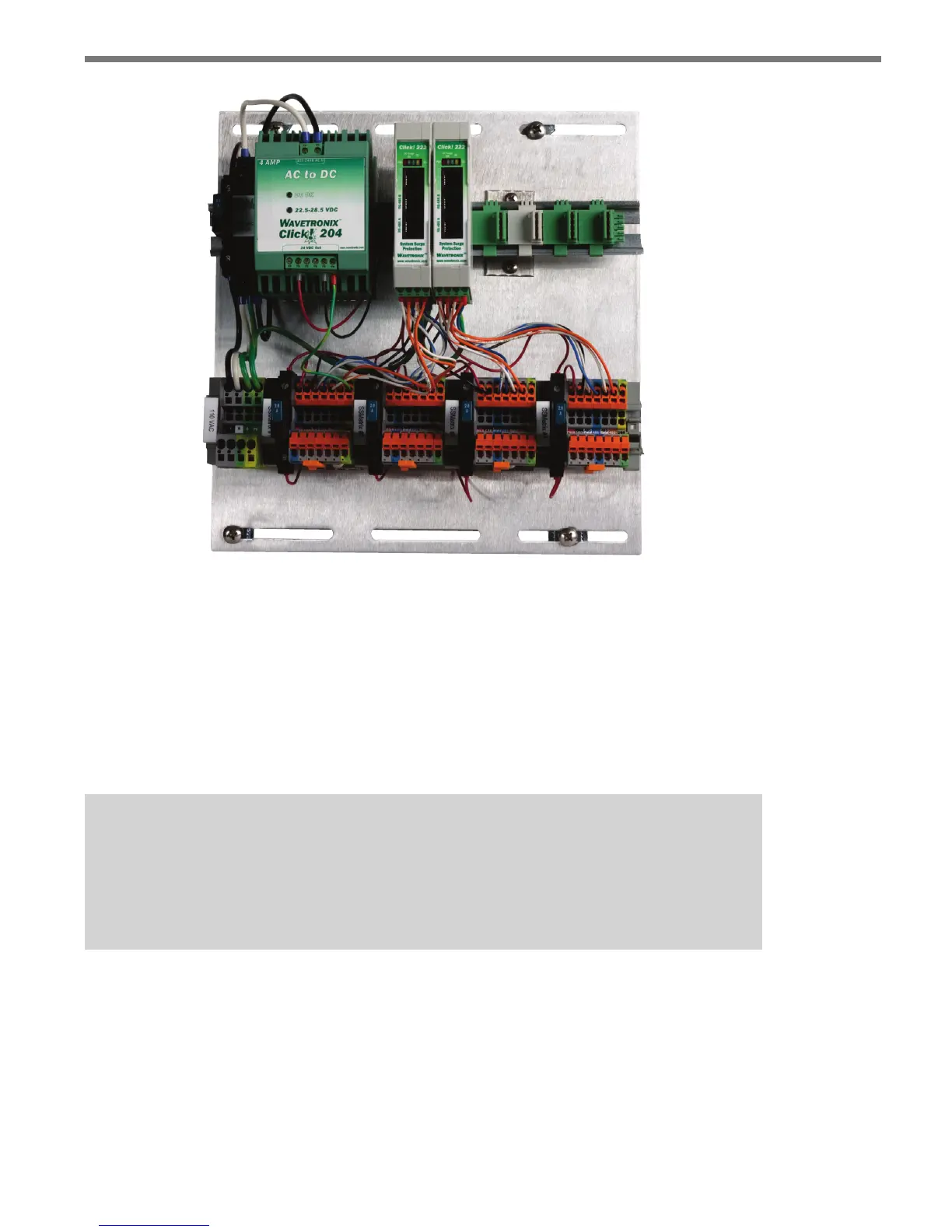
Figure 2.1 – Intersection Preassembled Backplate
Mounting the Backplate
Use the following steps to mount the backplate in the trac cabinet:
1 Locate the area planned for mounting the backplate. e backplate can usually be
mounted on the side panel of a NEMA-style cabinet.
2 Attach the backplate with the U-channel mounting screws.
Note
If you have a 330 series (170/2070 style cabinet) with a 19-inch EIA rack, please con-
tact Wavetronix Technical Services for assistance. Wavetronix can provide modified
backplates that attach to a 19-inch rack.
Connecting AC Power
Since SmartSensor Matrix operates on 10–28 VDC, the standard preassembled backplates
provide an AC power conversion option. e backplate includes an AC to DC power con-
verter, power surge and circuit breaker.



 To Next Page