CHAPTER 7 LANES & STOP BARS 71
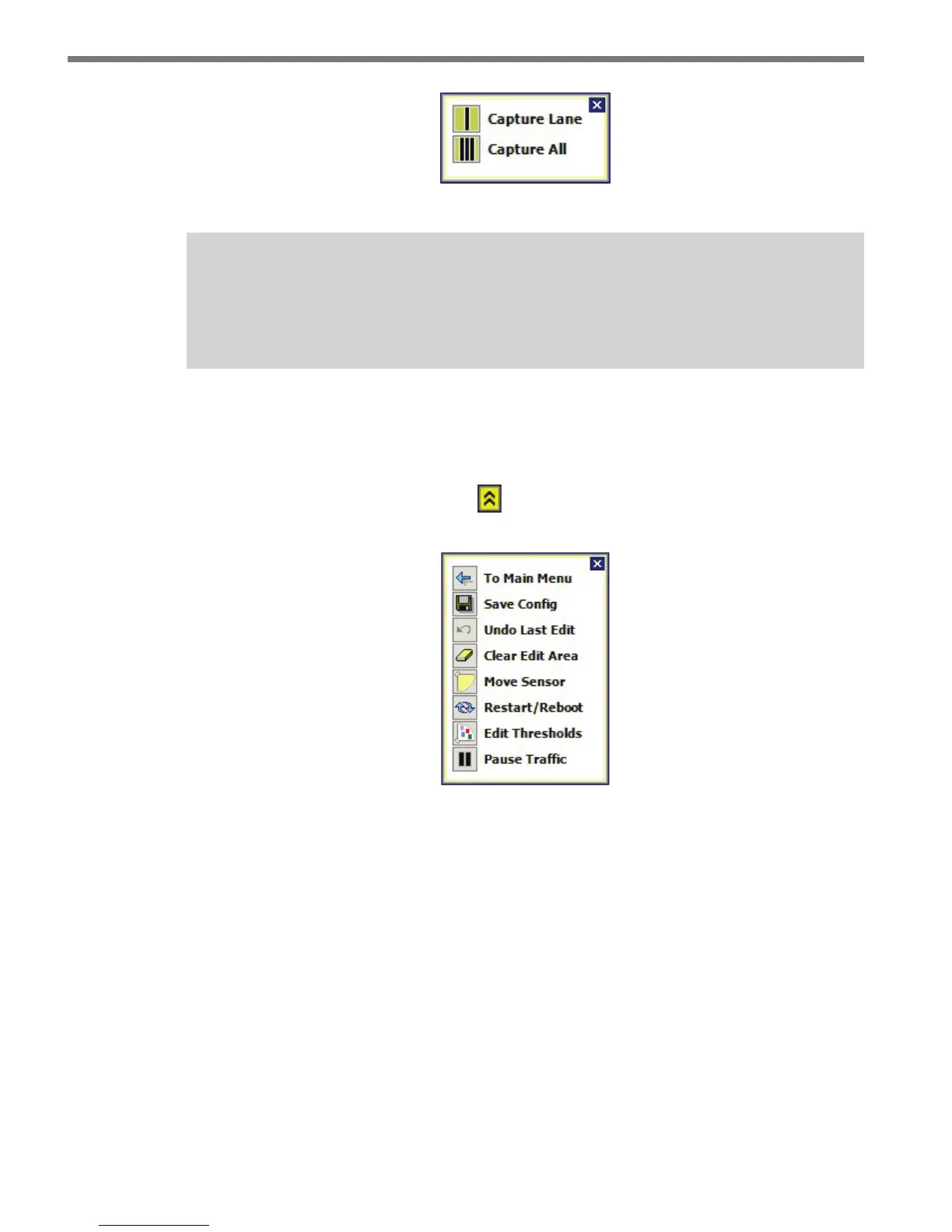
Figure 7.6 – Capture Window
Note
If a stop bar is found for a lane during the auto-configuration process, it will be cap-
tured with the lane.
Menu Bar
e menu bar at the bottom of the screen allows you to perform a variety of operations
during sensor conguration. Click the
button at the right side of the menu bar to open
a window that shows descriptions for the various menu icons (see Figure 7.7).
Figure 7.7 – Sensor Setup Menu Window
e Menu Bar contains the following options:
To Main Menu – Returns you to the main menu.
Save Config – Saves the lanes and stop bars to the sensor.
Undo Last Edit – Undoes the last change in the edit area.
Clear Edit Area – Deletes all lanes from the edit area.
Move Sensor – Moves the sensor to a dierent corner of the edit area and rotates the
view accordingly.
Restart/Reboot – Gives you the option to restart automatic conguration or reboot
the sensor.
Edit Thresholds – Allows you to edit the sensor’s thresholds.
Pause Trac – Suspends or resumes movement of vehicle tracks on the screen.



 To Next Page