50 CHAPTER 5 COMMUNICATION
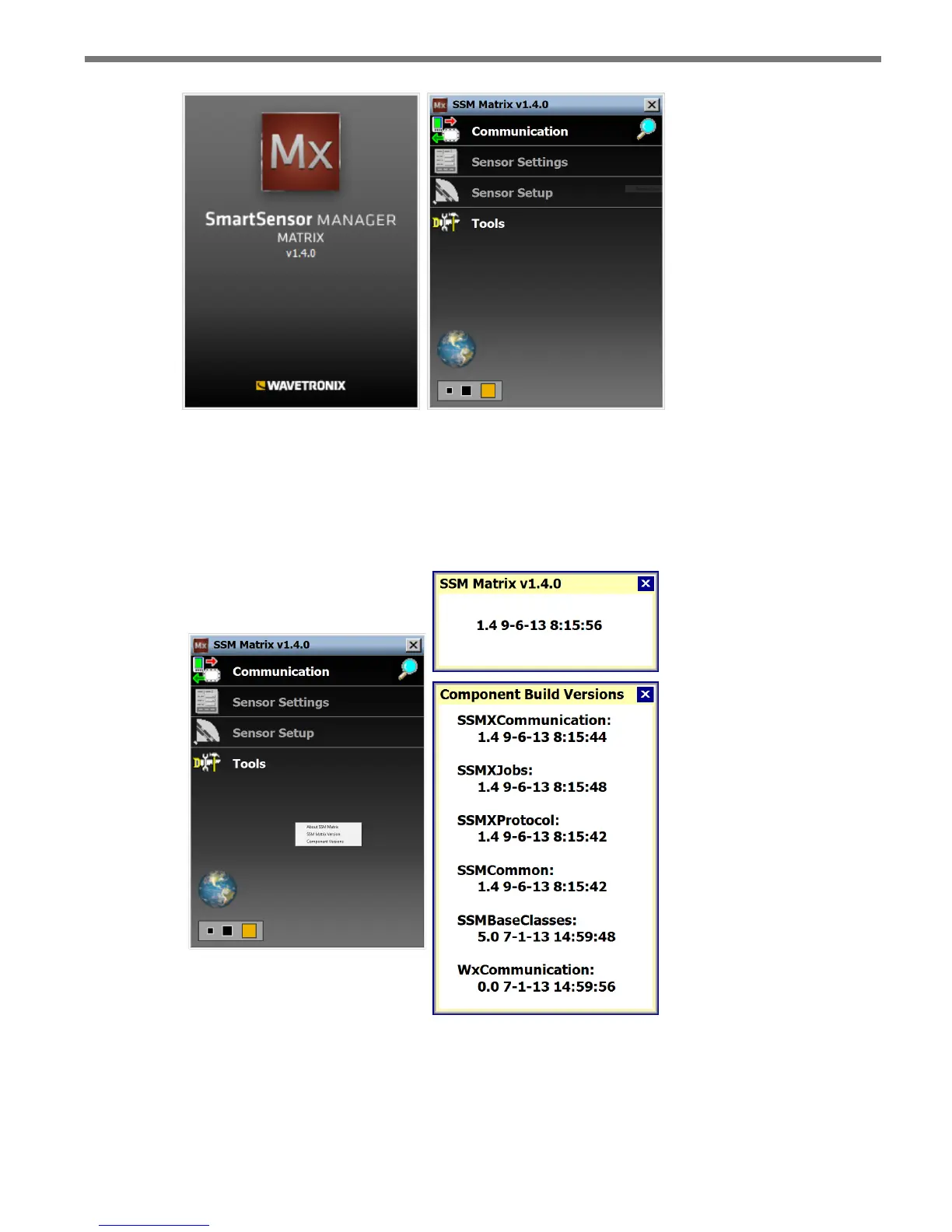
Figure 5.1 – SSMM Splash Screen (left) and Main Screen (right)
You can always view the version of SSMM you are using by right-clicking on the main
screen and then clicking SSM Matrix Version. To see the version, date and timestamp of
the individual components that make up the program, select Component Version (see Fig-
ure 5.2).
Figure 5.2 – Matrix Version (top) and Component Version (bottom)
If you are using SSMM on a computer, you can use the panel in the lower le of the main
screen to change the size of the user interface on your computer. Click any of the three
squares to increase or decrease the size of the user interface.



 To Next Page