98 CHAPTER 10 TOOLS
is tool records vehicle detections as shown on the Verication page. Recorded vehicle
detections can be used later for playback using a virtual connection.
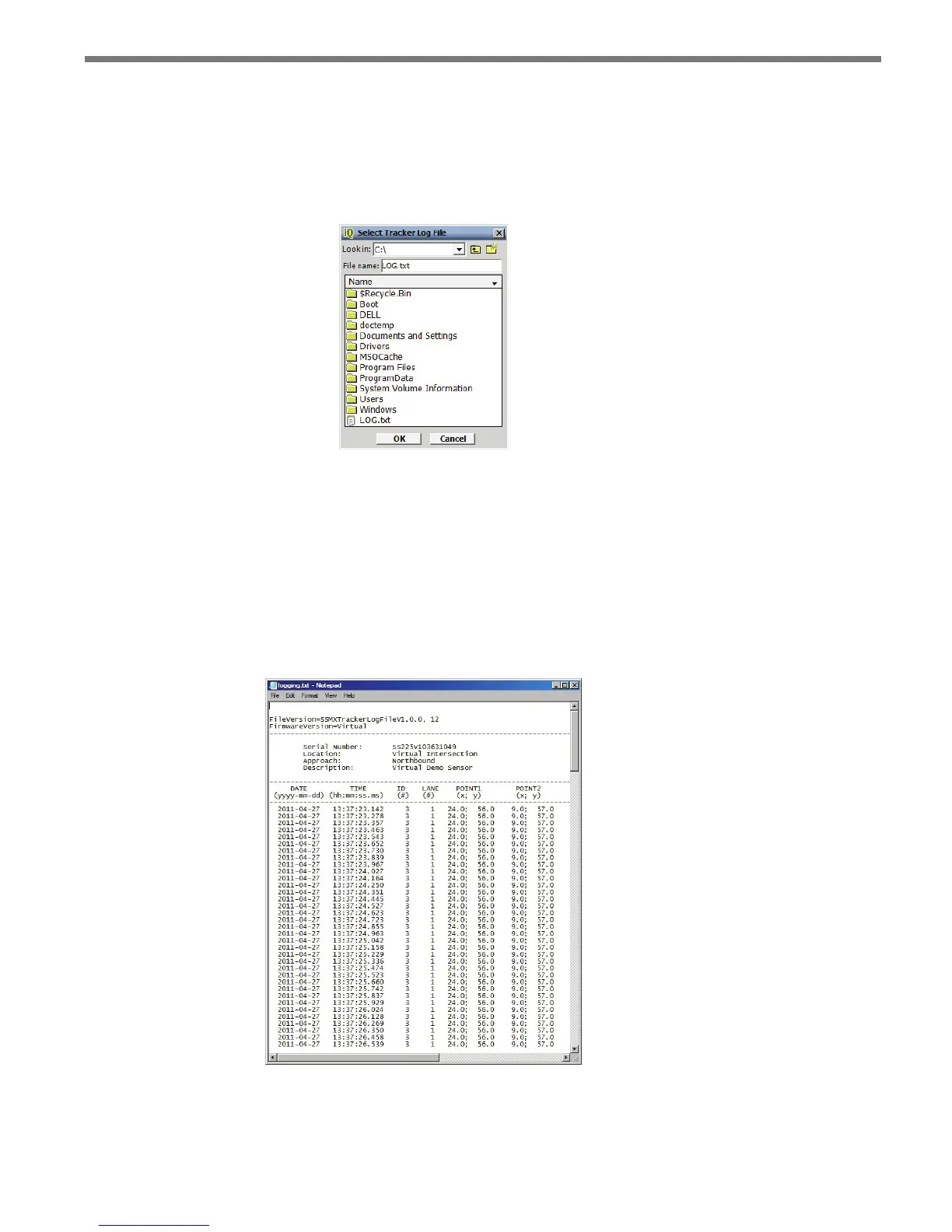
Click on the open folder icon to select a log le. e Select Tracker Log File screen allows
you to specify the name of an existing log le or to create a new le (see Figure 10.6).
Figure 10.6 – Select Detection Log File Screen
Click the ON/OFF toggle switch icon to the ON position to begin logging vehicle detec-
tions. Once activated, the duration of the logging session is displayed on the timer display.
Click the toggle switch to the OFF position to end a logging session.
e vehicle detection log le is an ASCII text le and can be viewed using a standard text
editor. Click on the View Log icon to view the current log le using the system’s default text
editor (see Figure 10.7).
Figure 10.7 – Log File



 To Next Page